AI Video Prompts for Shorts

Stella writes SwipeStory guides about AI faceless video creation, short-form video strategy, creator tools, and automated publishing workflows.
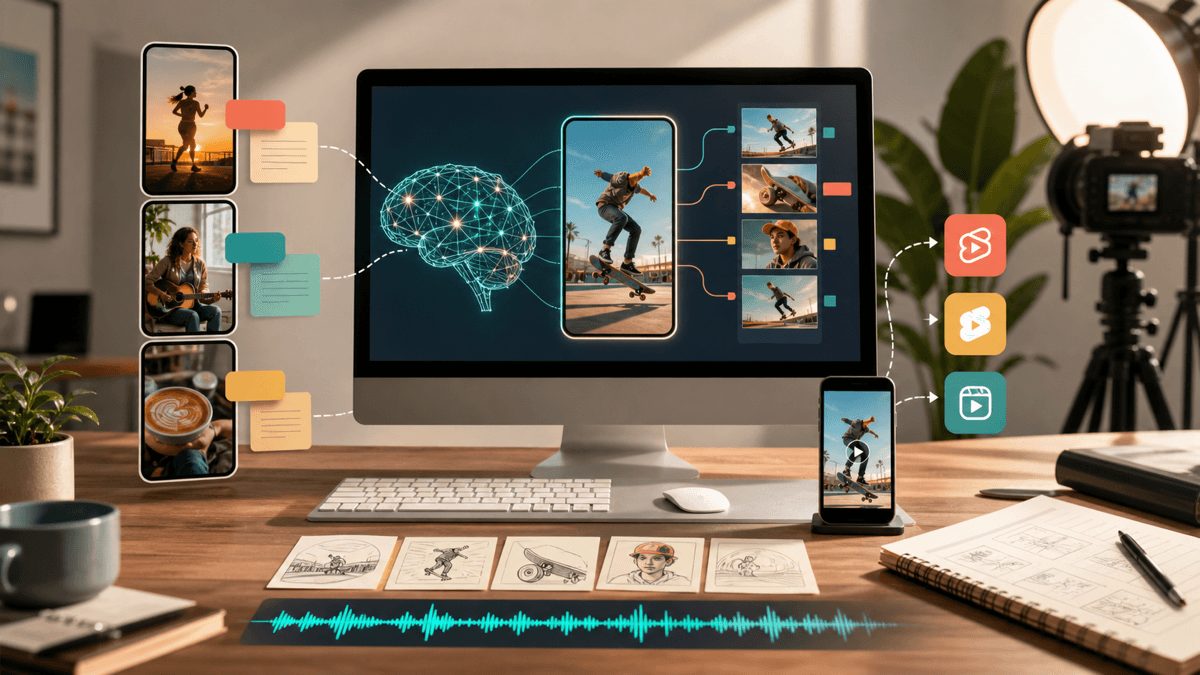
A good AI video prompt for Shorts is not a vague one-liner like "make this go viral." It is a compact production brief that tells the model what the video is about, who it is for, how the first two seconds should feel, what visual beats to show, what tone the captions should use, and what action the viewer should take next. If you want to turn that prompt into a finished vertical draft quickly, SwipeStory's AI shorts workflow is built for exactly that use case.
Most prompt roundups stop at "copy this sentence." That is not enough if you want a repeatable system for TikTok, YouTube Shorts, and Instagram Reels. A usable prompt needs to be production-friendly. It should give you a hook, a pacing plan, visual direction, and a clear outcome. That is what this guide focuses on.
Quick Answer
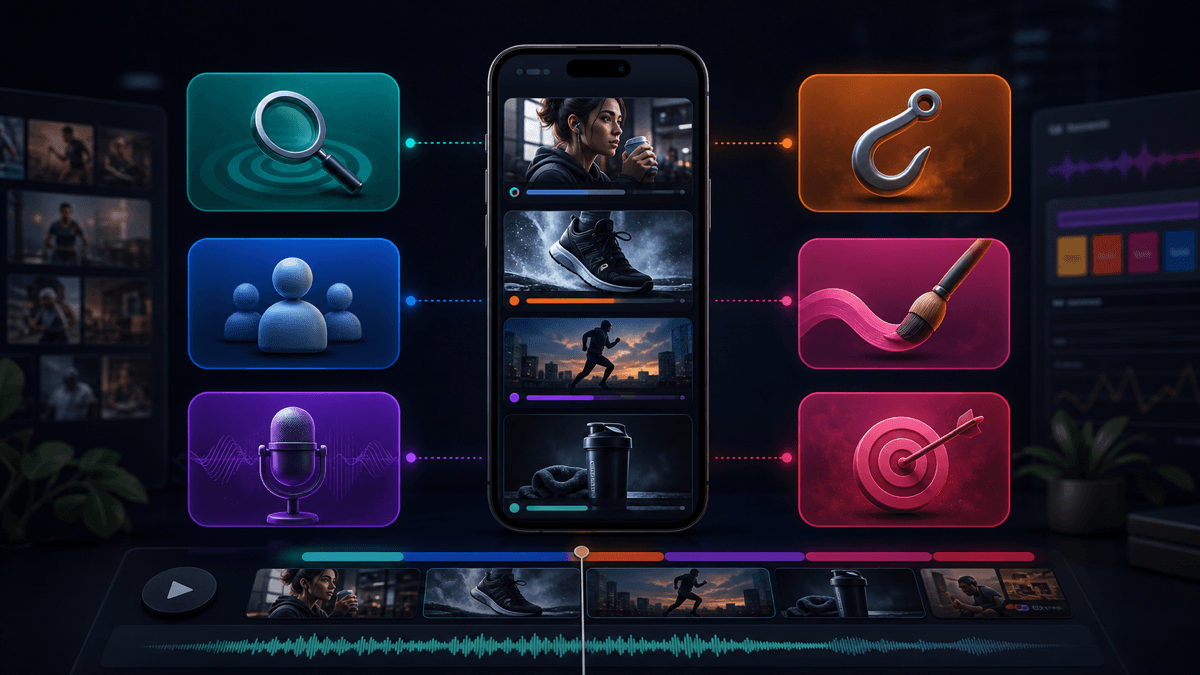
Use this prompt structure for most short-form videos:
- Name the topic, niche, and audience.
- Define the hook style for the first 1-2 seconds.
- Specify the scene sequence or talking points.
- Tell the model what visual style and caption tone to use.
- Set the target length and end CTA.
That format works because it reduces ambiguity. OpenAI's current prompt best-practice guides emphasize the same two fundamentals: be clear and specific, then iterate after the first result. For short-form video, that means you should prompt for structure, not just for a topic.
If you already have an opening angle, pair this guide with our TikTok hook examples. If you need reusable spoken structure, our YouTube Shorts script templates guide is the next page to read.
What Platform Rules Should Shape Your Prompts?
A good prompt is shaped by the format it has to survive in. That means the best AI video prompts for Shorts are partly creative and partly operational.
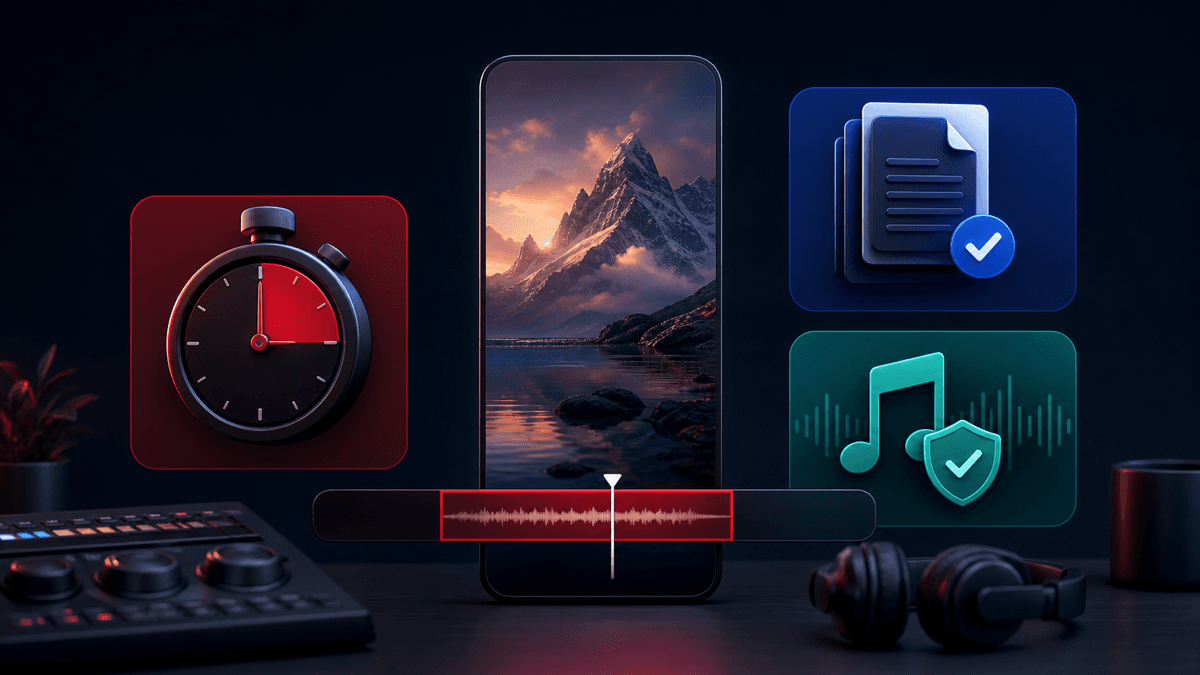
YouTube's official Shorts help documentation says that vertical or square videos uploaded on or after October 15, 2024 can qualify as Shorts up to three minutes long. The same help page also notes that over-one-minute Shorts with active third-party Content ID claims can be blocked globally. Operationally, your prompt should usually ask for a 20-60 second default unless you have a clear reason to go longer and you control the music.
TikTok's current Creative Codes guidance is even more direct. TikTok says the best videos follow a reliable hook, body, close structure and recommends vertical 9:16 framing, 720p or higher resolution, and enough screen space for TikTok's UI. TikTok's current Keyword Insights and Creative Insights tools also make a useful point: they are built from ad data, which means they are best used to find phrasing patterns and angles, not as a guarantee of organic performance.
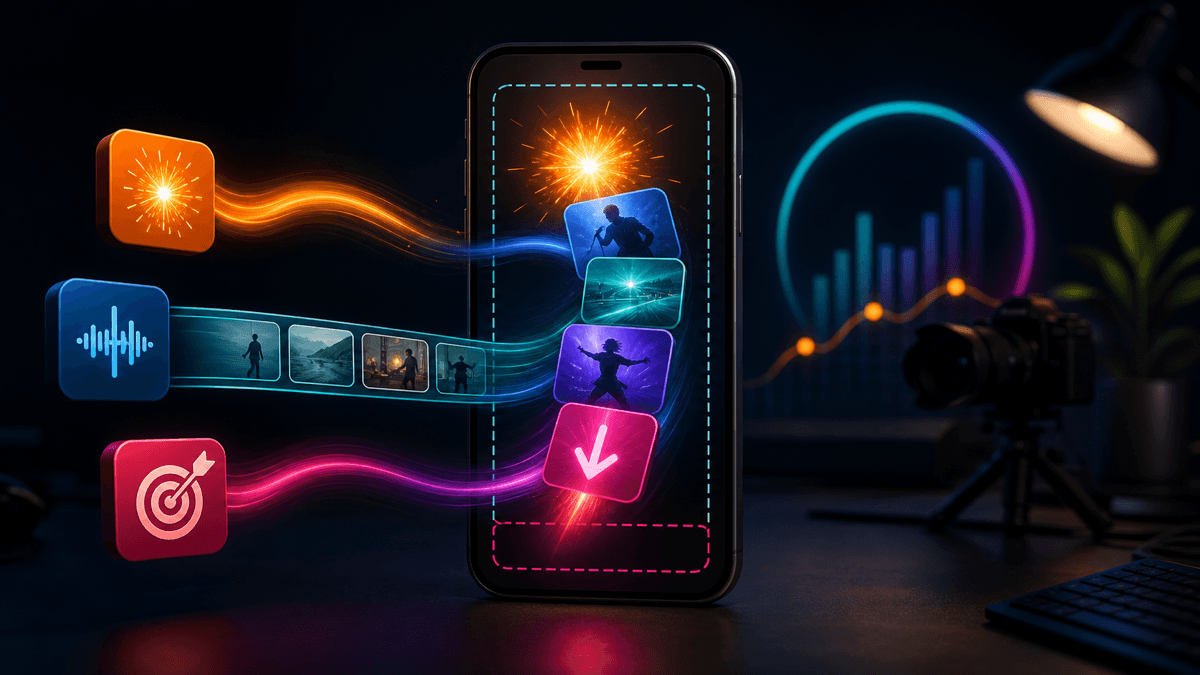
Instagram's official Help Center says Reels can be uploaded between 1.91:1 and 9:16, should have at least 720 pixels of resolution, and should run at a minimum of 30 FPS. In practice, most creators should still prompt for a full-screen 9:16 composition because that is the cleanest cross-platform default.
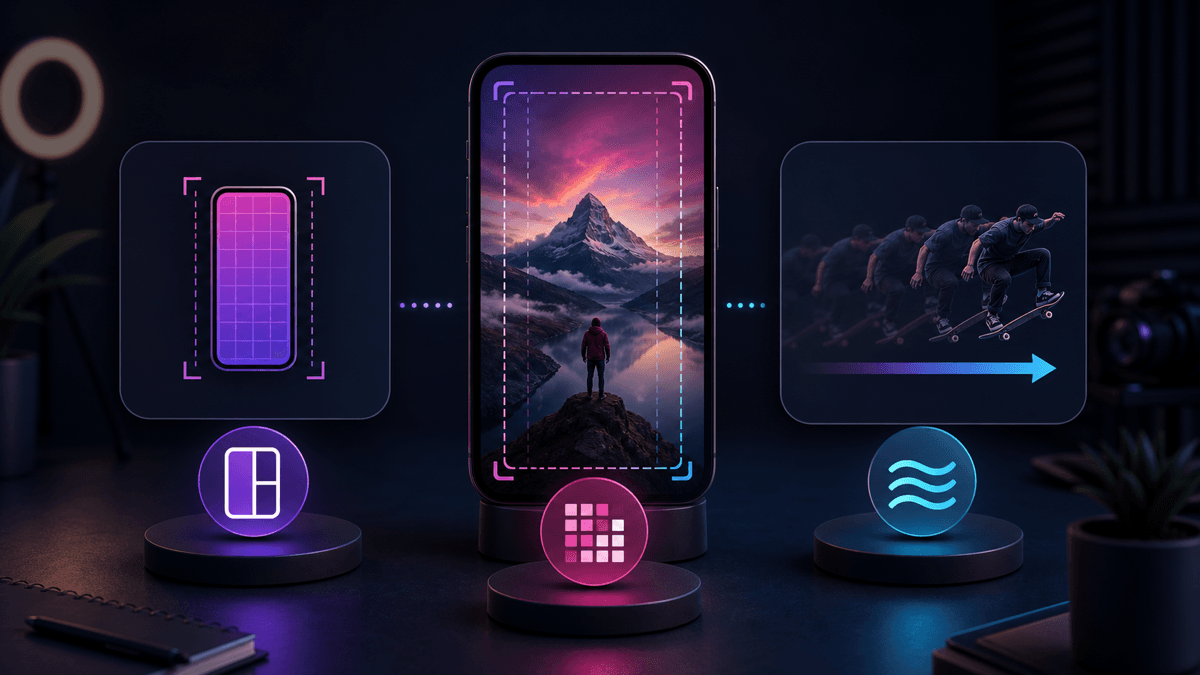
Prompt implication: ask for a vertical-first video with a fast hook, clear visual beats, short caption lines, and enough visual breathing room that platform UI does not cover the important words.
The Best Prompt Format for Shorts
Improve AI video prompts by thinking in beats instead of paragraphs.
Use this fill-in-the-blank format:
Create a 30-45 second vertical short video for [platform] aimed at [audience].
Topic: [topic].
Open with a [hook style] first line in the first 2 seconds.
Use this beat structure:
1. [hook beat]
2. [context or problem]
3. [proof, example, or reveal]
4. [payoff]
5. [CTA]
Visual direction: [style, mood, setting, subject].
Caption style: [short punchy / clean educational / story-led / bold].
Voiceover tone: [confident / curious / energetic / calm].
Keep scenes short, readable, and optimized for 9:16.
Why this works:
- It gives the model a beginning, middle, and end.
- It keeps visuals tied to spoken beats.
- It reduces generic filler.
- It makes revision easier because you can swap one beat instead of rewriting the whole prompt.
If your workflow starts from still images instead of a full script, SwipeStory's image-to-video flow is the cleaner next step. If you are building for one platform first, start in the AI TikTok video generator, then reuse the same concept in the AI YouTube Shorts generator or AI Reel generator.
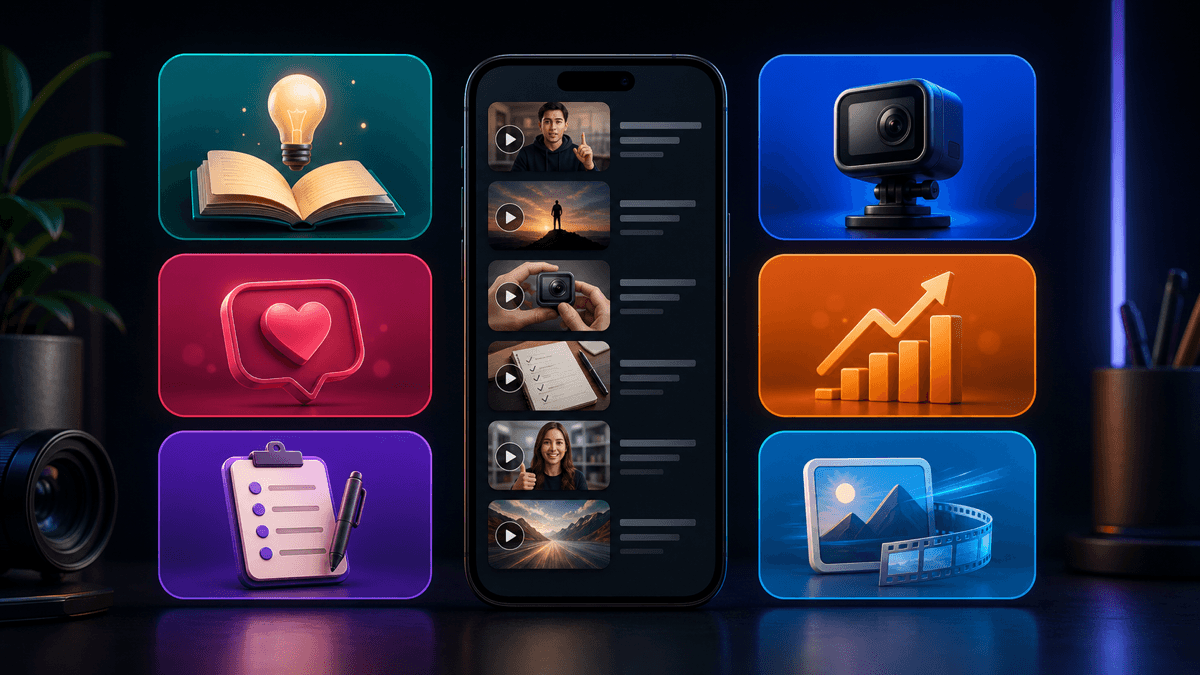
12 AI Video Prompts for Shorts You Can Adapt
Do not publish these word for word. Replace the placeholders with your niche, proof, and product angle.
1. Educational Explainer Prompt
Create a 35-second YouTube Short for beginner creators about why weak hooks hurt retention.
Open with: "This is why viewers leave before your video really starts."
Beat 1: Hook with tension.
Beat 2: Explain the common mistake.
Beat 3: Show the better structure.
Beat 4: Give one practical fix.
Beat 5: End with "Save this for your next Short."
Visual style: clean creator desk, captions, storyboard overlays.
Caption tone: simple and punchy.
2. Faceless Story Prompt
Create a 40-second faceless TikTok story video about a founder who almost quit before one video changed the business.
Open with suspense in the first sentence.
Use five quick scenes with escalating tension, then a reveal.
Add cinematic captions and light ambient background music.
End with a reflective CTA, not a hard sell.
3. Tool Demo Prompt
Create a 30-second short video showing how one prompt turns into a finished vertical video draft.
Audience: creators who want faster content production.
Open with: "I typed one prompt and got a full short video draft."
Show the prompt, generated scenes, captions, and final result.
Be honest about one limitation and one strength.
End with: "Try your own version next."
4. Listicle Prompt
Create a 35-second Instagram Reel listing 5 faceless video niche ideas for beginners.
Open with: "These niches are easier to start than most people think."
Use one niche per visual beat.
Keep captions ultra-short and high contrast.
End with: "Comment 'niches' for part two."
5. Myth-Busting Prompt
Create a 30-second TikTok that debunks the idea that every Short needs to be under 15 seconds.
Use a confident but non-clickbait tone.
Explain when longer Shorts can still work and when they fail.
Show retention-focused pacing, not hype.
End with one simple rule viewers can remember.
6. Before-and-After Prompt
Create a 30-second YouTube Short comparing a weak opening versus a stronger rewrite.
Scene 1: weak hook example.
Scene 2: explain why it fails.
Scene 3: stronger replacement.
Scene 4: summarize the difference.
Use caption callouts and a clean editorial style.
7. Product Angle Prompt
Create a 45-second short-form ad-style video for an AI shorts workflow.
Audience: solo creators and small teams.
Open with a frustration-led hook about slow editing.
Show prompt input, scene generation, captions, voiceover, and publishing flow.
Keep the message practical, not overhyped.
CTA: try the workflow and compare it to manual editing.
8. Tutorial Prompt
Create a 40-second tutorial Reel about turning a rough idea into a post-ready Short.
Use a step-by-step structure with five beats.
Each beat should map to one visual action.
Use friendly educational narration and clean on-screen labels.
End with a CTA to test the format with a different niche.
9. Trend Adaptation Prompt
Create a 25-second TikTok using a trend-inspired structure without copying any specific creator.
Topic: AI video prompts for short-form content.
Open with a pattern break.
Use quick cuts, motion, and short text overlays.
Keep the format native to TikTok and end with a curiosity CTA.
10. Niche Expert Prompt
Create a 35-second short video for real estate creators explaining one common listing-video mistake.
Open with a direct hook.
Use one proof example and one corrected version.
Keep the tone authoritative and concise.
Visual style: modern mobile-first property footage with captions.
11. UGC-Style Prompt
Create a 30-second UGC-style Reel that feels conversational, not corporate.
Topic: a creator showing how they batch short videos faster.
Use natural voiceover, tight captions, and realistic pacing.
Start with a pain point, then show the faster workflow.
End with one line about who this is best for.
12. Image-to-Video Prompt
Create a 35-second short video from still images for a history or story channel.
Open with a curiosity-driven first line.
Animate each image with subtle motion tied to the narration.
Use dramatic but readable captions.
End with a reveal or takeaway that encourages a follow.
How to Turn These Prompts Into Better SwipeStory Drafts
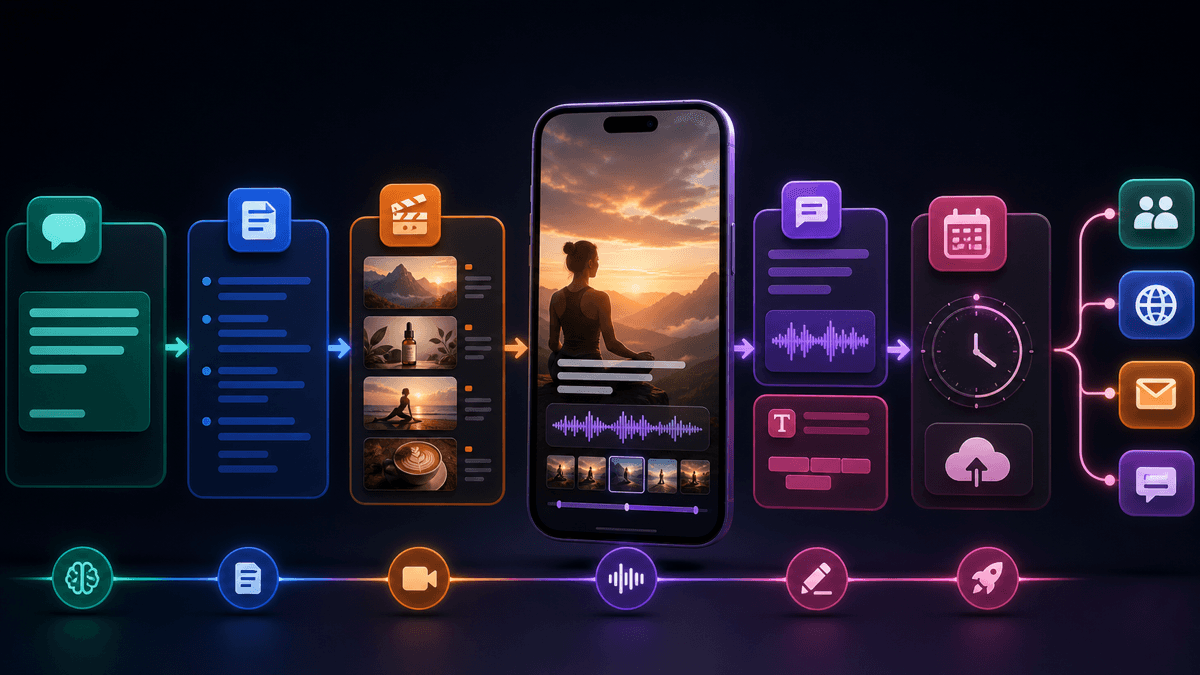
The prompts above get stronger when you treat them as raw material for a system. SwipeStory's public product positioning is built around turning a prompt or script into vertical videos with visuals, voiceover, captions, editing, rendering, and publishing support. That means the fastest workflow is usually:
- Pick one prompt type from this page.
- Rewrite it for one niche and one audience.
- Tighten the first line until the hook feels specific.
- Generate the first draft in SwipeStory.
- Reuse the winning format across TikTok, Shorts, and Reels.
If you plan to publish frequently, the pricing page is worth checking after you validate the first format. If your best-performing videos tend to be educational or script-led, this prompt library pairs especially well with YouTube Shorts script templates and faceless YouTube channel ideas.
Common Mistakes That Make AI Video Prompts Worse
- Being too broad: "make a viral video" is not a prompt strategy.
- Forgetting the first two seconds: the hook should be specified explicitly.
- Mixing too many goals: one short should usually teach, persuade, entertain, or prove something, not all four at once.
- Ignoring platform framing: prompt for 9:16 vertical composition unless you have a specific exception.
- Writing paragraphs instead of beats: scene-by-scene prompts are easier to execute and revise.
- Leaving the CTA undefined: even a soft CTA improves structure.
The fix is not longer prompts for their own sake. The fix is clearer prompts. In other words: specificity beats verbosity.
Final Recommendation
The best AI video prompts for Shorts are structured, beat-based, and platform-aware. Start with one angle, one audience, one hook, and one CTA. Then iterate from the first draft instead of trying to force a perfect prompt on the first try.
If you want the fastest path from prompt to publishable vertical video, use SwipeStory to turn the idea into a full draft with visuals, captions, voiceover, music, and rendering already in the workflow. If you need stronger openings first, go to TikTok hook examples. If you need more scriptable formats, go next to YouTube Shorts script templates.
Frequently Asked Questions
What is the best length to ask for in an AI prompt for Shorts?
For most creator workflows, prompt for 20-60 seconds by default. That length is long enough to deliver a payoff and short enough to keep the structure tight. You can go longer on YouTube Shorts, but most prompt libraries perform better when they start with faster constraints.
Should I write one prompt for every platform?
Usually no. Start with one core prompt, then adapt the hook, pacing, and caption style for TikTok, YouTube Shorts, or Instagram Reels. The concept can stay the same while the delivery changes slightly.
Are AI video prompts better than full scripts?
They solve different problems. Prompts are better for direction and scene planning. Scripts are better when wording precision matters. In practice, the strongest short-form workflow often combines both.
How many prompt variations should I test?
Test at least 3-5 variations of the opening, payoff framing, or CTA before deciding a format does not work. Prompt iteration is usually more useful than changing your niche too early.
Sources
- YouTube Help: Understand three-minute YouTube Shorts
- TikTok for Business: Creative Codes
- TikTok Ads Manager Help: Creative Insights
- TikTok Ads Manager Help: Keyword Insights
- Instagram Help: Reel size and aspect ratios on Instagram
- OpenAI Help Center: Prompt engineering best practices for ChatGPT
- OpenAI Help Center: Best practices for prompt engineering with the OpenAI API
