AI Shorts Generator Guide

Stella writes SwipeStory guides about AI faceless video creation, short-form video strategy, creator tools, and automated publishing workflows.
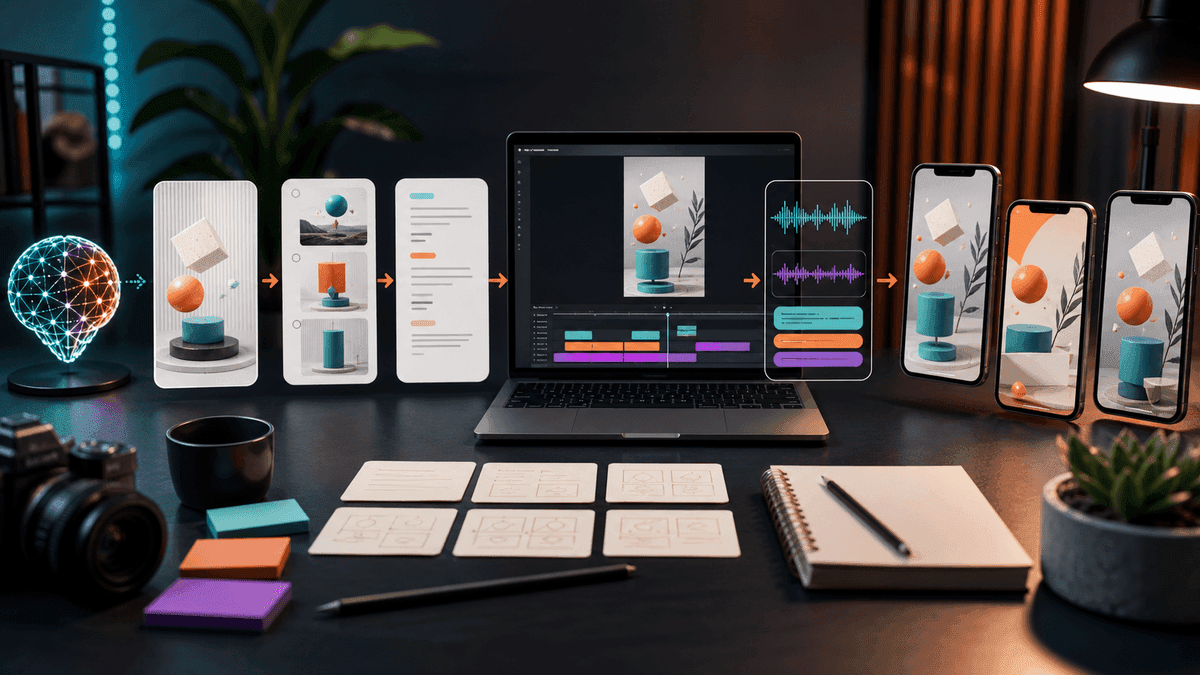
An AI shorts generator should turn a prompt or script into a vertical video with a clear hook, scene plan, voiceover, captions, music, and export-ready formatting for TikTok, YouTube Shorts, and Instagram Reels. The best workflow is simple: write one specific promise, generate a first draft, fix the script and captions, then publish variations across platforms instead of rebuilding the video from scratch.
Updated May 14, 2026. We checked current YouTube, TikTok, Instagram, and product documentation before writing this guide. Platform rules can change, so use the linked sources as your final reference before uploading a high-volume batch.
Quick Answer: What Is an AI Shorts Generator?
An AI shorts generator is software that helps create short-form vertical videos from an idea, prompt, script, URL, image, or existing video. For creators starting without footage, the most useful generator handles the full path: script, visuals, voiceover, captions, background music, rendering, and publishing. For creators who already have podcasts, webinars, or long YouTube videos, an AI clipping tool may be a better fit because the source footage already exists.
That distinction matters. Search results for "AI shorts generator" mix two product types:
| Starting point | Better workflow | Why it matters |
|---|---|---|
| Prompt, script, faceless topic, or niche idea | AI short video generator | You need the tool to create the story, media, voice, captions, and edit. |
| Podcast, interview, webinar, livestream, or talking-head recording | AI clipping or repurposing tool | You need the tool to find highlights and reframe existing footage. |
| Still images, product photos, or generated art | Image-to-video workflow | You need motion, camera movement, captions, and narration around the asset. |
If you are starting from a script or idea, SwipeStory is built for the first path. It turns prompts or scripts into vertical videos with AI-generated visuals, voiceovers, captions, background music, editing, rendering, and scheduled publishing for TikTok, YouTube Shorts, and Instagram Reels.
The Platform Defaults to Build Around
Before you write a prompt, set the constraints the video must survive. Most creators should use a 9:16 vertical composition, short caption lines, a fast first two seconds, and enough safe space that platform buttons do not cover important words.
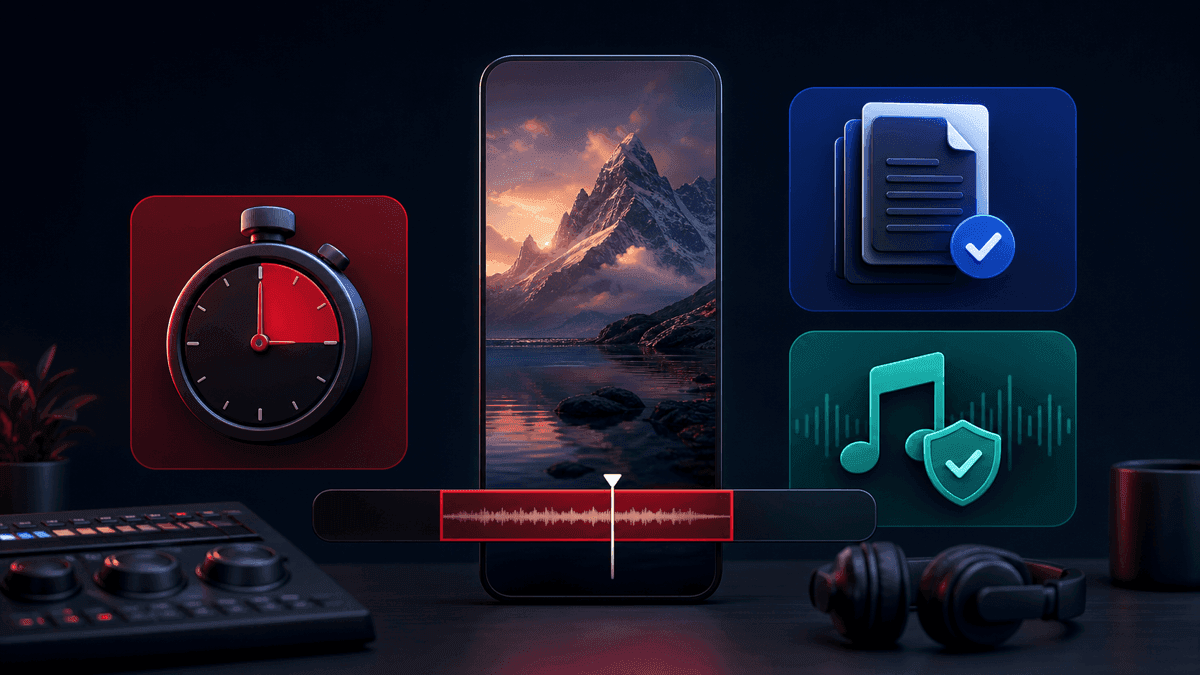
YouTube's official Shorts documentation says square or vertical videos uploaded after October 15, 2024 can be categorized as Shorts up to three minutes long. That does not mean every video should be three minutes. For most AI-generated Shorts, 20 to 45 seconds is easier to script, review, and test. Longer Shorts can work for stories or tutorials, but they need stronger pacing and tighter fact-checking.
TikTok's current Creative Codes guidance emphasizes TikTok-first production: shoot vertical, frame for 9:16, use high-resolution footage, leave space for the interface, and structure the video with a hook, body, and close. That is useful even for organic posts because it tells you what your AI prompt needs to produce: an opening promise, a middle that proves it, and a clean ending.
Instagram's Help Center says Reels can be uploaded between 1.91:1 and 9:16, with at least 30 FPS and at least 720 pixels of resolution. In practice, 9:16 is the cleanest cross-platform default because it maps well to Shorts, TikTok, and Reels without extra framing work.
Use this default brief unless you have a specific reason to deviate:
| Setting | Practical default |
|---|---|
| Canvas | 9:16 vertical |
| Length | 20 to 45 seconds for most first drafts |
| Hook | First line in the first 1 to 2 seconds |
| Captions | Short lines, high contrast, centered away from UI overlays |
| Audio | Clear voiceover plus low background music |
| Review | Check claims, pronunciation, visual relevance, and caption timing before posting |
What a Good AI Shorts Generator Should Handle
The job is not "make a video." The job is to remove enough production steps that you can publish consistently without accepting sloppy output.
A strong AI shorts generator should help with:
- Script structure: hook, context, payoff, and CTA.
- Scene planning: one visual beat per spoken beat.
- Voiceover: a voice that matches the channel format.
- Captions: readable timing and line breaks for mobile.
- Visual style: consistent enough that the channel feels intentional.
- Background music: supportive, not louder than the voice.
- Revision: easy edits to captions, visuals, and pacing.
- Export and posting: finished vertical video files or scheduled publishing.
That is why SwipeStory's AI YouTube Shorts generator, AI TikTok video generator, and AI Reel generator are better next steps than stitching together a script tool, a voice tool, a caption tool, and a separate editor. Separate tools can work, but they create more handoffs and more places for timing to break.
A Practical AI Shorts Generator Workflow
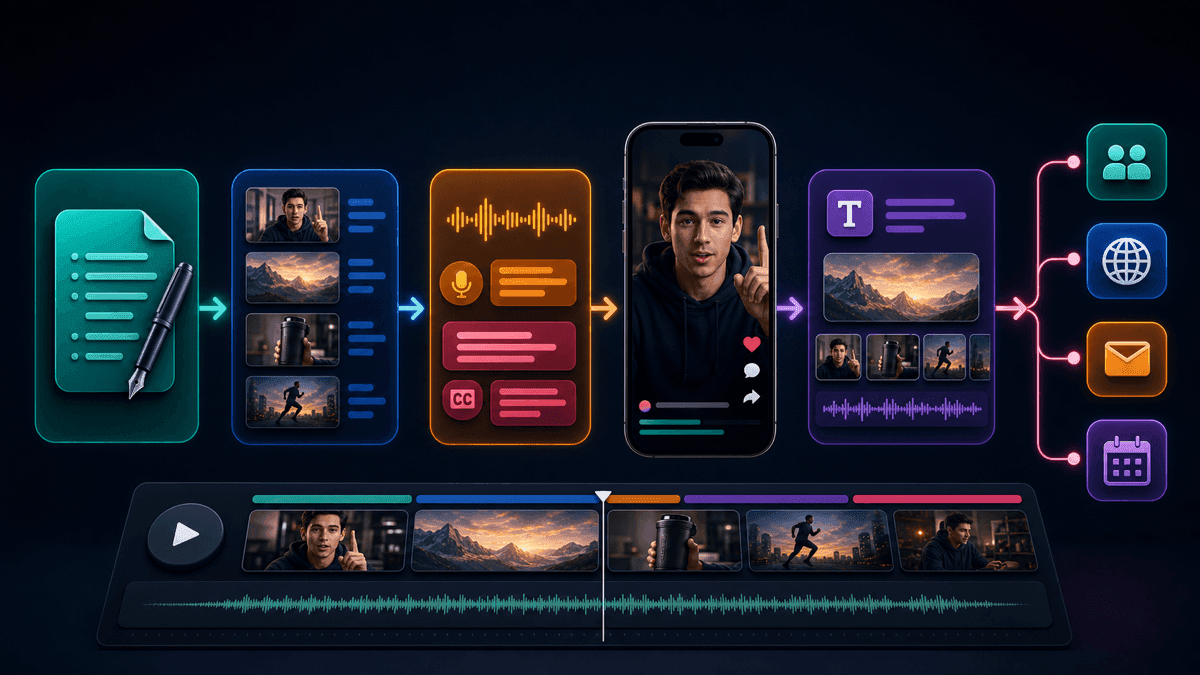
Use this workflow when you want repeatable videos instead of one lucky draft.
1. Pick One Promise
A short video can handle one idea. Do not ask the AI to explain a whole category, compare ten tools, and sell a product in 35 seconds. Choose one specific promise:
- "Three mistakes that make faceless Shorts feel generic."
- "One prompt format that makes AI captions easier to edit."
- "Why your first line should name the pain before the topic."
The promise becomes the hook and the evaluation rule. If a generated scene does not support that promise, cut it.
2. Write a Production Brief, Not Just a Topic
Most weak AI Shorts start with a weak prompt. "Make a video about productivity" gives the model too little direction. A better prompt names the audience, the angle, the platform, the target length, the voice, and the scene rhythm.
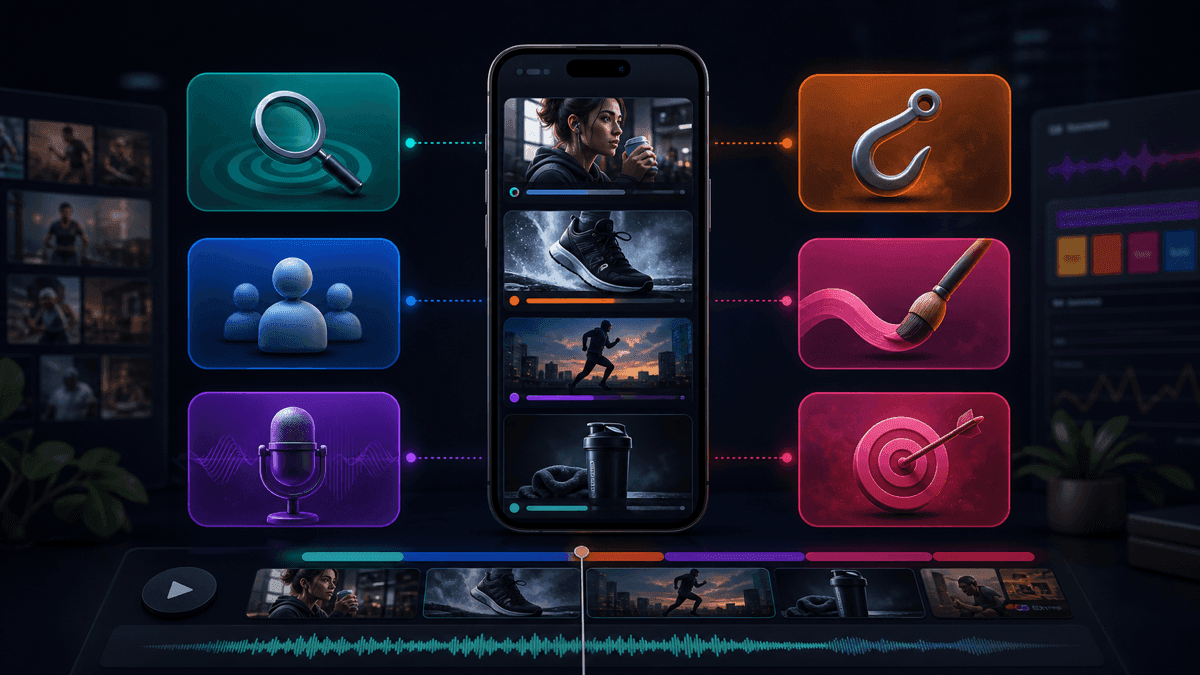
Use this template:
Create a 30-40 second vertical short video for [platform].
Audience: [specific creator, buyer, or viewer].
Topic: [one focused idea].
Opening line: [hook that names the tension in the first 2 seconds].
Beat structure:
1. Hook with the problem or curiosity gap.
2. Show the mistake or setup.
3. Give the practical fix or reveal.
4. Show one concrete example.
5. End with a soft CTA.
Visual style: [clean educational, cinematic faceless, product demo, story-led].
Voiceover tone: [calm, curious, direct, energetic].
Caption style: short lines, high contrast, no long paragraphs.
Keep the video optimized for 9:16 mobile viewing.
For more prompt examples, use the companion guide AI video prompts for Shorts.
3. Generate the First Draft
The first draft should prove the concept, not finish the final edit. Check whether the AI understood the hook, whether the visuals match the script, and whether the voiceover sounds natural. If the draft is close, revise specific pieces. If the hook is wrong, rewrite the prompt before changing styling details.
Creators often waste time changing fonts, music, or color before the video has a strong idea. Fix idea quality first. Polish only after the sequence works.
4. Edit Captions Like a Mobile Viewer
Captions are not decoration. They are the reading layer for people watching without sound and the pacing layer for people scanning quickly. Keep caption lines short, avoid stacking too much text at the bottom of the frame, and make sure names, numbers, and technical terms are spelled correctly.
If captions are your bottleneck, use SwipeStory's built-in caption controls inside the generator flow before exporting or scheduling the video.
5. Create Platform Variations
Do not blindly post the exact same file everywhere if the CTA, caption style, or intro needs platform context. A YouTube Short may benefit from a searchable title and a direct spoken promise. A TikTok may need a more conversational opening. An Instagram Reel may need cleaner cover framing because it can appear in a profile grid.
The video can share the same core script, but the packaging should change:
| Platform | Variation to test |
|---|---|
| YouTube Shorts | Searchable title, clear first line, topic consistency across the channel |
| TikTok | Stronger conversational hook, trend-aware phrasing when relevant |
| Instagram Reels | Clean cover frame, caption-safe layout, polished visual style |
6. Schedule a Series, Then Review Results
One AI-generated Short is a test. A series is a system. If a format works, turn it into five to ten related episodes with the same voice, visual style, and structure. SwipeStory is strongest here because it supports repeatable faceless video creation and scheduled publishing instead of stopping at a single exported file.
Use the faceless AI video generator when you are building a channel around recurring formats, and check pricing before committing to a high-volume plan.
Source-Backed Rules for TikTok and Reels
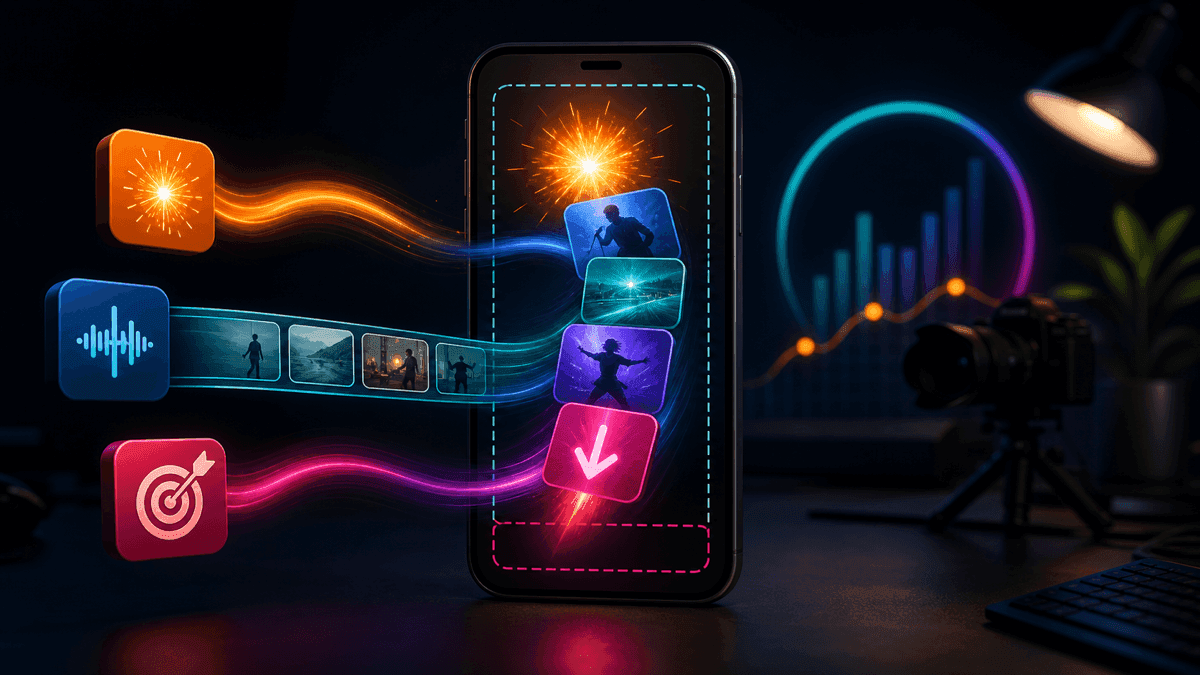
TikTok's Creative Codes are useful because they reduce vague advice into production rules. Your prompt should not only say "make this engaging." It should specify the hook technique, the body proof, and the close. For example:
Open with surprise: "Most AI Shorts fail before the first caption appears."
Body: show the weak prompt, then the stronger prompt.
Close: ask viewers to save the prompt structure.
That gives the generator structure and gives you a concrete review checklist. If the draft does not deliver the surprise, proof, and save-worthy takeaway, regenerate the script or edit the beat order.
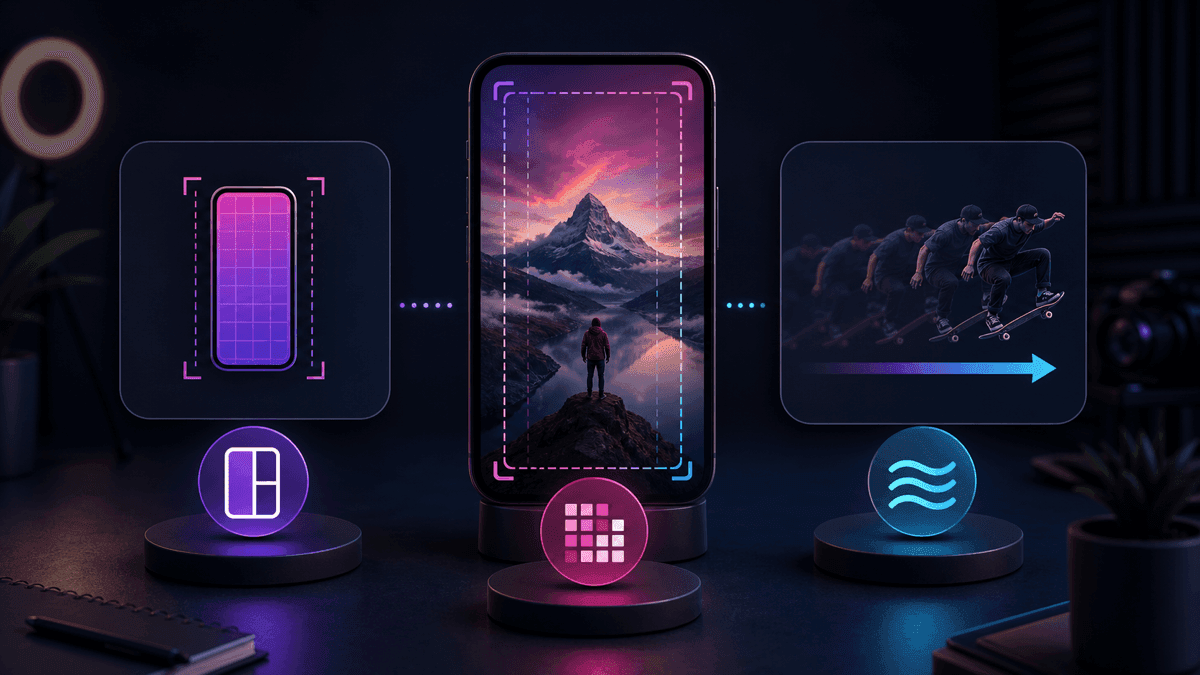
For Reels, the technical review is simple: export a vertical video, keep it at 30 FPS or higher, and avoid placing important words near the bottom or right edge where interface elements can compete with captions. Instagram accepts a wider range of aspect ratios, but cross-posting is cleaner when your generator produces one strong 9:16 master.
Three Example AI Shorts Prompts
Use these as starting points, then replace the niche, claim, proof, and CTA with your own.
Faceless Educational Short
Create a 35-second YouTube Short for beginner faceless creators.
Topic: why generic AI prompts create generic videos.
Opening line: "If your AI videos all sound the same, this is probably why."
Beat 1: Show a vague prompt.
Beat 2: Explain the missing inputs: audience, hook, visual beats, CTA.
Beat 3: Show a stronger prompt structure.
Beat 4: Show the improved video draft.
CTA: "Save this before your next batch."
Visual style: clean creator desk, vertical storyboard cards, captions.
Voiceover tone: direct and helpful.
Product Demo Short
Create a 30-second TikTok for creators who need faster video output.
Opening line: "This is what one script becomes inside an AI shorts generator."
Beat 1: Show the script idea.
Beat 2: Show generated scenes and voiceover.
Beat 3: Show captions being cleaned up.
Beat 4: Show the final vertical draft.
CTA: "Try this with your next video idea."
Visual style: polished SaaS workflow, no fake logos, no fake analytics.
Voiceover tone: concise and practical.
Story-Led Faceless Series
Create a 40-second faceless story video for a productivity channel.
Opening line: "A founder almost deleted the one habit that saved the company."
Beat 1: Set the tension.
Beat 2: Show the bad habit.
Beat 3: Reveal the small replacement habit.
Beat 4: Show the result in human terms, not income claims.
CTA: "Follow for part two."
Visual style: cinematic desk, calendar, late-night notes, subtle motion.
Voiceover tone: curious and grounded.
For more reusable spoken structures, pair this page with YouTube Shorts script templates and TikTok hook examples.
Mistakes to Avoid
The biggest mistake is outsourcing judgment. AI can draft the video, but you still own the claim, source, voice, and final packaging.
Avoid these patterns:
- Prompting for "viral" instead of a specific viewer problem.
- Creating a 60-second video when the idea only supports 25 seconds.
- Accepting captions with spelling errors or awkward line breaks.
- Using fake screenshots, fake logos, or fake analytics visuals.
- Publishing AI-generated claims without checking sources.
- Reusing the same CTA on every platform.
- Building ten variants before one format has proven useful.
YouTube's AI-generated features guidance is clear that creators remain responsible for what they publish. YouTube also has separate disclosure guidance for meaningfully altered or synthetic content. Treat that as a reminder to review AI-generated scenes, avoid misleading realism, and disclose when platform rules require it.
Final Recommendation
Use an AI shorts generator when your bottleneck is turning ideas into finished vertical videos, not when your best content already exists inside long-form footage. Start with one repeatable format, write a specific prompt brief, generate a draft, clean up captions, and publish platform-aware variations.
If you want the fastest SwipeStory path, start with the AI YouTube Shorts generator for search-friendly Shorts, the AI TikTok video generator for trend-aware posts, or the AI Reel generator for Instagram-first videos. If your content starts from images, use the AI image-to-video tool. If your content is faceless by design, the faceless AI video generator is the cleaner starting point.
Frequently Asked Questions
What is the best AI shorts generator?
The best AI shorts generator depends on your starting point. If you have an idea or script, choose a tool that creates the script, visuals, voiceover, captions, and vertical edit in one workflow. If you already have long-form footage, choose a clipping tool instead.
Can AI create YouTube Shorts from text?
Yes. AI tools can turn text prompts or scripts into short videos, and YouTube also offers experimental AI-generated Shorts features in supported locations. For third-party tools, always review the final script, visuals, captions, and disclosures before publishing.
How long should an AI-generated Short be?
For most creators, 20 to 45 seconds is the best first draft range. YouTube supports eligible square or vertical Shorts up to three minutes, but longer videos need stronger pacing and more review.
Should I make one video for TikTok, Shorts, and Reels?
Use one 9:16 master video, then adapt the packaging. Change the title, caption, CTA, cover frame, or first line when the platform context calls for it.
Sources
- YouTube Help: Understand three-minute YouTube Shorts
- YouTube Help: Create content for Shorts using AI-generated features
- YouTube Help: Disclosing use of altered or synthetic content
- TikTok Creative Codes
- TikTok creative best practices for performance ads
- Instagram Help Center: Reel size and aspect ratios
