AI Story Video Generator Guide

Stella writes SwipeStory guides about AI faceless video creation, short-form video strategy, creator tools, and automated publishing workflows.
An AI story video generator should turn a story idea, outline, or finished script into a faceless short-form video with a strong hook, paced narration, matching visuals, readable captions, background music, rendering, and publishing support. For creators who want one workflow instead of separate script, voice, image, editor, and scheduler tools, SwipeStory is built to turn prompts or scripts into vertical videos for TikTok, YouTube Shorts, and Instagram Reels.
Updated May 24, 2026. We checked current SwipeStory pages, StoryShort product pages, YouTube Shorts rules, YouTube synthetic-content disclosure guidance, TikTok AI-generated content rules, and Instagram Reels upload specs before writing this guide.
Quick Answer: What Is an AI Story Video Generator?
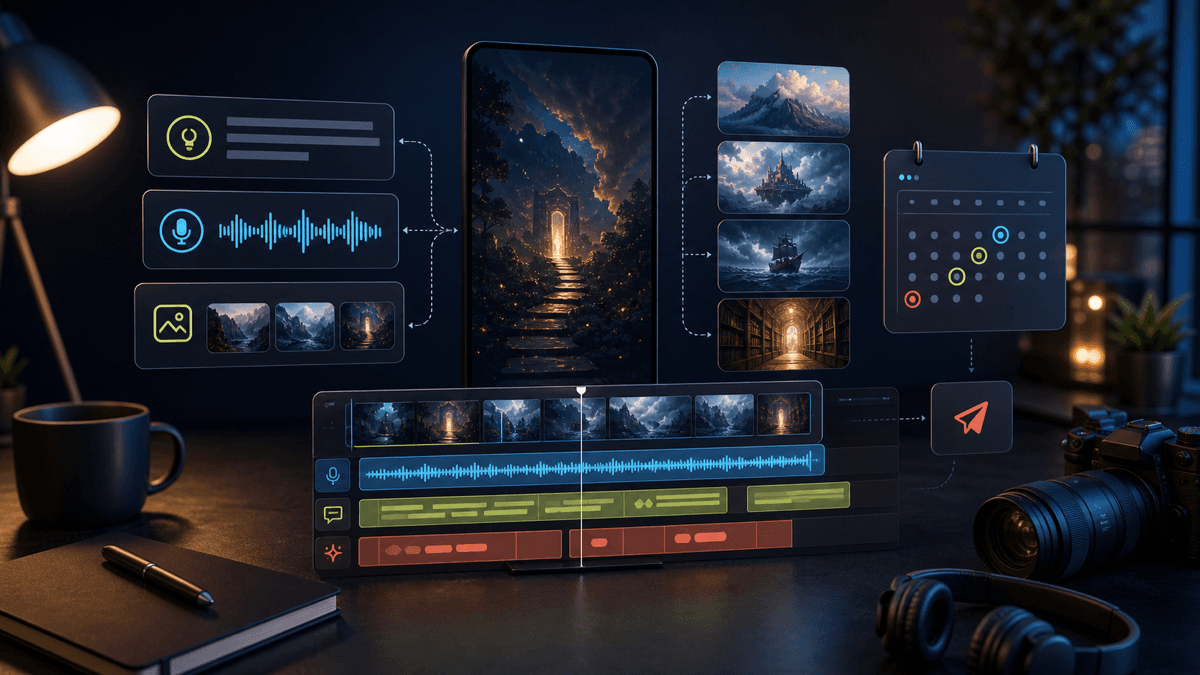
An AI story video generator is a tool that packages a narrative into a short video. The input can be a premise, a hook, a bullet outline, a fictional story, a viewer-submitted story, a historical anecdote, a horror setup, a motivational lesson, or a finished script. The best output is not just "text over a background." It is a scene-by-scene video draft with:
| Layer | What the generator should handle |
|---|---|
| Story structure | Hook, setup, conflict, escalation, payoff, and CTA |
| Voiceover | Narration style, pacing, pronunciation, and emotion |
| Visuals | AI images, stock clips, or generated scenes that match each beat |
| Captions | Short lines that are easy to read on mobile |
| Edit | Timing, music, transitions, safe zones, and export settings |
| Publishing | Download or scheduled posting for TikTok, Shorts, and Reels |
Use a story generator when the viewer needs a reason to keep watching. Use a generic AI video generator when the content is mostly a tutorial, product demo, listicle, or explainer. The two overlap, but story videos need tighter pacing and a more deliberate payoff.
If you already have the idea, start with Prompt to Video. If the narration is written, use Script to Video AI. If you want a no-camera channel, begin with the faceless AI video generator.
Why Story Videos Need a Different Workflow
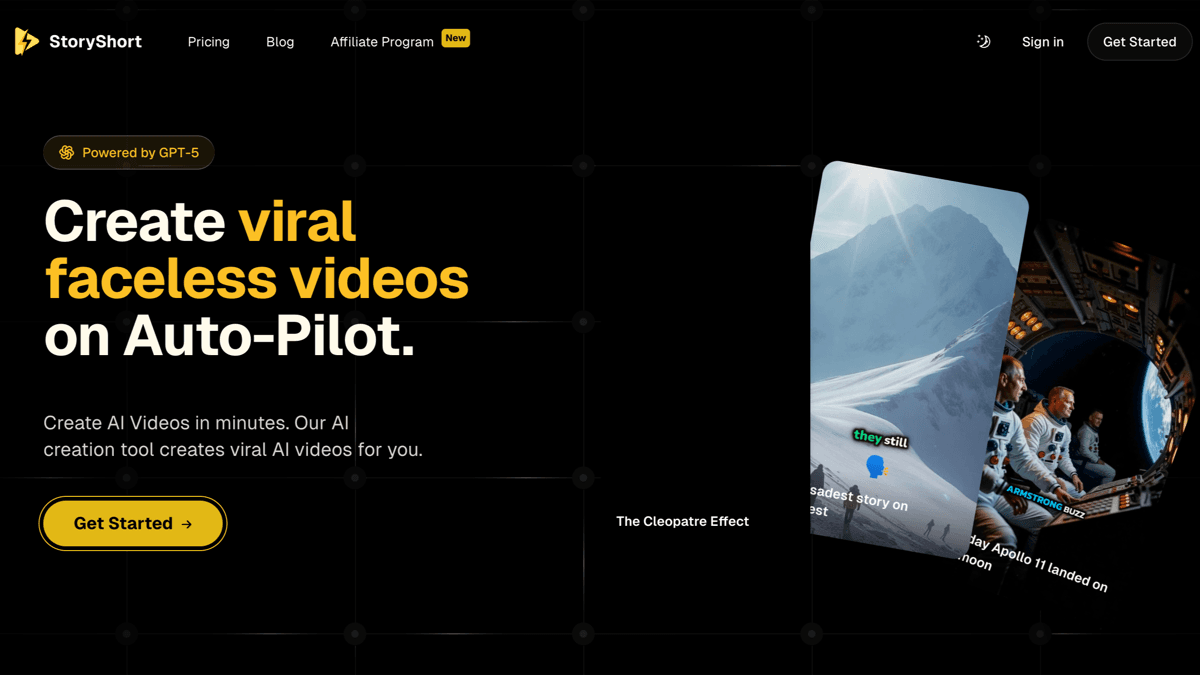
Story-led AI video tools have become a recognizable category. StoryShort's public homepage, for example, positions its product around faceless videos for TikTok, YouTube Shorts, and Reels, with AI writing scripts, generating visuals, adding voiceover, and creating captions. Its faceless video generator page also emphasizes niches like horror, history, true crime, motivation, science, Reddit stories, top 10 lists, finance, and gaming lore.
That is useful context because it shows what creators are really trying to buy: not a single model output, but a repeatable story production system. A story video usually has to answer four questions quickly:
- Why should the viewer care in the first two seconds?
- What is the central tension?
- What visual world makes the story easier to follow?
- What payoff makes the watch feel complete?
A flat AI video prompt such as "make a scary story video" usually fails because it does not define the stakes. A better prompt gives the generator a specific conflict and outcome.
Weak prompt:
Make a scary story about a lighthouse.
Better prompt:
Create a 45-second faceless horror story video about a lighthouse keeper who notices the same ship passing every night at 2:13 a.m. Open with the mystery in the first line, build three visual beats, reveal one unsettling detail, and end with a question that makes viewers comment.
The better prompt names the genre, duration, format, hook, visual beats, and interaction goal. That gives the tool a real production brief.
Best Story Formats for Faceless AI Videos
Not every story belongs in a 30- to 60-second vertical video. The strongest faceless story formats are simple enough to understand immediately and visual enough to support without a host on camera.
| Format | Works well when | Example prompt angle |
|---|---|---|
| Mystery | There is one clear unanswered question | "Why did every tenant leave apartment 4B after one week?" |
| Horror | The suspense escalates through objects, places, or sounds | "A hiker hears his own voice calling from deeper in the woods." |
| History | The story has a strange detail or reversal | "The ancient invention that disappeared for 1,000 years." |
| True crime commentary | You can avoid sensational details and focus on lessons | "Three safety mistakes investigators noticed after the fact." |
| Motivation | The lesson is tied to a specific moment | "The founder who almost quit one day before the order arrived." |
| Science or space | The concept can become a visual journey | "What would happen if Earth lost the Moon for one night?" |
| Reddit-style drama | The story is original, submitted, or rewritten with permission | "My roommate had one rule. I found out why at 2 a.m." |
| Gaming or lore | The audience already cares about the world | "The side character who quietly caused the whole disaster." |
For adjacent workflows, read our Reddit story video maker guide if your source material comes from Reddit-style posts, or the faceless YouTube channel ideas guide if you are still picking a niche.
The AI Story Video Generator Workflow
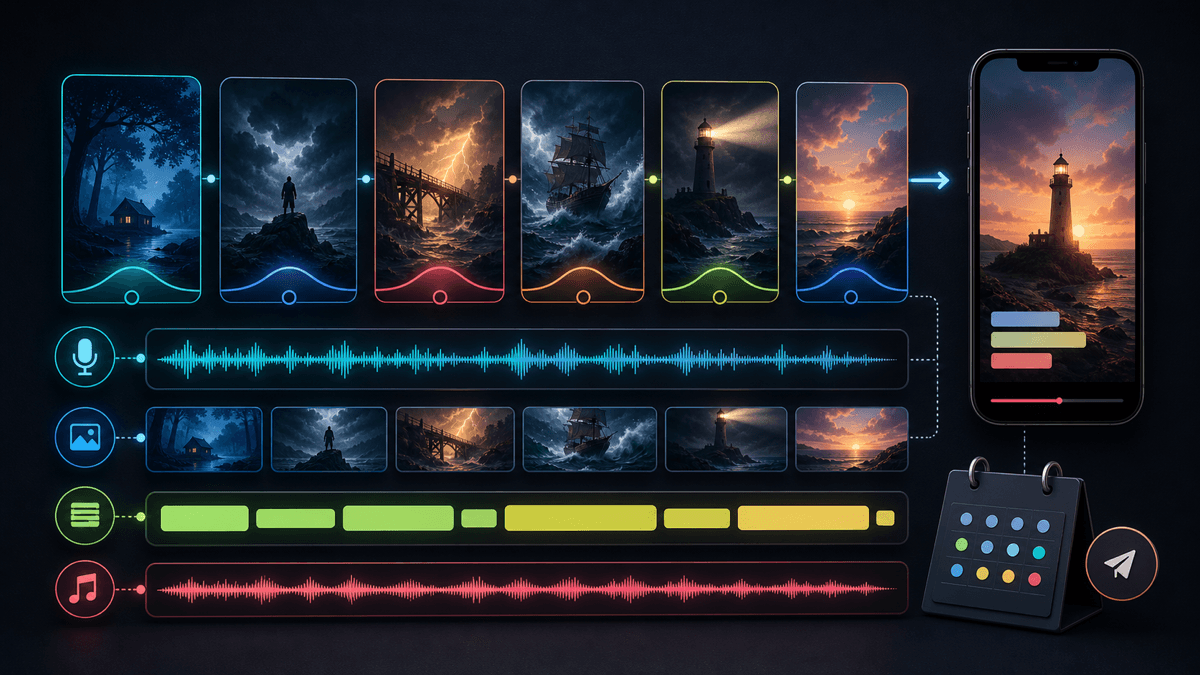
A practical story-to-video workflow has seven steps.
1. Define the story promise
Start with the promise, not the full script. The promise is the reason a viewer keeps watching.
Examples:
- "A normal object turns out to be evidence of something impossible."
- "Someone makes one small decision that changes the outcome."
- "A mystery gets stranger every ten seconds."
- "A lesson becomes obvious only after the reveal."
Avoid vague ideas like "a motivational video about discipline." Use a specific moment: "A runner deletes every app except one timer before the race."
2. Choose a short-form structure
For most story videos, use five to seven beats:
| Beat | Job |
|---|---|
| Hook | Creates curiosity immediately |
| Setup | Gives only the context needed to follow |
| Conflict | Shows the problem or mystery |
| Escalation | Adds a surprising detail |
| Turn | Reveals why the detail matters |
| Payoff | Resolves the promise or opens a clean part two |
| CTA | Asks for a comment, save, follow, or next episode |
Short videos do not need full exposition. If the setup is half the video, the story is probably too large for the format.
3. Write for speech, not reading
Story scripts should sound natural out loud. Keep sentences short. Use active verbs. Give the voiceover a rhythm that matches the visuals.
Better story line:
The second time the same ship passed the lighthouse, he checked the logbook.
Weaker story line:
After repeated observations of a similar maritime object near the lighthouse, he decided to investigate the records.
The first version is easier to narrate, caption, and visualize.
4. Give the AI visual guardrails
Do not let the generator guess the visual world from scratch. Tell it the style, setting, subject, and constraints.
Useful visual directions:
- "Cinematic stormy coast, no identifiable people."
- "Dark fantasy illustrated scenes, consistent blue-green palette."
- "Clean educational visuals with maps, timelines, and object closeups."
- "Warm founder-story scenes in offices, apartments, and late-night workspaces."
- "No real brand logos, no fake documents, no gore, no public figures."
This is especially important for faceless story videos because the visuals carry the emotional tone.
5. Generate in the right SwipeStory flow
Use the SwipeStory flow that matches your source:
| Starting point | Best SwipeStory flow |
|---|---|
| A raw idea or title | Prompt to Video |
| A finished narration script | Script to Video AI |
| A broad no-camera channel | Faceless AI Video Generator |
| A scary series | AI Horror Story Video Generator |
| A case-study or cautionary story | AI True Crime Video Generator |
SwipeStory turns prompts or scripts into vertical videos with AI-generated visuals, voiceovers, captions, background music, editing, rendering, and scheduled publishing for TikTok, YouTube Shorts, and Instagram Reels. That matters because story videos work best when the hook, voice, visuals, captions, and posting cadence are connected.
6. Review the story before scheduling
Automation does not remove judgment. Before you schedule a story series, review:
- Is the first sentence specific enough to earn the next sentence?
- Are the visuals supportive instead of distracting?
- Are captions short enough for mobile reading?
- Does the story imply a real person, place, event, or accusation that needs source checking?
- Is the voiceover clear at phone speaker volume?
- Does the ending satisfy the original promise?
7. Turn winners into series
One-off story videos are useful for testing. Series are easier to improve. Keep the same voice, visual style, length range, and ending pattern for several episodes, then change one variable at a time.
Good repeatable series ideas:
- "One strange history detail in 45 seconds."
- "Stories where one small mistake changed everything."
- "Scary places explained without showing your face."
- "Founder moments that almost ended the company."
- "Space stories that sound fake but are real."
For prompt inspiration, pair this workflow with our AI video prompts for Shorts guide.
Platform Rules That Shape Story Videos
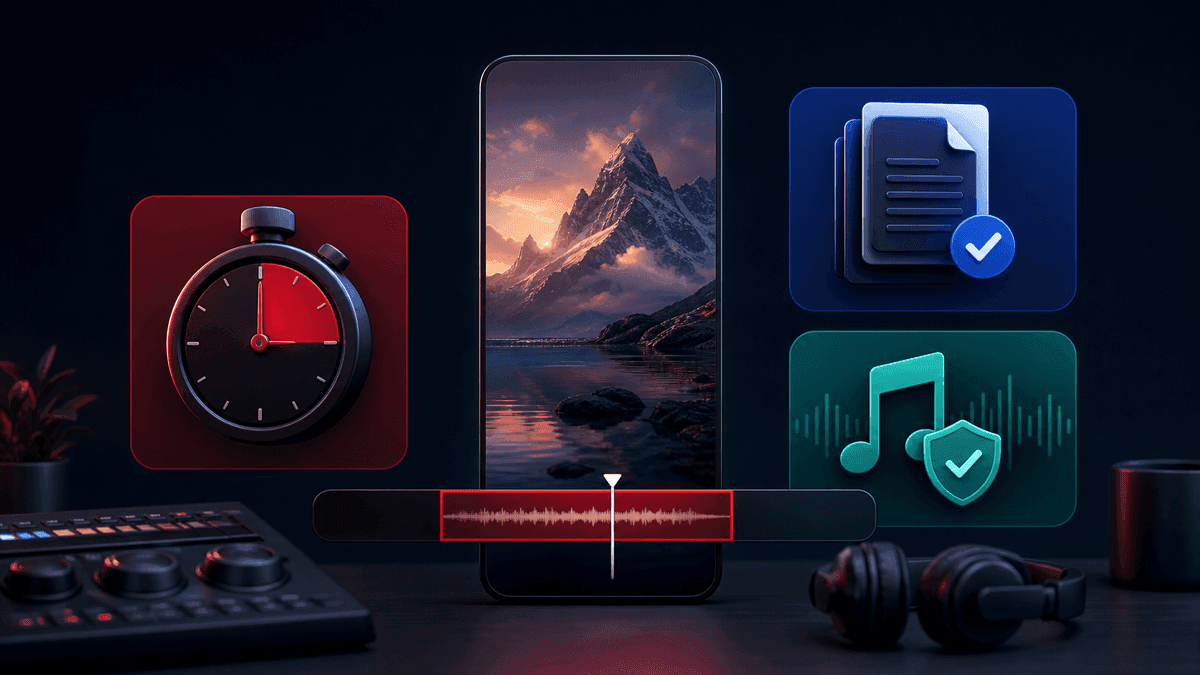
Platform rules are not just export details. They affect story length, pacing, music choices, and caption placement.
YouTube's current three-minute Shorts help page says square or vertical videos uploaded on or after October 15, 2024 can be categorized as Shorts up to three minutes long. It also says Shorts over one minute with an active Content ID claim of any type will be blocked globally on YouTube. Practical takeaway: write most AI story videos for 30 to 60 seconds unless the story truly needs more time and you control the music.
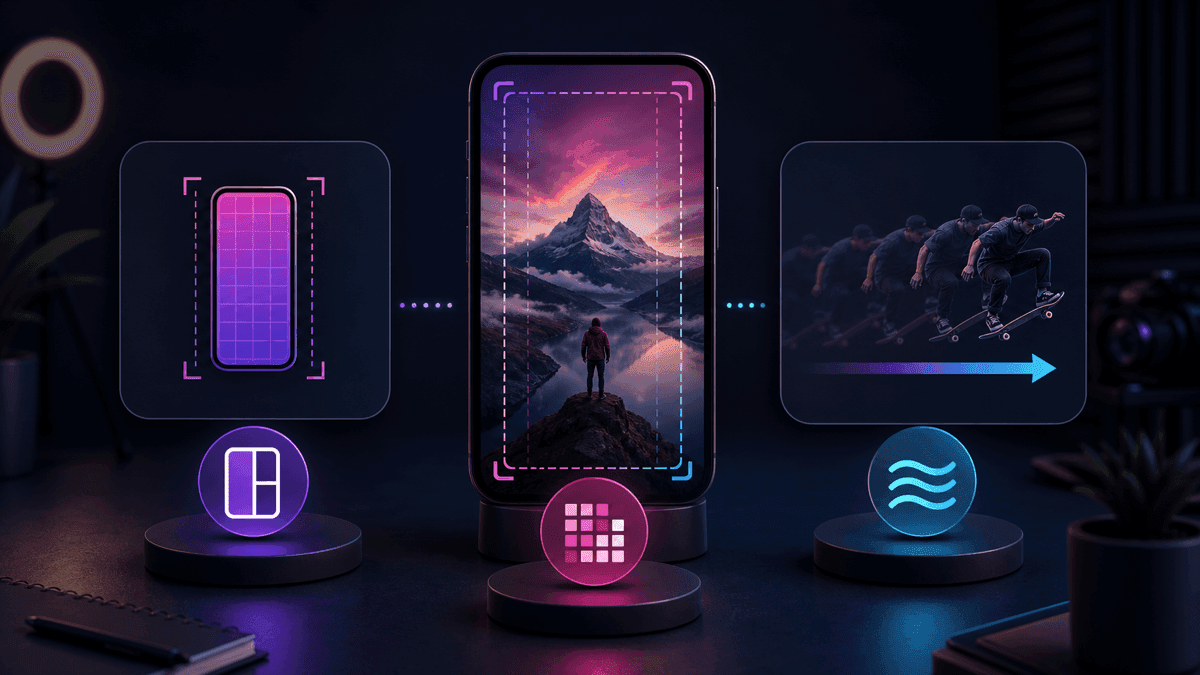
Instagram's current Reels help page says Reels can be uploaded with an aspect ratio between 1.91:1 and 9:16, with a minimum frame rate of 30 FPS and minimum resolution of 720 pixels. For cross-platform story videos, still use a 9:16 master because it is the cleanest default for TikTok, Shorts, and Reels.
Your prompt should include these production requirements:
Create a 35- to 50-second vertical 9:16 story video.
Use short caption lines with safe space for platform UI.
Avoid licensed music unless the audio is cleared for the target platform.
Keep the first visual beat clear before any title or context appears.
AI Disclosure and Source Safety
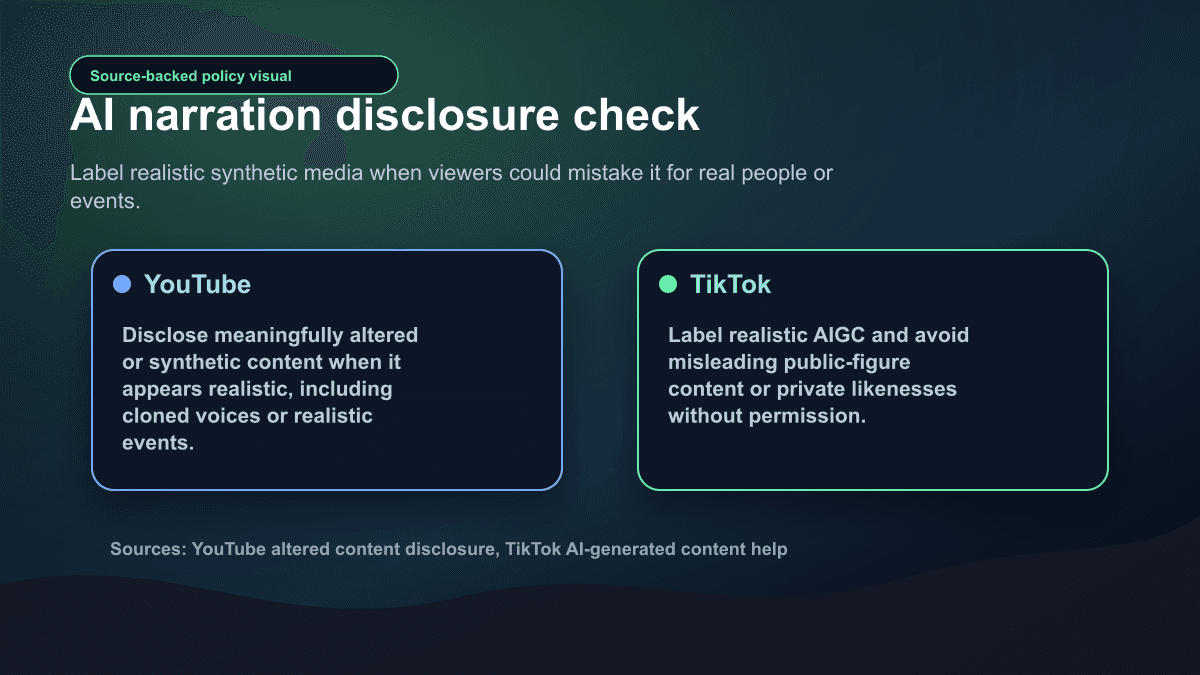
Story content can blur the line between fiction, commentary, and real events, so disclosure matters.
YouTube's altered or synthetic content guidance says creators must disclose meaningfully altered or synthetically generated content when it seems realistic. The page gives examples that require disclosure, including cloning someone else's voice or showing realistic events that did not happen. It also says production help such as ideas, outlines, scripts, captions, thumbnails, and minor edits may not require disclosure by itself.
TikTok's AI-generated content help page says creators should label content that is completely generated or significantly edited by AI and says creators are required to label AI-generated content that contains realistic images, audio, or video. It also says some AIGC is prohibited even when labeled, including misleading public-figure contexts and private likenesses used without permission.
Use this review before publishing:
| Check | Safer default |
|---|---|
| Is the story fictional? | Do not present it as verified fact |
| Does it involve real people? | Avoid likenesses, names, and unverifiable claims |
| Is the voice cloned? | Use consented voices or generic narrator voices |
| Does it show a realistic event that did not happen? | Label synthetic media and soften the framing |
| Is the story based on user-generated content? | Get permission or rewrite into an original scenario |
This is not legal advice. It is a practical publishing standard for creators who want a scalable story channel without avoidable trust problems.
What to Look for in an AI Story Video Maker
The best AI story video maker is the one that removes repetitive production work while still letting you control the story.
Use this checklist:
| Requirement | Why it matters |
|---|---|
| Prompt and script input | Lets you start from a rough idea or a finished narration |
| Story-aware pacing | Keeps the hook, escalation, and payoff from flattening out |
| Voice options | Lets different genres feel different |
| Visual style control | Keeps a series recognizable |
| Caption editing | Prevents unreadable or poorly timed captions |
| Music controls | Reduces mismatch and platform-claim risk |
| Export and scheduling | Turns finished videos into a repeatable publishing process |
| Series organization | Helps you test formats without losing consistency |
As of the May 24, 2026 source check, SwipeStory's public pricing page lists annual Spring Creator Sale pricing with Hobby at $16/month for 120 credits and one series, Creator at $31/month for 300 credits and two series, Influencer at $55/month for 600 credits and three series, and Studio at $174/month for 2,000 credits and five series. The same page lists custom AI voiceovers, background music, auto-captions, all art styles, no watermark, automated posting, and fast video generation on relevant tiers. Check pricing before planning a high-volume story channel because credit usage depends on length and generation choices.
A Copyable Prompt for Story Videos
Use this prompt structure inside SwipeStory or as a planning brief:
Create a [duration] vertical 9:16 faceless story video for [platform].
Audience: [who should care].
Genre: [mystery / horror / history / motivation / science / lore / drama].
Story promise: [one sentence that makes the viewer want the payoff].
Opening line: [specific hook].
Beat structure:
1. Hook
2. Setup
3. Conflict
4. Escalation
5. Turn
6. Payoff
Voiceover: [tone, speed, emotion].
Visual style: [style, setting, palette, subject constraints].
Captions: short mobile-readable lines, no more than one idea per caption.
Safety: avoid real names, logos, public figures, gore, and unverifiable claims.
End with: [comment/save/follow/part two CTA].
Example:
Create a 45-second vertical faceless story video for YouTube Shorts and TikTok.
Audience: creators who like strange history.
Genre: historical mystery.
Story promise: a lost invention almost changed how people measured time.
Opening line: "This clock was so accurate that people thought it was impossible."
Beat structure:
1. Hook with the impossible clock
2. Setup the inventor's problem
3. Show the failed attempts
4. Reveal the overlooked detail
5. Explain the impact
6. End with the question: "Would you have trusted it?"
Voiceover: curious, calm, documentary-style.
Visual style: cinematic workshop, brass instruments, maps, candlelight, no real logos.
Captions: short, clean, high contrast.
Safety: avoid claims not supported by the script source.
Common Mistakes to Avoid
Making the setup too long
Viewers need context, but they do not need the entire backstory. Start where the tension begins.
Treating captions as decoration
Captions are part of the edit. If the line is too long to read in one glance, split it.
Using visuals as fake evidence
Generated scenes should support the story, not pretend to prove it. This matters most for true crime, health, finance, legal, public-figure, or disaster-adjacent stories.
Publishing one format too soon at scale
Create five to ten test videos before scheduling a whole month. Track hooks, endings, comments, and completion patterns. Then turn the strongest format into a series.
Copying user stories without permission
If the story comes from a public post, viewer message, or private community, slow down. Get permission or rewrite the idea into an original fictionalized scenario. For Reddit-specific workflows, use the source checks in the Reddit story video maker guide.
Final Recommendation
Use an AI story video generator when your content depends on suspense, emotion, curiosity, or a reveal. The best workflow starts with a clear story promise, turns that promise into short spoken beats, generates visuals that support the mood, keeps captions readable, and reviews disclosure before publishing.
SwipeStory is a strong fit if you want story videos as part of a broader short-form system: prompts or scripts in, AI visuals and voiceover out, captions and music included, then rendering and scheduled publishing for TikTok, YouTube Shorts, and Instagram Reels. Start with the faceless AI video generator for no-camera story formats, or use Prompt to Video when you only have the opening idea.
Frequently Asked Questions
What is the best AI story video generator?
The best AI story video generator is the one that can turn a prompt or script into a complete vertical story video with narration, visuals, captions, music, editing, and export controls. SwipeStory is a good fit for creators who want faceless story videos plus scheduled publishing across TikTok, YouTube Shorts, and Instagram Reels.
Can AI make faceless story videos?
Yes. AI can generate story scripts, voiceover, scenes, captions, and background music for faceless videos. You still need to review the hook, source material, AI disclosure, visual fit, and final edit before publishing.
What length should an AI story video be?
Start with 30 to 60 seconds. YouTube can categorize square or vertical videos up to three minutes as Shorts, but longer story videos need stronger pacing and safer music choices. For TikTok, Shorts, and Reels, a tight 9:16 master is usually the best first version.
Are AI story videos allowed on TikTok and YouTube?
AI-assisted story videos can be allowed, but creators need to follow platform rules. YouTube requires disclosure for realistic meaningfully altered or synthetic content. TikTok requires labels for AI-generated content that contains realistic images, audio, or video and prohibits some misleading or non-consensual synthetic content entirely.
Sources
- SwipeStory pricing
- SwipeStory faceless AI video generator
- StoryShort homepage
- StoryShort faceless video generator
- YouTube Help: Understand three-minute YouTube Shorts
- YouTube Help: Disclosing altered or synthetic content
- TikTok Help: About AI-generated content
- Instagram Help: Reel size and aspect ratios
