Batch Create Short Videos Fast: AI Tools and Workflow for 2026

Stella writes SwipeStory guides about AI faceless video creation, short-form video strategy, creator tools, and automated publishing workflows.
The fastest way to batch create short videos is to stop thinking about individual clips and start thinking in production runs. Using AI tools with spreadsheet or template-driven inputs, you can generate a full month of social media content in a single afternoon. The workflow breaks into four phases: ideation, AI generation with locked seeds, assembly, and scheduling. Done right, it produces 30 platform-ready videos in roughly 4 hours.
The core efficiency gain comes from limiting your formats. Instead of 30 unique concepts, you build 3–5 repeatable structures and let AI generate variations within each. Brand voice stays consistent, rendering time drops, and you never start from scratch again.
Key benefits of this approach:
- Saves hours of manual editing per week
- Maintains consistent visual identity across all output
- Scales to any volume without proportional effort increase
- Integrates directly with scheduling tools for hands-off publishing
Pro Tip: Lock your AI seed per content format before you start rendering. A fixed seed in diffusion-based systems like Runway or ComfyUI stabilizes visual output across your entire batch, so every video in a format looks like it belongs to the same series.
How do you batch create short videos step by step?
The workflow is a production system, not a creative sprint. Each phase feeds the next, and the whole thing runs faster when you set it up once and repeat it.
Step 1: Build your content matrix
Define 3–5 repeatable formats, such as a product demo, a tip carousel, a testimonial clip, or a trending audio hook. For each format, write 6 prompt variations. Lock your brand style descriptor (color palette, font, tone) as a reusable variable. This matrix becomes the input file you feed into your AI tool.
Step 2: Set up AI generation with locked seeds
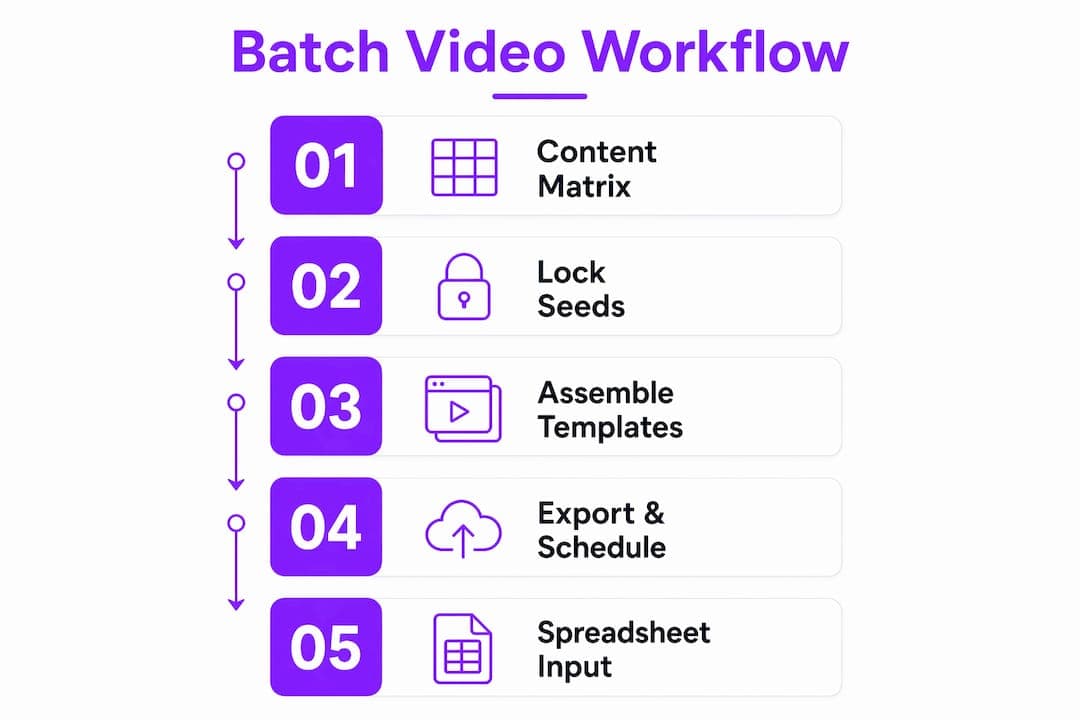
Open your AI video tool, set output to 1080x1920 with H.264/AAC encoding for TikTok, Instagram Reels, and YouTube Shorts compatibility. Load your prompt matrix, assign a fixed seed per format, and queue the full batch. Render overnight or during off-hours to avoid blocking your workday.

Step 3: Assemble with templates
Import rendered clips into CapCut or Adobe Premiere. Apply a single LUT across all clips for color consistency. Add batch caption templates, brand overlays, and a CTA outro. Tools like Descript let you do this at the script level, editing text to trim video automatically.
Step 4: Export and schedule
Export all files in one pass. Upload directly to Meta Business Suite and TikTok Scheduler and stagger daily posting across the month. Thirty videos, one upload session.
Spreadsheet-driven inputs accelerate this further. Canva Bulk Create and Fliki both accept CSV files where each row defines a unique video: different text, images, voiceover lines, or product names. One spreadsheet, one click, dozens of finished clips.
Which AI tools let you create videos in batches?
Nine tools dominate this space in 2026, each suited to a different type of creator or workflow. Pricing models vary widely: some charge per rendered minute, others use monthly credit subscriptions, and a few offer flat-tier plans.
| Tool | Best For | AI Features | Scheduling Integration | Ease of Use |
|---|---|---|---|---|
| Fliki | Marketers and content teams | Voice cloning, spreadsheet batch rendering | Limited native; exports to schedulers | Moderate |
| Canva Bulk Create | Non-technical creators, small businesses | Auto visuals, template AI | Native Canva scheduling | Very easy |
| Streamlabs Cross Clip | Live content repurposing | Auto clip detection, captions | Direct social upload | Easy |
| Submagic | Viral short-form creators | Caption automation, text overlays | Built-in scheduling | Easy |
| VEED.io | Social media managers | Auto subtitles, multi-format export | Team collaboration tools | Easy |
| Opus Clip | High-volume content repurposers | AI highlight detection, auto captions | Direct platform upload | Easy |
| Descript | Podcasters, script-based editors | Transcription, voice cloning, batch export | Limited native | Moderate |
| Pictory | Content marketers, bloggers | Auto summary clips, branding overlays | Integrates with Hootsuite | Moderate |
| CapCut | TikTok-style creators | Template batch editing, auto captions | TikTok native integration | Very easy |
Fliki stands out for marketers who need true spreadsheet-driven bulk video production. Feed it a CSV with product names, taglines, and image URLs, and it renders a separate voiced video for each row. Voice cloning means every clip sounds like the same presenter, even across hundreds of videos.
Opus Clip takes a different angle: feed it a long webinar or podcast, and it automatically identifies the best 30-second segments, adds captions, and exports a batch of clips ready for Reels or Shorts. No manual scrubbing required.
Pictory is the go-to for content marketers converting blog posts or long-form articles into short clips. Paste a URL, and it generates a summary video with branded overlays. Batch mode processes multiple articles in one queue.
Canva Bulk Create suits creators who already live in Canva. The Bulk Create feature pulls data from a spreadsheet and populates a template, producing dozens of branded video variants without touching a timeline editor.
Batch video tools that price by rendered video duration rather than per-video API calls tend to be more cost-effective at scale. If you're producing 50+ videos per month, that pricing model can cut costs significantly compared to per-clip subscriptions.
How do you manage and schedule bulk created short videos?
Production volume creates an organizational problem fast. Without a system, you end up with 30 unnamed files and no idea which one goes out on which day.
Build a command center first. A shared Notion or Airtable board with columns for format type, posting date, platform, status (rendered, reviewed, scheduled), and file link takes 30 minutes to set up and saves hours every month. The centralized tracking approach is how high-volume video networks maintain brand tone without reviewing every clip manually.
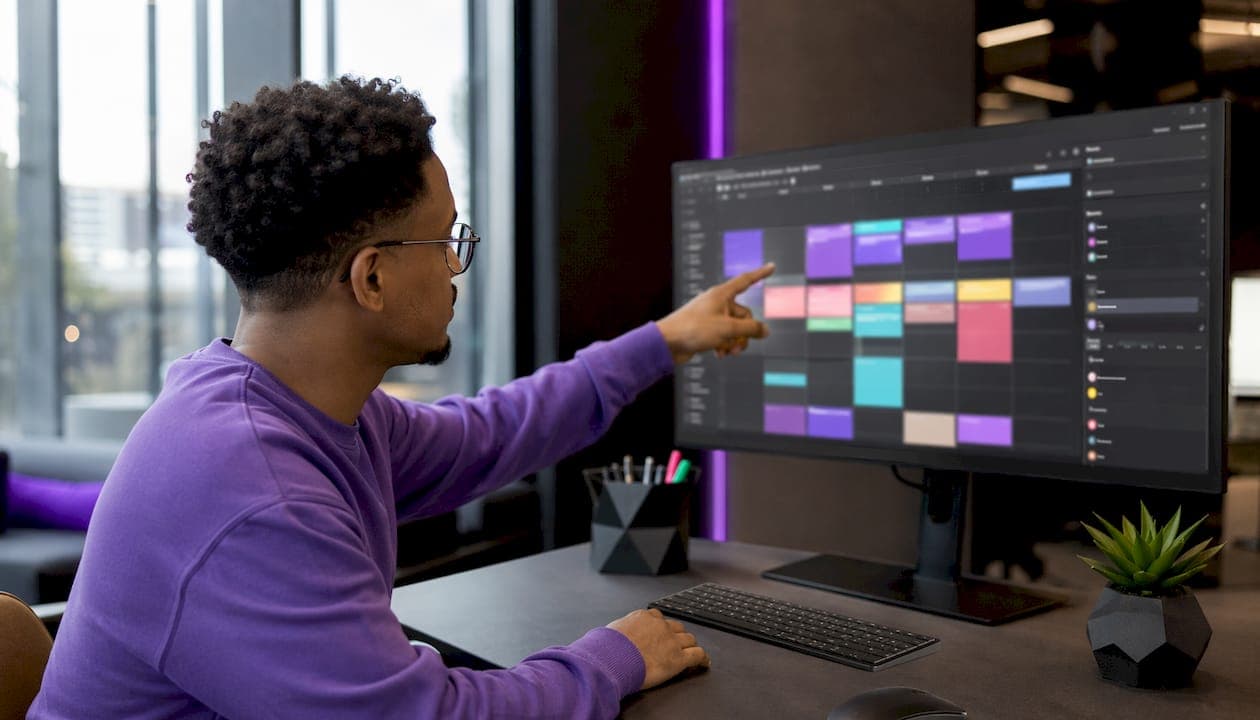
Quality control in batches, not one by one. Watch all clips from a single format in one sitting. You're checking for consistent color, caption accuracy, and audio levels, not individual creative decisions. Flag any outliers and re-render only those.
Scheduling tips that actually save time:
- Use Meta Business Suite for Facebook and Instagram; use TikTok Scheduler for TikTok. Both accept bulk uploads.
- Stagger posting times by 2–4 hours per day to avoid algorithm suppression.
- For multilingual batches, generate captions in each language during the AI phase, not after. Fliki and VEED.io both support multilingual caption generation at render time.
- Name files with a consistent convention:
[format]_[date]_[platform]_v1.mp4. This makes bulk uploads and version control straightforward.
On rendering time: Manual editing cannot keep pace with AI batch generation speed. If your render queue is backing up, schedule overnight batch runs or use a cloud-based tool like VEED.io or Pictory that handles rendering on their servers, not yours.
For product-focused clips, bulk-overlay batching is a faster alternative to full AI generation. You apply branding, text, and a logo stamp across existing camera-roll footage in one pass. TikTok Shop sellers use this constantly.
What do experts say about AI batch video production?
The most useful advice from practitioners comes down to one principle: constrain your creativity to scale your output.
Content strategist Taiwo Oluwole puts it plainly: build 3–5 repeatable formats and let AI generate the variations. Chasing a unique concept for every video kills the efficiency that batch production is supposed to deliver. The repeatable format model is what separates creators who post consistently from those who burn out after two weeks.
The team at 90 Seconds, which runs a network of over 13,800 creators across 160 countries, emphasizes that automation speed must be balanced with human review. Their platform functions as a command center where producers can see the status of every video in one place, flag issues, and approve before publishing. Speed without oversight produces off-brand content at scale, which is worse than posting nothing.
On the technical side, seed locking per format is the single most underused technique in batch workflows. When you fix the random seed in a diffusion-based system, every video in that format shares the same visual DNA. Viewers recognize your content before they read the caption.
For creators monetizing at scale, pairing batch production with a structured content monetization plan turns volume into revenue rather than just noise.
Swipestory gives you a faster path to batch video output
If the tools above feel like a lot to configure, Swipestory offers a more direct route. The platform handles scriptwriting, voiceovers, and cloud rendering in one place, with over 60,000 short videos already generated by its creator community.

Where most batch tools require you to bring your own prompts, footage, and assembly workflow, Swipestory's AI video generator takes you from idea to finished clip without switching between apps. Customizable captions, advanced image generation, and cloud rendering mean you're not waiting on your own hardware. For creators who want to produce short videos at volume without building a production stack from scratch, it's a practical starting point. Check the pricing plans to see which tier fits your output goals.
Key Takeaways
AI-powered batch video creation with locked seeds and spreadsheet-driven inputs is the most efficient way to produce a full month of social media content in a single session.
| Point | Details |
|---|---|
| Use repeatable formats | Build 3–5 content structures instead of unique concepts to keep AI output consistent and fast. |
| Lock seeds per format | Fixing the AI seed stabilizes visual output across a batch, preventing inconsistency between clips. |
| Export in 1080x1920 with H.264/AAC encoding | This format ensures compatibility with TikTok, Instagram Reels, and YouTube Shorts without rework. |
| Centralize tracking | A shared board with status columns prevents file chaos and keeps quality control manageable at volume. |
| Swipestory for fast starts | Swipestory handles scripting, voiceovers, and rendering in one tool, with over 60,000 videos already generated. |
