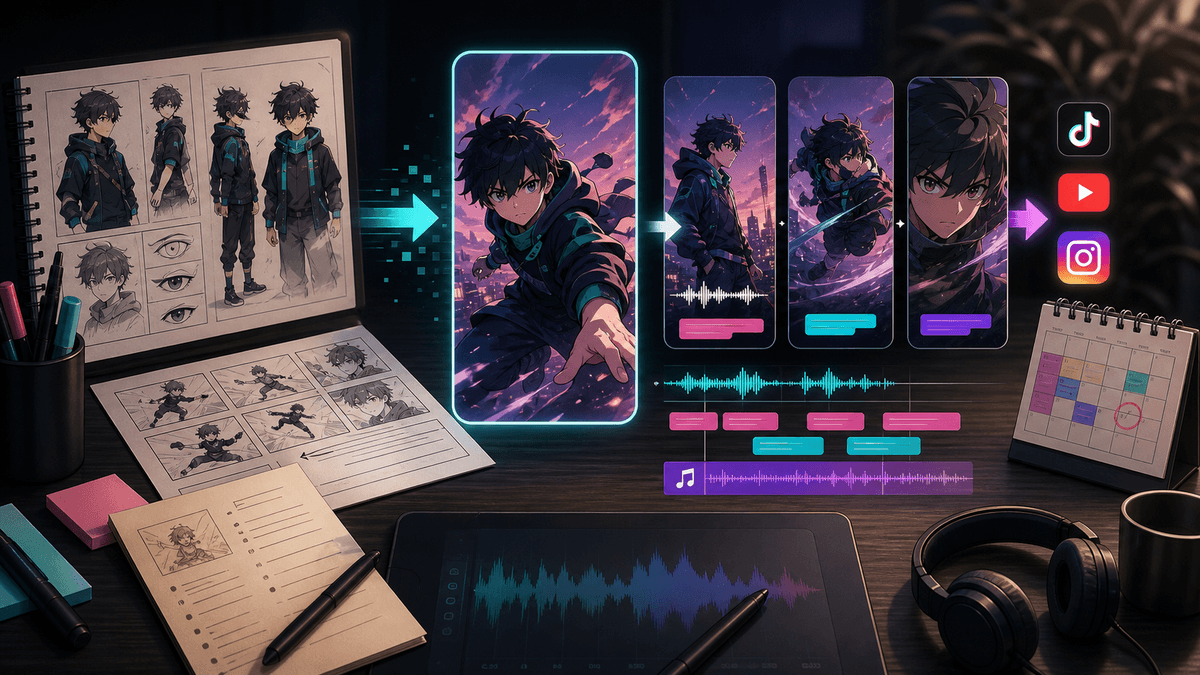
Anime Video Generator for Shorts

Stella writes SwipeStory guides about AI faceless video creation, short-form video strategy, creator tools, and automated publishing workflows.
The best anime video generator workflow for Shorts is not just "type a prompt and post the clip." Use an AI anime video generator for the visual scenes, then build the finished short with a script, voiceover, captions, music, review, export, and scheduling. SwipeStory's AI anime video generator is the cleanest place to start when you want the complete short-form workflow instead of a loose anime clip.
Updated May 26, 2026. We checked current SwipeStory anime tool pages, Runway Gen-4 documentation, Adobe Firefly Image to Video, OpenAI Sora help pages, YouTube Shorts rules, YouTube altered-content disclosure guidance, TikTok AI-generated content guidance, and Meta's AI-info labeling updates before writing this guide.
Quick Verdict: The Best Anime Video Generator Workflow
If your goal is TikTok, YouTube Shorts, or Instagram Reels, treat anime generation as one layer in a production system:
| Need | Best workflow |
|---|---|
| A finished anime-style Short from an idea | Start in SwipeStory's AI anime video generator so the prompt, script, voice, captions, and edit stay connected |
| A visual-only source clip | Use a video model such as Runway, Adobe Firefly, Sora, or another image-to-video system, then edit it into a short |
| A faceless anime channel | Build repeatable episode formats with recurring characters, narration, caption style, and scheduled publishing |
| A branded or commercial clip | Use original characters, licensed media, platform-safe claims, and a review checklist before posting |
The practical recommendation is simple: use a short-form generator when the deliverable is a Short, and use standalone video models when you only need raw scene material. A raw anime clip can look impressive and still fail as a TikTok because it has no hook, no narration, no caption-safe framing, and no publishing rhythm.
For adjacent workflows, pair this guide with AI video prompts for Shorts, the image to video AI workflow, and Script to Video AI.
Build the Anime Style Before You Animate
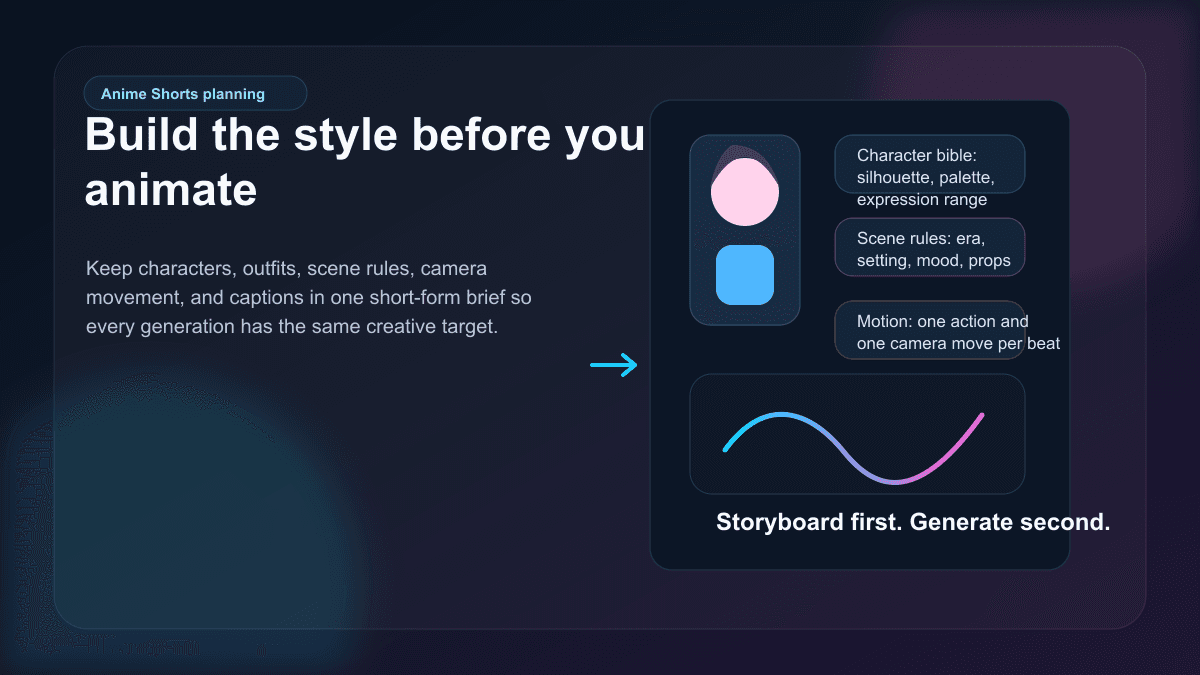
The fastest way to make bad anime AI videos is to prompt each scene from scratch. The character changes, the outfit shifts, the background style drifts, and the edit feels like separate clips stitched together.
Before you generate anything, create a short style brief:
| Brief layer | What to define |
|---|---|
| Character | Age range, silhouette, outfit, hair, color palette, expression range, and what must not change |
| World | Setting, era, lighting, weather, props, and whether the world is cozy, cinematic, horror, educational, or comedic |
| Animation style | Modern clean anime, lo-fi 90s anime, chibi, watercolor, manga panel motion, cinematic fantasy, or another original look |
| Camera language | Push-ins, pans, close-ups, over-the-shoulder reveals, locked-off shots, or handheld energy |
| Caption lane | Where captions can sit without covering the face, action, or key prop |
This does not need to be long. A good anime Shorts style brief can be five bullets:
Recurring character: original teen inventor with short teal hair, yellow jacket, round glasses, expressive but not exaggerated.
World: cozy night workshop with rain on the window, warm desk lamps, blue shadows.
Visual style: clean modern anime, detailed backgrounds, soft linework, no franchise references.
Motion language: slow push-ins, small hand movement, blinking lights, steam, paper sketches moving in the breeze.
Caption lane: lower third stays dark and uncluttered.
That brief protects continuity. It also makes it easier to build a series, because every new episode has rules instead of starting from a blank prompt.
Choose the Right AI Anime Video Generator
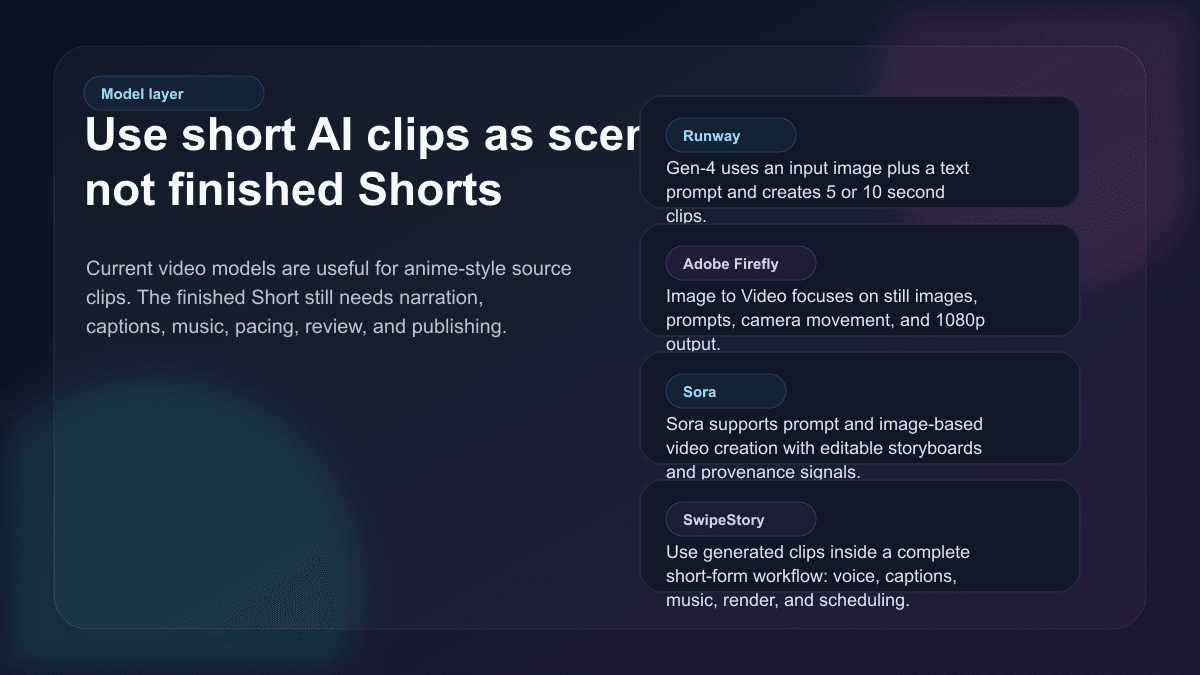
Current AI video tools differ in an important way: some generate short clips, while others help you build the full post. That matters for anime Shorts.
Runway's Gen-4 Video help page says Gen-4 creates videos in 5 or 10 second durations from an input image and text prompt. That is useful for animating character art, testing camera movement, and making source clips.
Adobe Firefly Image to Video emphasizes turning still images into motion with prompts, camera movement, and 1080p output. That is useful when your strongest asset is an illustration, character sheet, or concept frame.
OpenAI's Sora help page describes prompt-based video creation, image uploads, durations, storyboard editing, and character instructions. That is useful when you want to shape scenes and iterate on generated video ideas.
SwipeStory is different because it is built for the finished short-form workflow. The goal is not just "make a clip." The goal is to turn a prompt or script into a vertical video with AI-generated visuals, voiceover, captions, background music, editing, rendering, and scheduled publishing for TikTok, YouTube Shorts, and Instagram Reels.
Use this rule:
| Starting point | Better tool path |
|---|---|
| "I have a scene image and need it animated" | Image-to-video model first |
| "I have a story idea and need a Short" | SwipeStory first |
| "I have a finished script" | Script to Video AI first |
| "I want a recurring no-camera channel" | Faceless AI video generator plus an anime style brief |
| "I want a batch of anime Shorts every week" | SwipeStory series workflow and scheduling |
The more complete the deliverable, the more valuable the workflow layer becomes.
Format Anime Scenes for Shorts First
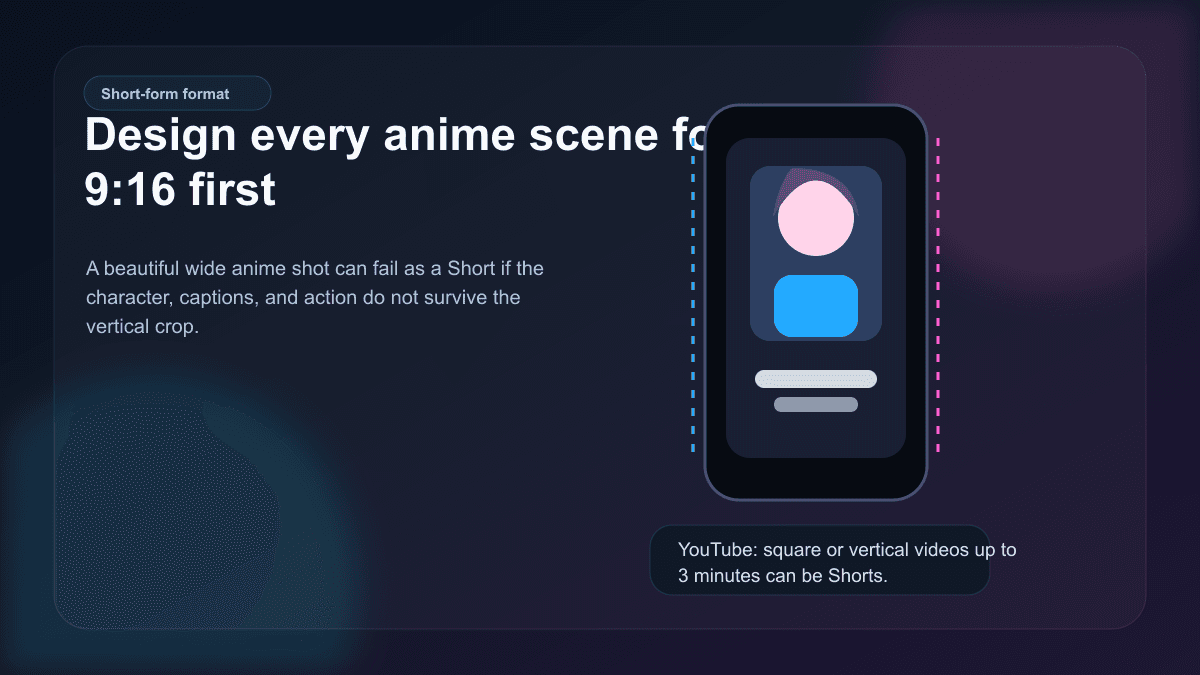
Anime is naturally cinematic. Shorts are naturally vertical. That mismatch creates many weak AI anime videos.
A wide anime environment can look beautiful, but a mobile viewer usually needs one clear subject, one readable action, and one caption lane. Design the scene in 9:16 from the start:
- Put the character's face and main action in the center third.
- Keep the bottom area clean enough for captions.
- Avoid tiny environmental details that only work on desktop.
- Use fewer characters per scene.
- Make the first two seconds visually legible with no context.
- Use contrast behind captions instead of placing text over busy line art.
YouTube's current Shorts help page says square or vertical videos uploaded after October 15, 2024 and up to three minutes long are categorized as Shorts. That does not mean every anime Short should be three minutes. Most anime-style AI clips work better as 20 to 60 seconds unless the story has enough turns to justify more.
For platform-specific creation pages, use AI YouTube Shorts Generator, AI TikTok Video Generator, and AI Reel Generator.
Prompt Blueprint for AI Anime Shorts
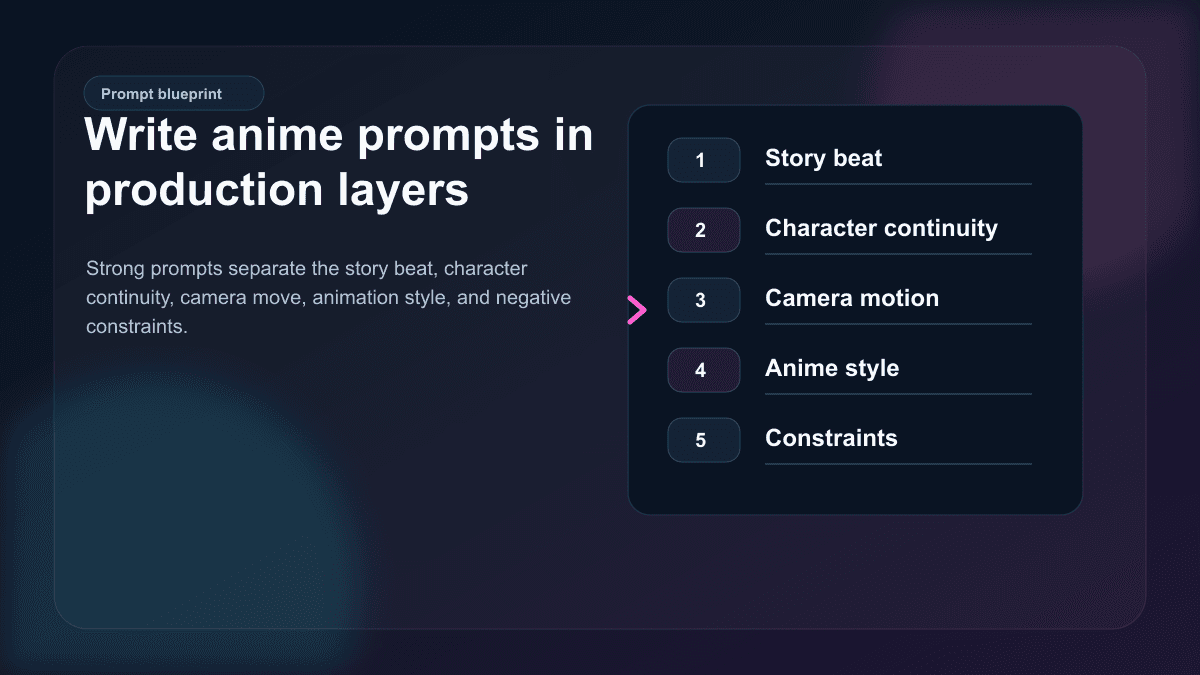
A useful anime prompt is not a paragraph of vibes. It is a production note. It should tell the model what scene to create, what must stay consistent, how the camera moves, and what to avoid.
Use this structure:
Create a [duration] vertical 9:16 anime-style short-form scene.

Story beat: [what happens in this scene].
Character continuity: [original character details that must stay consistent].
Setting: [where the scene happens, lighting, mood, time of day].
Camera motion: [one clear camera move].
Character motion: [one clear action or expression change].
Caption-safe framing: keep the lower third clean and leave room for captions.
Style: [original anime-inspired style, not a named franchise or living artist imitation].
Constraints: no logos, no readable background text, no public figures, no copyrighted characters, no distorted hands, no extra characters.
Example:
Create a 35-second vertical 9:16 anime-style Short for a faceless education channel.

Story beat: an original inventor character discovers why most creators quit before their first 30 videos.
Character continuity: short teal hair, yellow jacket, round glasses, calm but curious expression.
Setting: cozy rain-lit workshop with glowing notes on the desk, warm lamps, blue shadows.
Camera motion: slow push-in from the desk to the character's face.
Character motion: she circles one note, looks up, and smiles as the idea clicks.
Caption-safe framing: keep the lower third dark and uncluttered.
Style: clean modern anime with expressive lighting and detailed but readable backgrounds.
Constraints: no franchise references, no logos, no readable text, no public figures, no extra characters.
If you are using SwipeStory, pair the prompt with a short script. The visual prompt controls the scene. The script controls retention.
Add Script, Voiceover, Captions, and Music
The difference between an anime clip and an anime Short is structure. A Short needs a reason to keep watching.
Use a simple four-beat script:
| Beat | Example line |
|---|---|
| Hook | "Most faceless channels fail before the algorithm even has enough data." |
| Setup | "They test one idea, get no traction, then switch niches." |
| Turn | "The channels that survive use a repeatable format, not random inspiration." |
| Payoff | "Pick one character, one problem, one visual style, and make the next ten episodes easier." |
Anime visuals are good at emotion, reveal, and atmosphere. Let the visuals carry mood while the voiceover carries meaning. Do not make captions repeat entire paragraphs. Use short caption beats that match the narration:
Most channels quit too early
One video is not a test
Build a repeatable format
Make the next 10 easier
This is where SwipeStory is useful. You can move from idea to script, visual style, AI voiceover, captions, music, editing, rendering, and scheduled publishing without exporting between five separate tools. If you already have an image or character frame, use AI Image to Video as the visual layer and then finish the Short with narration and captions.
Review Disclosure, Rights, and Platform Fit
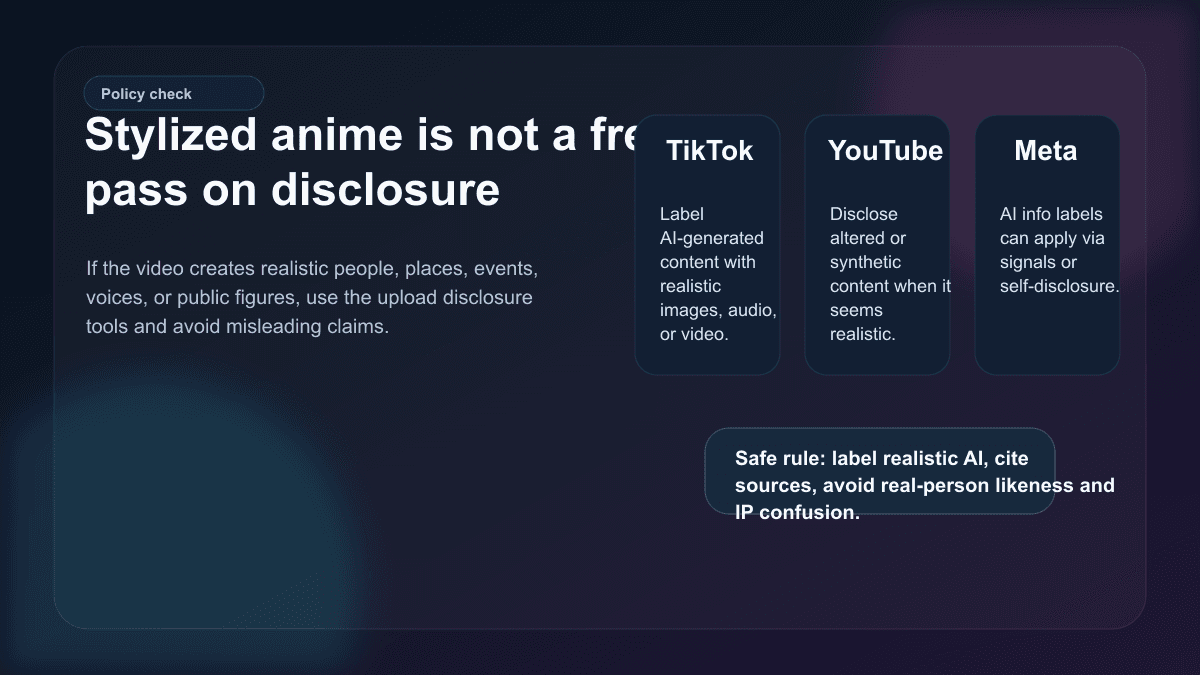
Stylized anime usually creates fewer realism problems than photorealistic AI video, but it is not exempt from review.
TikTok's AI-generated content help page says creators are required to label AI-generated content that contains realistic images, audio, or video. YouTube's altered or synthetic content guidance says creators must disclose content that is meaningfully altered or synthetically generated when it seems realistic, including realistic-looking scenes that did not occur. Meta's public updates say Facebook, Instagram, and Threads use AI-info labels based on signals and self-disclosure for a wider range of AI-generated or edited content.
For anime Shorts, use this checklist before posting:
- Is every character original, or do you have rights to use the character?
- Does the prompt imitate a specific franchise, studio, living artist, celebrity, or public figure?
- Could viewers reasonably think the video shows a real person, place, event, or statement?
- Did you use someone else's voice, likeness, photo, or private material?
- Are claims in the narration factual, sourced, and safe for the niche?
- Does the platform upload flow ask for AI or altered-content disclosure?
This is not legal advice. It is a creator workflow rule: build series around original characters and original scripts, not recognizable IP, copied scenes, or misleading realistic claims.
Turn Anime Shorts Into a Series
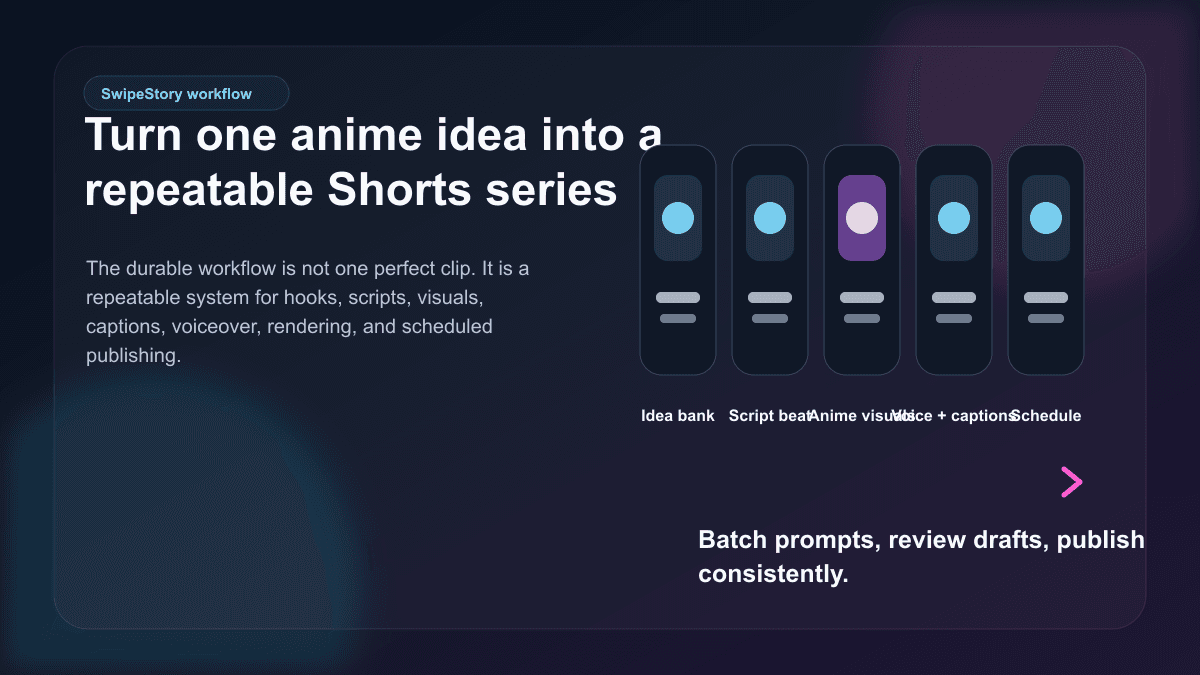
The strongest anime Shorts strategy is a repeatable format. One standalone anime clip may get a few comments. A series gives viewers a reason to recognize the character, understand the premise, and watch the next episode.
Good anime Shorts series formats include:
| Series format | Example |
|---|---|
| One-minute myths | An original narrator explains one myth, creature, or folklore idea per episode |
| Mini startup lessons | A recurring anime founder character explains one business mistake at a time |
| Cozy productivity stories | A character fixes one workflow problem in a recurring studio setting |
| Science in anime scenes | A lab character demonstrates one concept with visual metaphors |
| History mysteries | A narrator introduces one strange historical event with source-backed context |
| Fiction cliffhangers | A recurring cast advances one serialized story beat per Short |
For a channel, define the system:
- One recurring premise.
- One original character or narrator.
- One visual world.
- One script length.
- One caption style.
- One posting cadence.
Then generate in batches. Write five related hooks, produce five scripts, create five visual prompts, and schedule the best drafts. If you publish across platforms, check SwipeStory pricing before setting a high-volume weekly plan.
Common Anime AI Video Mistakes
Copying recognizable anime IP
Do not build a channel around characters, titles, worlds, or visual marks you do not own. "Anime-style" is a broad visual direction. A named franchise character is a rights problem.
Asking for too much motion
Most weak AI video prompts try to move the camera, character, background, lighting, weather, and props at once. For a five-second scene, one camera move and one character action is usually enough.
Letting captions cover the art
Anime faces carry emotion. If captions cover the face or key action, the video becomes harder to read. Plan a caption lane before generation.
Making every episode a new world
A new style every video can feel exciting at first, but it makes the channel harder to recognize. Repeat the premise and vary the hook.
Posting raw clips without a story
A beautiful clip is not a content strategy. Add a reason to watch: a question, reveal, lesson, story turn, example, or clear payoff.
Final Recommendation
Use an anime video generator for Shorts when the style helps the idea: recurring characters, stylized explainers, story worlds, visual metaphors, and faceless channels. Do not use it as a shortcut for copied characters or context-free clips.
If you want the fastest practical workflow, start with SwipeStory's AI anime video generator. Use a style brief, write the script, generate anime-style scenes, add voiceover and captions, review platform disclosure, then schedule the finished TikTok, Short, or Reel. If you only need a visual source clip, use a standalone image-to-video model first and bring the result back into a complete short-form workflow.
Frequently Asked Questions
What is the best anime video generator for Shorts?
The best option depends on the job. Use SwipeStory when you want a complete anime-style Short with script, voiceover, captions, music, rendering, and scheduling. Use standalone video models when you only need raw animated source clips.
Can I make faceless anime videos with AI?
Yes. Anime-style videos work well for faceless channels because the character, narrator, or visual world can carry the format. Use original characters, consistent style rules, and a repeatable series premise.
Are AI anime videos allowed on TikTok, Shorts, and Reels?
AI anime videos can be posted, but platform rules still apply. Review AI-label and altered-content disclosure guidance, avoid misleading realistic scenes, and do not use copyrighted characters or real-person likenesses without permission.
How long should an anime Short be?
Most anime AI Shorts work best at 20 to 60 seconds. YouTube supports longer vertical Shorts, but longer videos need stronger story structure, more scene variation, and tighter pacing.
