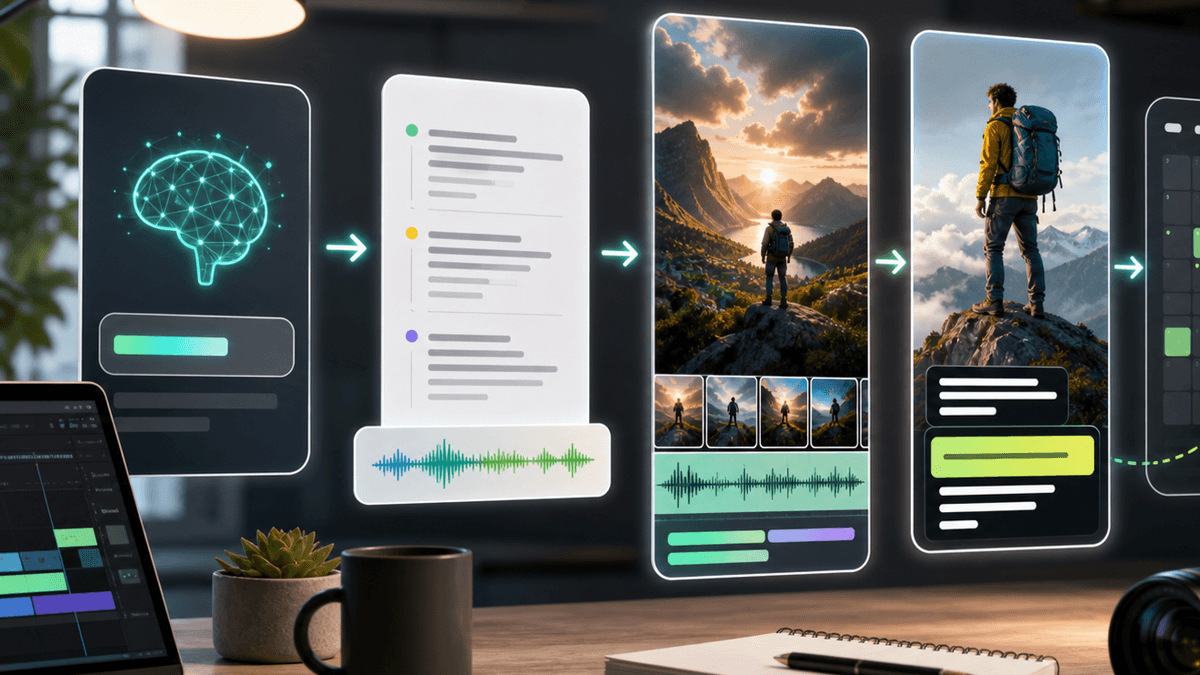
Best AI YouTube Shorts Generators (2026)

Stella writes SwipeStory guides about AI faceless video creation, short-form video strategy, creator tools, and automated publishing workflows.
The best AI YouTube Shorts generator for most creators is SwipeStory because it turns a script into a vertical Short with voice, visuals, captions, pacing, and publishing support in one workflow. If you already have long-form footage, OpusClip or VEED may fit better. If you want a broad AI video toolbox, Revid.ai and Invideo AI are worth comparing.
Updated May 13, 2026. We checked current public product, pricing, and YouTube documentation pages before writing this roundup. Prices and plan limits can change, so treat the pricing notes as a snapshot and verify the linked pages before buying.
Quick Verdict
Here is the short version:
| Tool | Best for | Entry pricing checked May 13, 2026 | Best fit |
|---|---|---|---|
| SwipeStory | Script-to-Short creation and posting | $16/mo billed annually during current sale | Creators building repeatable Shorts series |
| Invideo AI | Prompt-based faceless Shorts | Free starter path promoted publicly | Creators who want idea-to-video generation with broad media support |
| Revid.ai | Broad AI video toolkit | $39/mo Hobby; Growth promo surfaced at $39/mo | Creators who want many formats, tools, and publishing options |
| StoryShort | Faceless story channels | $39/mo Starter | Story, Reddit, history, and narrative Shorts channels |
| OpusClip | Long-form video repurposing | Free; Starter $15/mo | Podcasters, educators, and interview creators with source footage |
| VEED | Editor-led clipping and captions | Free to try | Teams that want clipping plus a full browser editor |
| SendShort | Captions, faceless videos, and scheduling | $19/mo monthly or $15/mo annually | Creators mixing faceless generation with repurposing |
| Pictory | Text, URL, and long-form-to-Shorts workflows | $25/mo billed annually | Marketers turning scripts, articles, or webinars into short videos |
The main buying decision is not "which AI tool is most powerful?" It is "where does my Short start?" If you start from a script or prompt, use a generator built for from-scratch Shorts. If you start from a podcast, webinar, or existing YouTube video, use a clipping and repurposing tool.
How We Picked the Best AI YouTube Shorts Generators
YouTube Shorts are no longer only a 60-second format. YouTube's official Shorts update says square or taller videos uploaded after October 15, 2024 can be up to three minutes long, and YouTube has also been adding native AI creation features such as Dream Screen with Veo-powered backgrounds and clips.
That matters for tool selection. A good AI YouTube Shorts generator should help with more than one isolated task. We weighted:
- Whether the product can create Shorts from a script, prompt, URL, article, or source video.
- Whether it handles core production steps: script, visuals, voiceover, captions, vertical formatting, and export.
- Whether it helps with repeatable publishing, not just one demo video.
- Whether pricing and limits are understandable enough for solo creators.
- Whether official product pages support the claims.
We separated prompt-to-video products from clipping products because they solve different problems. Buying a clipping tool when you have no source footage creates extra work. Buying a from-scratch generator when your best content already exists in long-form videos can also be wasteful.
1. SwipeStory: Best Overall AI YouTube Shorts Generator
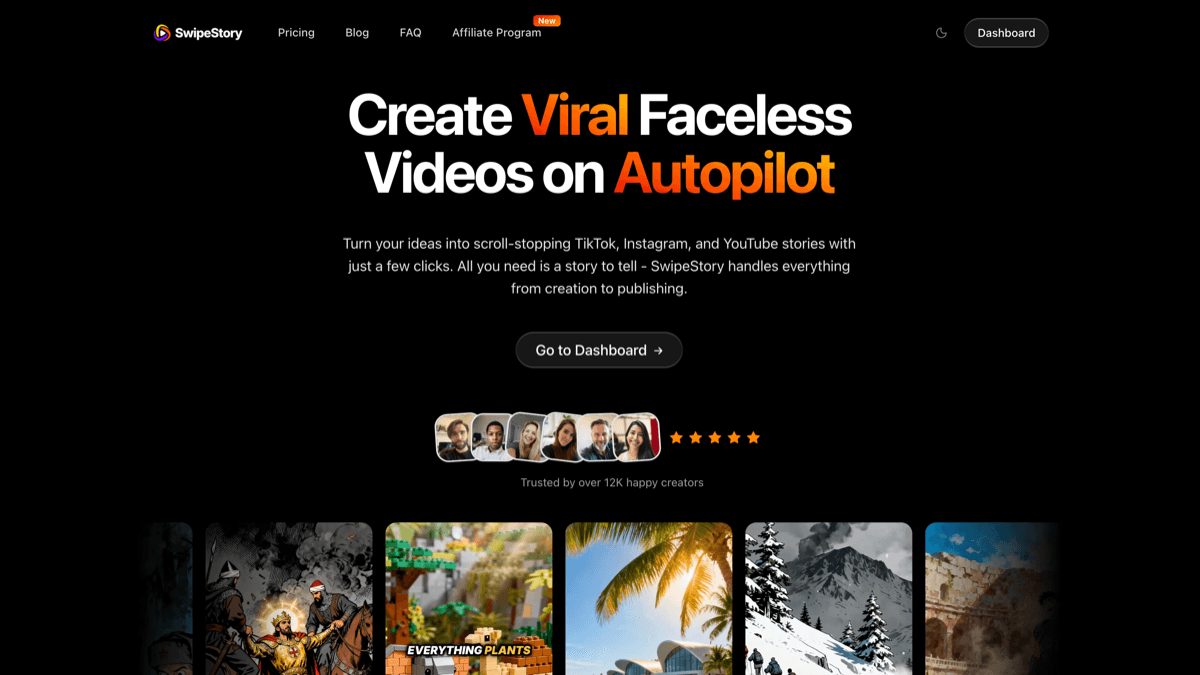
SwipeStory's AI YouTube Shorts generator is the best starting point if you want to turn a script into a finished vertical Short without stitching together separate tools. The current public tool page shows a script input, voice choices, visual styles, and a four-step workflow: write the script, choose a voice, select a style, then generate and refine.
That makes SwipeStory especially strong for faceless channels and repeatable creator systems. You can write one script, generate a Short, tune the edit, then build more episodes around the same topic or format. The broader product also supports AI visuals, voiceovers, captions, background music, editing, rendering, and scheduled publishing across TikTok, YouTube Shorts, and Instagram Reels.
Current pricing is also clear. The pricing page lists Hobby at $16/month billed annually with 120 credits, Creator at $31/month billed annually with 300 credits, Influencer at $55/month billed annually with 600 credits, and Studio at $174/month billed annually with 2,000 credits during the current sale.
Choose SwipeStory if:
- You want to start from a script, idea, or faceless channel concept.
- You want captions, visuals, voice, and vertical formatting in one workflow.
- You care about a publishing rhythm, not only one finished file.
If you are building a broader short-form system, pair this with the AI TikTok video generator, AI Reel generator, and faceless AI video generator.
2. Invideo AI: Best for Prompt-Based Faceless Shorts
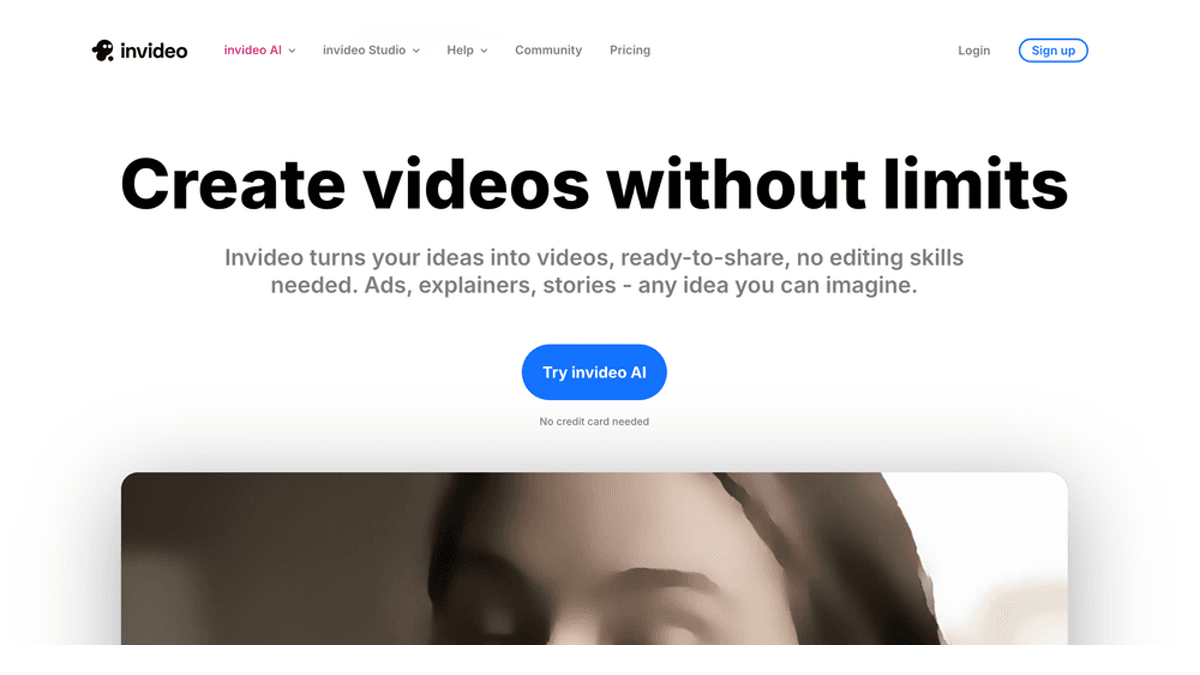
Invideo AI is a strong option if you want to type a prompt and let the system build a full faceless Short. Its official AI YouTube Shorts generator page says the tool can write the script, create scenes, add generative media, voiceovers, subtitles, sound effects, and output a complete video.
That breadth is useful for creators who do not want to manually gather media or build a scene plan. Invideo also emphasizes a large stock media library, AI voices in many languages, and text-command editing through its Magic Box workflow.
The tradeoff is control. A broad prompt-to-video tool can get you moving quickly, but you still need to inspect the script, claims, visuals, music, and pacing. If your channel depends on a consistent recurring format, a more focused Shorts production workflow may be easier to repeat.
Choose Invideo AI if:
- You want the AI to create the first draft from a simple idea.
- You need a large media library and multilingual voice support.
- You are comfortable reviewing and correcting an AI-built draft before publishing.
3. Revid.ai: Best Broad AI Video Toolkit
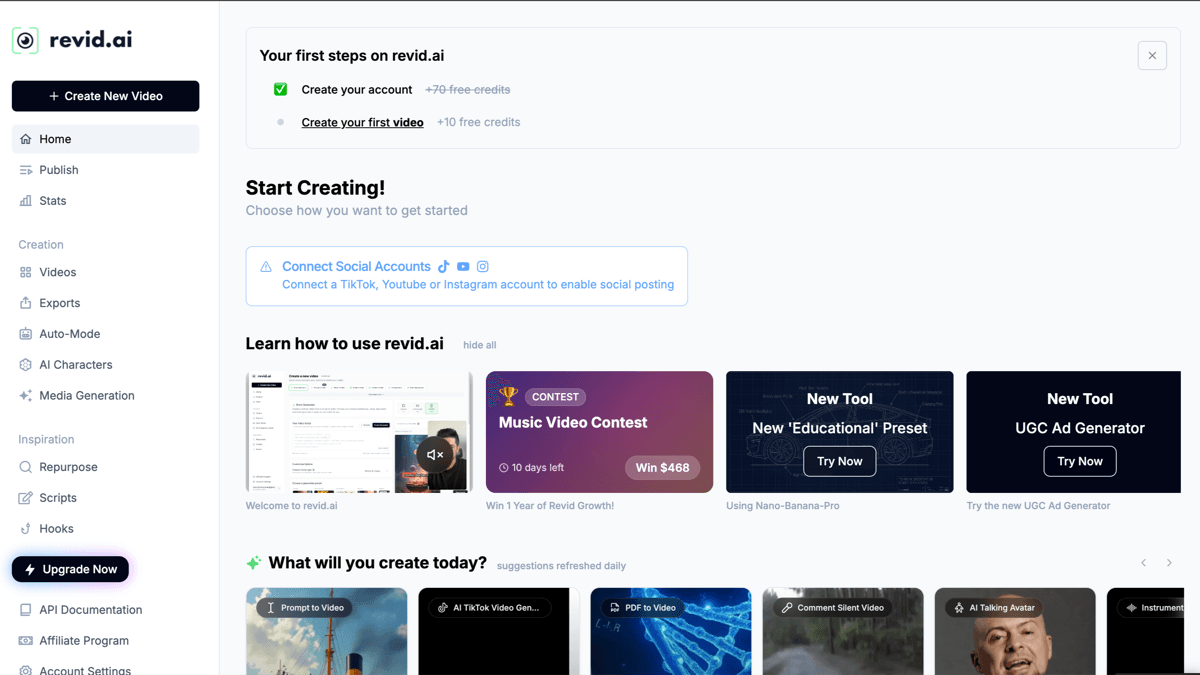
Revid.ai is a broad AI video workspace rather than a narrow YouTube Shorts tool. Its current pricing page lists Hobby at $39/month, a Growth plan surfaced at $39/month during the checked promo state, Elite at $89/month, and Ultra at $199/month. Growth highlights 100+ AI video tools, 70+ language voiceovers, text/link/recording inputs, scripts and rewrites, publishing to TikTok, Instagram, and YouTube, API/MCP/CLI access, Auto-Mode workers, and 2,000 AI credits per month.
That is a lot of surface area. Revid belongs high on the list if you want to test many short-form formats: prompt-to-video, link-to-video, hooks, scripts, avatars, voice tools, and social publishing. It may be less ideal if you want one highly focused Shorts workflow with fewer choices.
Choose Revid.ai if:
- You want the widest toolkit more than the simplest workflow.
- You experiment across Shorts, TikTok, Reels, ads, and repurposed clips.
- You value publishing and automation features alongside generation.
For a deeper competitor breakdown, read our Revid.ai review and alternatives.
4. StoryShort: Best for Faceless Story Channels
StoryShort is built for faceless story-style content. Its pricing page lists Starter at $39/month for 40 videos per month, one series, 400 credits, and auto-posting; Growth at $69/month; Influencer at $129/month; and Ultra at $199/month.
StoryShort is a good fit for channels where the format is the product: scary stories, Reddit-style stories, history, true crime, finance explainers, list videos, gaming lore, or motivational storytelling. It is less general than Invideo or Revid, but that focus can be useful if your channel is narrative-first.
Choose StoryShort if:
- You want an automated story-video workflow.
- You care about ongoing faceless series, not one-off edits.
- Your Shorts depend on narration, pacing, and topic packaging.
If you are deciding between story tools, our StoryShort AI alternative article goes deeper on where SwipeStory fits.
5. OpusClip: Best for Turning Long Videos into Shorts
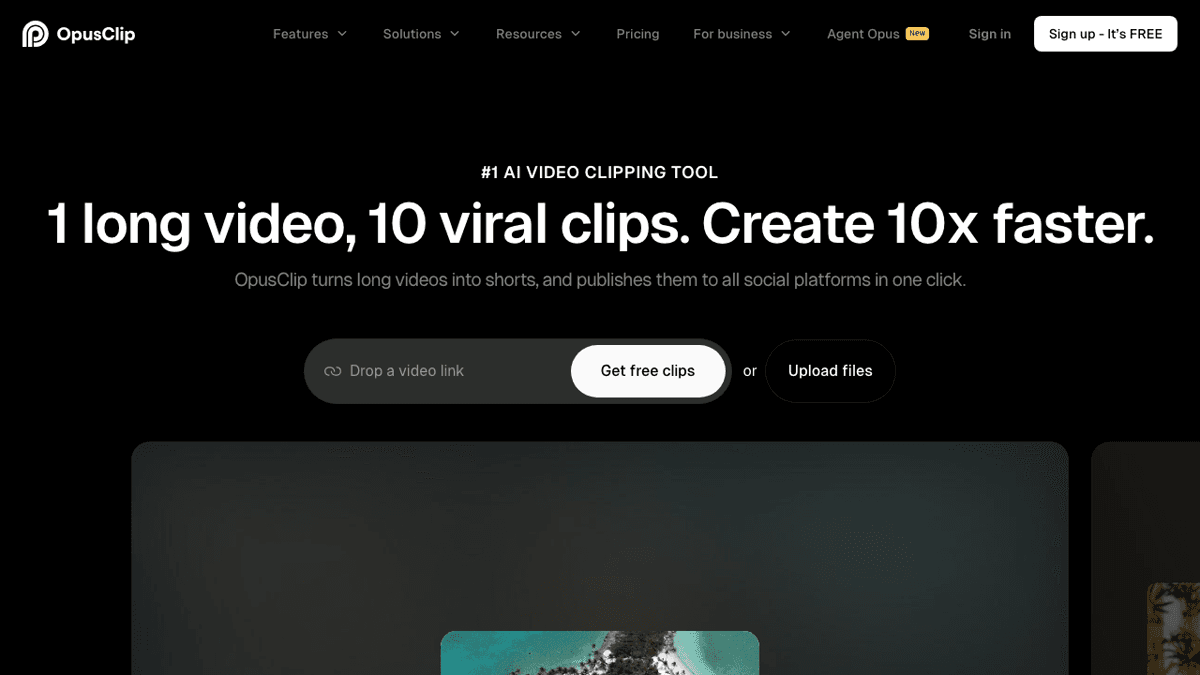
OpusClip is the best-known option when your source material already exists. Its current pricing page lists a Free plan with 60 credits per month, Starter at $15/month with 150 credits, and Pro at $29/month or $14.50/month billed annually in the surfaced annual state. It also highlights AI clipping, virality scoring, animated captions, auto-posting to YouTube Shorts, TikTok, and Instagram Reels, multiple aspect ratios, social scheduling, and editor features.
This is not the same job as prompt-to-video generation. OpusClip is ideal for podcasts, interviews, webinars, tutorials, and talking-head channels where the hard part is finding strong clips inside long videos. It is not the best first choice if you have no footage and want AI to build a Short from an idea.
Choose OpusClip if:
- You already publish long-form YouTube videos or podcasts.
- You want AI to find highlights, reframe, caption, and schedule clips.
- You care more about repurposing than generating original faceless videos.
For the faceless-video angle, see our Opus Clip alternative for faceless videos.
6. VEED: Best Browser Editor with AI Shorts Tools
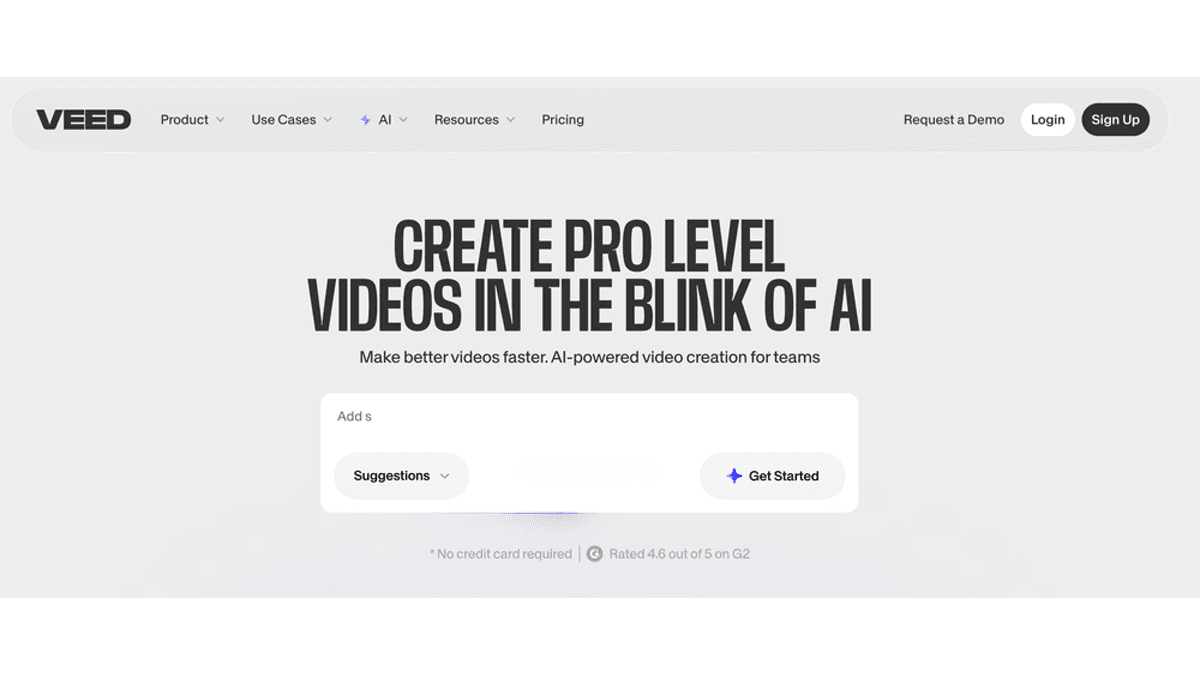
VEED is a strong pick for teams that want AI clipping plus a familiar browser editor. Its YouTube Shorts maker page says you can upload a video or paste a YouTube link, let AI select engaging segments, customize size and caption style, then download or edit the results. VEED also positions itself as a broader AI video platform with captions, voices, stock footage, branding, and collaboration.
VEED makes the most sense when you want to keep editing control after AI does the first pass. For example, you might generate clips from a webinar, then adjust captions, add branded elements, and export several versions. That editor-led workflow is useful for businesses and teams, but it may be more hands-on than a solo creator wants for daily faceless Shorts.
Choose VEED if:
- You want AI assistance inside a full online editor.
- Your workflow starts from source videos, customer clips, trainings, or webinars.
- Brand control and collaboration matter more than one-click automation.
7. SendShort: Best for Mixed Captions, Faceless Videos, and Scheduling
SendShort sits between a clipping tool and a faceless-video tool. Its pricing page lists Starter at $19/month monthly or $15/month billed annually, Professional at $29/month monthly or $23/month annually, and Business at $59/month monthly or $47/month annually. The Starter tier includes 20 imported shorts per month, no watermark, AI captions, free B-roll and sound effects, and three faceless videos per week. Business unlocks unlimited long-video-to-short workflows, unlimited faceless videos weekly, and automatic publishing.
That mixed model is useful if you do not want to decide between faceless generation and repurposing yet. It is less focused than SwipeStory for script-to-Short creation and less established than OpusClip for high-volume clipping, but it offers a practical bundle.
Choose SendShort if:
- You want captions, B-roll, faceless video limits, and scheduling in one subscription.
- You publish both original faceless Shorts and clips from existing footage.
- You want a low entry price and can work within weekly faceless-video limits.
8. Pictory: Best for Scripts, Articles, and Webinars
Pictory is a good fit for marketers, educators, and teams turning written or recorded content into Shorts. Its AI YouTube Shorts generator page supports text-to-video and long-form video highlight workflows, and its pricing page lists Starter at $25/month billed annually, Professional at $35/month billed annually during the checked offer state, Team at $119/month billed annually, and Enterprise custom.
Pictory is strongest when you already have assets: a script, blog post, article, webinar, Zoom recording, podcast, or training video. It is not the leanest option for a faceless creator who wants to generate dozens of Shorts from quick prompts, but it is practical for content repurposing and business education.
Choose Pictory if:
- You turn articles, scripts, webinars, or trainings into videos.
- You need stock media, voiceovers, captions, and brand kits.
- Your team values repeatable business content over trend-speed posting.
Which AI YouTube Shorts Generator Should You Choose?
Use this decision rule:
- Choose SwipeStory if you want to go from script or idea to a finished Short and keep a publishing rhythm.
- Choose Invideo AI if you want a broad prompt-to-video system for faceless drafts.
- Choose Revid.ai if you want the largest AI video toolbox.
- Choose StoryShort if your channel is story-first.
- Choose OpusClip if you already have long-form videos.
- Choose VEED if you want AI clipping inside a browser editor.
- Choose SendShort if you want a mix of captions, faceless generation, and scheduling.
- Choose Pictory if your Shorts come from scripts, articles, webinars, or business content.
For most new faceless creators, the cleanest path is to start with a script workflow. Write one strong Short, generate it in SwipeStory, edit the first draft, then turn the same format into a recurring series. Once you have longer videos or podcasts, add a repurposing tool later.
Common Mistakes When Choosing a Shorts Generator
The first mistake is confusing "AI Shorts generator" with "AI clipper." A generator creates a Short from an idea, script, article, or prompt. A clipper finds short segments inside existing footage. Both are useful, but they are not interchangeable.
The second mistake is ignoring YouTube's rules. Shorts can be up to three minutes when they meet the current square or vertical format requirements, but longer does not automatically mean better. Most creators should still write tightly, especially when the Short is designed for retention, comments, or subscribers.
The third mistake is publishing AI drafts without review. Check facts, voice pronunciation, captions, music rights, visual consistency, and sensitive claims before uploading. AI can speed up production, but it does not remove editorial responsibility.
The fourth mistake is treating every platform the same. A Short can be reused on TikTok and Reels, but hooks, captions, length, and CTAs often need small changes. SwipeStory supports platform-specific workflows through the AI YouTube Shorts generator, AI TikTok video generator, and AI Reel generator.
Final Recommendation
If you are starting a new YouTube Shorts channel from scripts, prompts, or faceless ideas, choose SwipeStory first. It covers the core production chain: script, voice, visuals, captions, style, rendering, and scheduled publishing. That is the workflow most creators need before they worry about advanced repurposing.
If you already have source footage, choose OpusClip or VEED. If you want a broader AI video lab, test Revid.ai or Invideo AI. If you publish story-first faceless content, compare StoryShort with SwipeStory before committing.
The best AI YouTube Shorts generator is the one that matches your input, your review process, and your publishing cadence. The tool matters, but the repeatable format matters more.
Frequently Asked Questions
What is the best AI YouTube Shorts generator?
SwipeStory is the best fit for most creators who want to turn scripts or ideas into finished YouTube Shorts with voiceover, visuals, captions, editing, rendering, and publishing support. OpusClip is better if you already have long-form videos and need clips.
Can AI create YouTube Shorts from text?
Yes. Tools like SwipeStory, Invideo AI, Revid.ai, StoryShort, and Pictory can create short-form videos from scripts, prompts, or written source material. You should still review the script, visuals, music, captions, and factual claims before publishing.
Are AI-generated YouTube Shorts monetizable?
AI-generated Shorts can be monetizable when they follow YouTube policies, are original enough, and avoid reused or copyrighted material issues. Do not assume an AI tool automatically makes content eligible. Review YouTube's monetization and originality rules before scaling.
Should I use a Shorts generator or a clipping tool?
Use a Shorts generator when you start from an idea, prompt, script, or faceless format. Use a clipping tool when you already have podcasts, interviews, webinars, or long YouTube videos and want AI to find the best segments.
Sources
- YouTube Blog: Tall updates coming to Shorts
- YouTube Blog: Veo 2 is coming to YouTube Shorts
- SwipeStory AI YouTube Shorts generator
- SwipeStory pricing
- Invideo AI YouTube Shorts generator
- Revid.ai pricing
- StoryShort pricing
- OpusClip pricing
- VEED YouTube Shorts maker
- SendShort pricing
- Pictory AI YouTube Shorts generator
- Pictory pricing
