Social Media Video Schedulers Comparison for Creators

Stella writes SwipeStory guides about AI faceless video creation, short-form video strategy, creator tools, and automated publishing workflows.
If you publish short-form video more than once a week, an AI-first end-to-end platform beats a standalone scheduler every time. Swipestory has already powered over 60,000 short videos generated by creators who needed script-to-publish automation without the manual reformatting tax. This guide gives you a prioritized checklist, a 14–30 day trial plan, and a starter workflow so you can make a confident decision fast.
Pick your class of tool based on cadence and workflow:
- AI end-to-end platform (Swipestory): Best when you publish 1+ videos per week and want script generation, voiceover, auto-resize, and auto-publish in one place.
- Lightweight scheduler (Buffer, native tools): Best for low-volume creators posting 1–3 times per week on a single platform who already have finished video files.
- Enterprise suite: Best for multi-brand agencies that need approval workflows, social listening, and compliance controls. Free trials typically run 14–30 days; free forever tiers usually cover 1–3 channels.
Table of Contents
- What does a social media video schedulers comparison actually measure?
- Which features actually matter by creator size?
- How to run a 14–30 day trial and decide with real evidence
- How Swipestory meets the buying checklist
- A 30–60 minute workflow from script to scheduled post
- Key Takeaways
- The mistake most creators make when picking a video scheduler
- Swipestory turns your idea into a scheduled post in under an hour
- Useful resources to read next
What does a social media video schedulers comparison actually measure?
The market has shifted beyond simple scheduling toward integrated platforms that combine AI editing, script generation, and auto-publishing. A calendar and a queue are table stakes now. What separates tools is what happens before and after the schedule button.

| Dimension | Why it matters for short-form video |
|---|---|
| AI features (script, voiceover, edit) | Cuts creation time from hours to minutes |
| Auto-publish & platform support | Determines whether you need manual exports |
| Auto-resize / format presets | Eliminates per-platform re-exports |
| Pricing / free-tier generosity | Sets your cost floor before you scale |
| Team features & approvals | Critical for small teams; overhead for solos |
| Ease of onboarding | Affects how fast you see real results |
| Cloud rendering speed | Determines turnaround per video |
| Captioning & customization | Affects accessibility and brand consistency |
| Mobile vs. desktop parity | Matters if you publish on the go |
| Integrations & security | CRM, analytics, and data-handling policies |
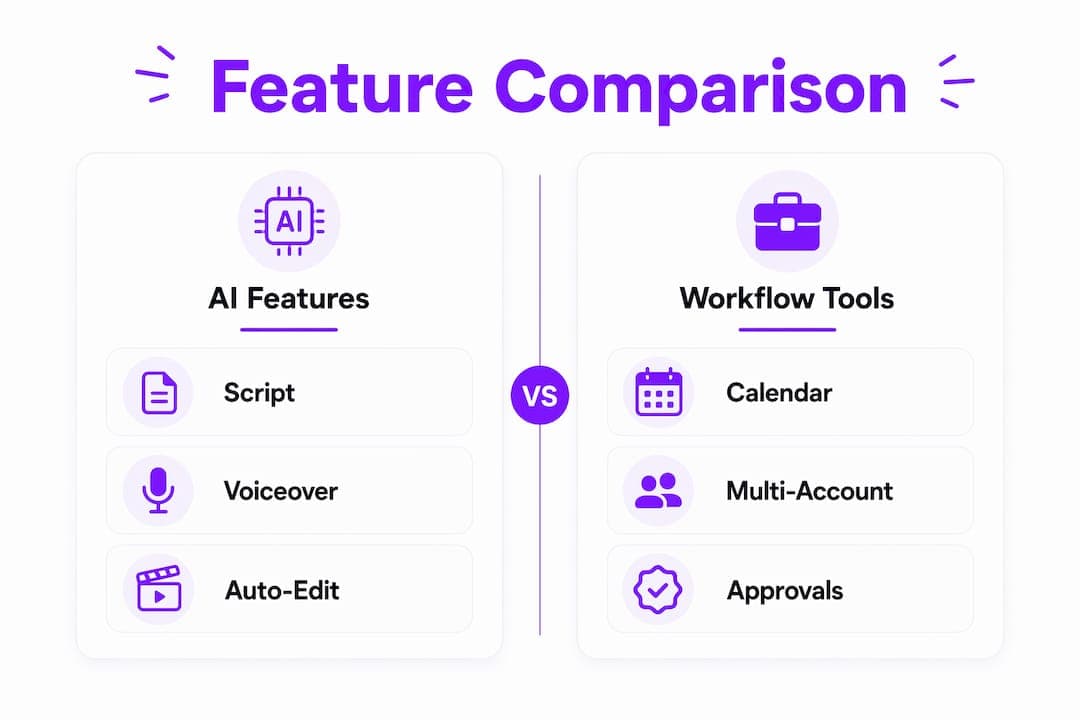
How to weight these rows: Solo creators should weight AI features, auto-resize, and onboarding speed most heavily. Small teams add approvals and multi-account support. Agencies prioritize governance, white-label reporting, and deep analytics. Automated platform-specific formatting alone can cut distribution time from 30+ minutes to under 5 minutes per post in many workflows, so never treat it as a cosmetic feature.
Pro Tip: Before comparing pricing pages, list your three primary platforms. A tool that nails TikTok and Reels but lacks YouTube Shorts native publishing is a mismatch if Shorts is 40% of your strategy.
Which features actually matter by creator size?
Solo creators
Time-per-post is the single metric that matters most. Prioritize:
- AI script generation so you never start from a blank page
- Auto-formatting to your primary 1–2 platforms
- A free tier or low-cost starter plan (Buffer's free plan covers multiple channels; Later offers an entry plan billed annually.)
- Cloud rendering so you are not waiting on a local machine
Visual grid preview tools like Later's drag-and-drop calendar are genuinely useful for Instagram-first creators, not just cosmetic. If your feed aesthetic drives follower decisions, that preview is part of production quality.
Small teams
Add approvals, shared asset libraries, and multi-account publishing to the list. Without an approval step, a single off-brand post can undo weeks of content work. Tools like Hootsuite and Planable handle this well, though Hootsuite's Standard plan starts at a high monthly rate, which is hard to justify until you have several team members who share the calendar.
Agencies and large teams
Enterprise governance, white-label reporting, and deep analytics become the real differentiators. Sprout Social and Hootsuite target this segment, with Sprout Social starting at a high price per user per month.
Pro Tip: If you are a solo creator or a two-person team, skip enterprise suites entirely. The approval workflows and listening tools add overhead that does not pay off until you are managing multiple brands or clients. Start simple, upgrade when limits actually block you.
Cost timeline: Most creators can onboard a lightweight scheduler in under an hour. An AI end-to-end platform like Swipestory typically takes one session (30–60 minutes) to connect accounts, generate a first video, and schedule it. Plan to upgrade tiers when your monthly video volume consistently hits the credit ceiling of your current plan.
How to run a 14–30 day trial and decide with real evidence
Vendor feature pages tell you what a tool can do. A hands-on trial tells you whether it fits your workflow. Define success criteria before you start, not after.
Trial success criteria checklist:
- Native auto-publish confirmed (not just a mobile-notification fallback) for your primary platforms
- Auto-resize quality acceptable without manual touch-ups
- Caption accuracy above your minimum threshold
- Cloud render time under your target (aim for under 5 minutes for a 60-second clip)
- Support response within 24 hours on at least one test ticket
Sample 7-day test plan:
| Day | Action | What to record |
|---|---|---|
| — | Connect accounts, import assets | Time to connect; any auth errors |
| 1 | Draft a script using AI tools | Time from prompt to usable script |
| 2 | Render video with voiceover | Render time; quality check |
| 3 | Schedule and auto-publish to 2 platforms | Native publish confirmed vs. notification fallback |
| 5 | Test captions, adjust branding | Caption accuracy; customization time |
| 7 | Publish a second video; test edge cases | Total time per post end-to-end |
| 7 | Iterate; test series/batch features | Time saved vs. your previous workflow |
One critical item many creators miss: not every "auto-publish" claim means true native publishing. API limitations can still force mobile-notification fallbacks for certain post types, especially Stories and some Reels formats. Always verify native publishing for your specific format before committing to a paid plan.
Measure total time saved across creation and distribution, not just feature count. That is the number that actually predicts whether you will stick with the tool.
How Swipestory meets the buying checklist
Swipestory is built specifically for the creator who wants to go from idea to published short-form video without touching a separate editor, resize tool, or scheduler.
| Capability | Swipestory |
|---|---|
| Script generation | Yes — AI drafts scripts from a prompt |
| AI editing & image generation | Yes — multiple styles (Pixar, anime, cinematic) |
| Voiceover | Yes — automated AI voiceover |
| Auto-resize for platforms | Yes — TikTok, Reels, Shorts presets |
| Auto-publish | Yes — direct publishing to major platforms |
| Captioning | Yes — customizable auto-captions |
| Cloud rendering | Yes — fast cloud-based rendering |
| Series management | Yes — templated recurring series |
The AI video generator covers the full pipeline from script to published post. Onboarding typically takes one session. The platform publishes how-to guides, including a dedicated YouTube Shorts automation guide, so you are not left figuring out edge cases alone.
Pricing follows a credit-based subscription model with a free trial. The free tier lets you test core features before committing. For creators who need end-to-end automation and publish frequently, Swipestory is the recommended all-in-one option. For a creator who publishes one polished video per month and already has a finished file, a lightweight scheduler is the more economical choice.
A 30–60 minute workflow from script to scheduled post
This is the fastest repeatable path through Swipestory's pipeline. Run it once to calibrate your actual time, then compress it as you build familiarity.
- Script drafting (5–10 min): Enter your topic or a rough idea. The script-to-video AI generates a structured script. Edit the output or use it as-is.
- Select visuals and template (5–10 min): Choose a visual style (cinematic, anime, Pixar, etc.) and a layout preset for your target platform.
- Voiceover and render (15–25 min): Select an AI voice, confirm the script, and trigger cloud rendering. Most 60-second videos render in well under 10 minutes.
- Captions and platform formatting (5–10 min): Review auto-captions, adjust timing or style, and confirm the aspect ratio preset for each platform.
- Schedule and monitor (5–10 min): Set publish time, confirm native auto-publish is active, and add the post to your content calendar.
For daily publishing: Batch-create scripts for the week in one session, then render and schedule in a second session. This cuts per-post time significantly because you stay in one mode rather than context-switching between creation and distribution.
For weekly publishing: The full workflow fits comfortably in one sitting. Use series templates for recurring formats (weekly tips, product spotlights) so you are not rebuilding structure each time.
Pro Tip: Reuse visual templates and caption styles across a series. Consistent branding reduces per-video decision time and makes your feed look intentional rather than improvised.
On mobile, you can review and approve scheduled posts, but the creation workflow is faster on desktop. Plan your creation sessions at a desk; use mobile for monitoring and last-minute rescheduling.
Key Takeaways
For creators publishing short-form video at any real cadence, an AI end-to-end platform that handles script, render, and auto-publish beats a standalone scheduler on total time saved.
| Point | Details |
|---|---|
| Shortlist by workflow, not brand | Match your primary platforms and cadence to the tool's native publishing strengths before comparing prices. |
| Auto-resize is not optional | Platform-specific formatting presets eliminate per-post re-exports and cut distribution time substantially. |
| Verify native auto-publish | Confirm true native publishing for your specific format during the trial; notification fallbacks add manual steps. |
| Trial success = time saved | Measure total time per post (creation + distribution) over a 14–30 day trial period, not feature count. |
| Swipestory for full automation | Swipestory covers script to scheduled post in one platform, with 60,000+ videos generated and a free trial to start. |
The mistake most creators make when picking a video scheduler
The single biggest error is choosing a tool because it topped a "best of" list rather than because it fits the actual workflow. A platform that excels at Instagram grid planning is genuinely the wrong tool for a creator whose primary output is YouTube Shorts. The features are real, but they solve a different problem.
The second mistake is buying enterprise complexity too early. Approval workflows, social listening, and white-label reporting are valuable at scale. For a solo creator or a two-person team, they are friction. The overhead of learning and maintaining those features costs more time than they save until you are managing multiple brands or a real client roster.
What actually matters is the ratio of time invested to content published. An AI-driven platform that handles script, render, resize, and publish in one session changes that ratio dramatically compared to stitching together a separate editor, a resize tool, and a scheduler. That is the trade-off worth evaluating during a trial, not which tool has the longer feature list.
Swipestory turns your idea into a scheduled post in under an hour
Most video workflows break at the same point: you have an idea, but getting from that idea to a published, correctly formatted post on three platforms takes 90 minutes of tool-switching. Swipestory closes that gap. The social media video maker handles scriptwriting, AI voiceover, cloud rendering, auto-resize for TikTok, Reels, and Shorts, and direct publishing, all inside one platform.
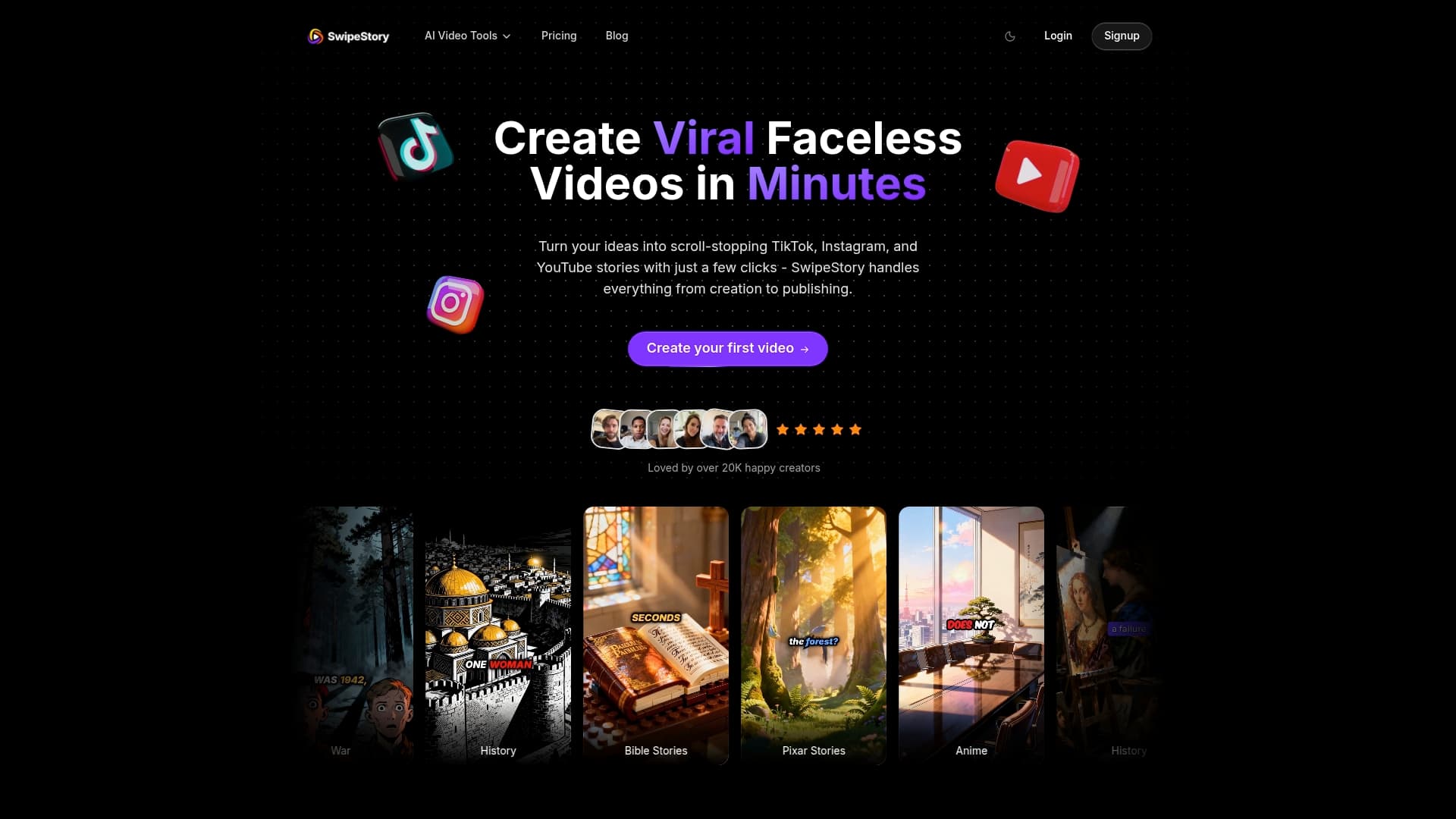
Start the free trial, run the 14–30 day checklist from this guide, and measure your actual time per post. Connect your accounts, generate your first video using the script-to-video tool, and schedule it. Most creators complete that first end-to-end run in under an hour. Pricing is credit-based, so you only consume credits when you generate videos. Support is available if you hit a snag during onboarding. Start at swipestory.click and run the trial against your real publishing cadence.
Useful resources to read next
- Social Media Video Maker — Swipestory's primary product page covering auto-resize, auto-publish, and cloud rendering. Start here to map features to your buying checklist.
- YouTube Shorts Automation Guide — Step-by-step guide for automating Shorts publishing. Consult this during your trial when testing YouTube-specific publishing.
- Simple Video Tools for Non-Creators — Practical walkthrough for creators without editing experience. Useful if the rapid workflow section felt like too many steps.
- Best AI Content Repurposing Tools — Partner resource covering tools that extract short clips from long-form content. Relevant if you want to feed repurposed clips into your scheduling workflow.
- How to Repurpose a Podcast into Short Clips — Tactical guide for turning podcast episodes into social-ready clips. Pair with Swipestory's scheduler for a complete creation-to-distribution pipeline.
