Vizard AI Alternative for Shorts

Stella writes SwipeStory guides about AI faceless video creation, short-form video strategy, creator tools, and automated publishing workflows.
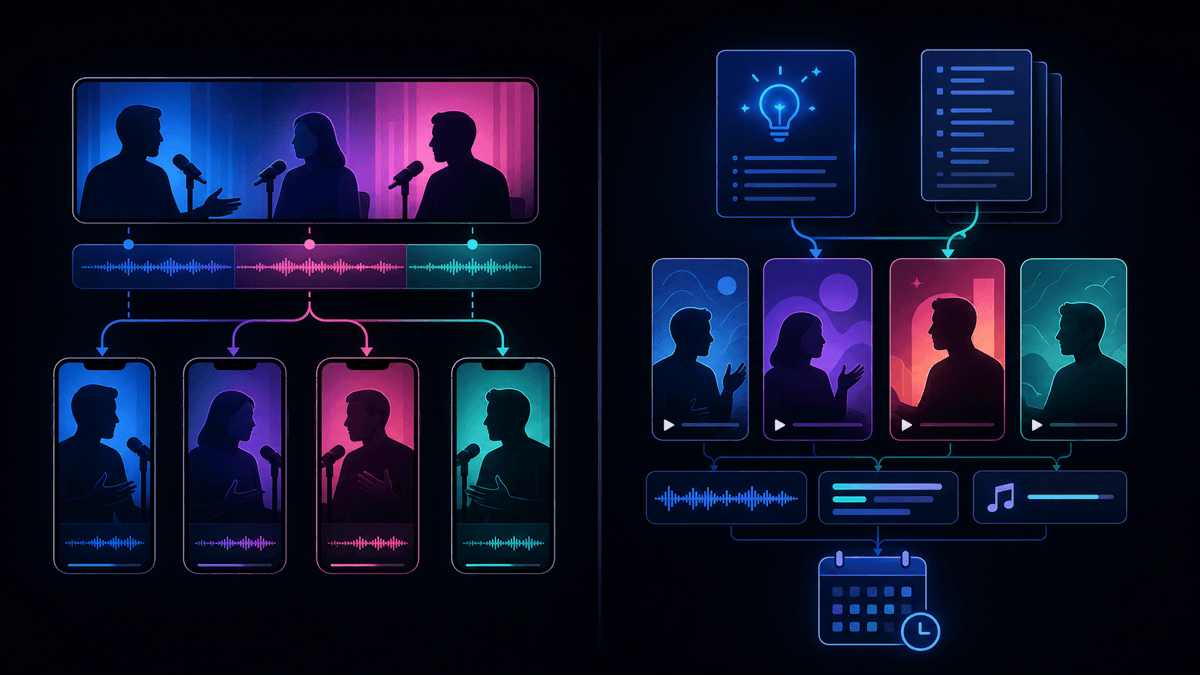
The best Vizard AI alternative is SwipeStory when you want original faceless shorts from prompts or scripts instead of extracting clips from long videos. Vizard is a strong repurposing tool for webinars, podcasts, interviews, courses, and YouTube videos that already exist. Choose SwipeStory when your bottleneck is making new short-form content: hooks, scripts, visuals, voiceover, captions, music, rendering, repeatable series, and scheduled publishing for TikTok, YouTube Shorts, and Instagram Reels.
Updated June 12, 2026. We checked Vizard's current homepage, video repurposing tool page, and pricing page, plus SwipeStory's homepage and pricing page and YouTube's current Shorts documentation. Product packaging changes often, so treat this as a workflow buying guide and re-check the live checkout or workspace upgrade screen before purchasing.
Quick Verdict
| Need | Better fit | Why |
|---|---|---|
| Turn long videos into many clips | Vizard | Its public pages focus on uploads, AI clipping, transcript editing, reframing, captions, B-roll, and publishing |
| Create faceless shorts from a blank page | SwipeStory | Starts with an idea, prompt, or script and builds the full video around it |
| Repurpose podcasts, webinars, or interviews | Vizard | The source footage already exists, so clipping is the right category |
| Build a no-camera TikTok, Shorts, or Reels series | SwipeStory | Series-style creation, voiceover, captions, visuals, music, rendering, and scheduling are the core workflow |
| Need both workflows | Use both deliberately | Clip existing footage with Vizard, then create net-new faceless videos with SwipeStory |
If you already record long-form content, test Vizard first. If you do not have footage yet, start with SwipeStory's faceless AI video generator, Script to Video AI, or the AI Shorts generator guide.
What Vizard AI Does Well
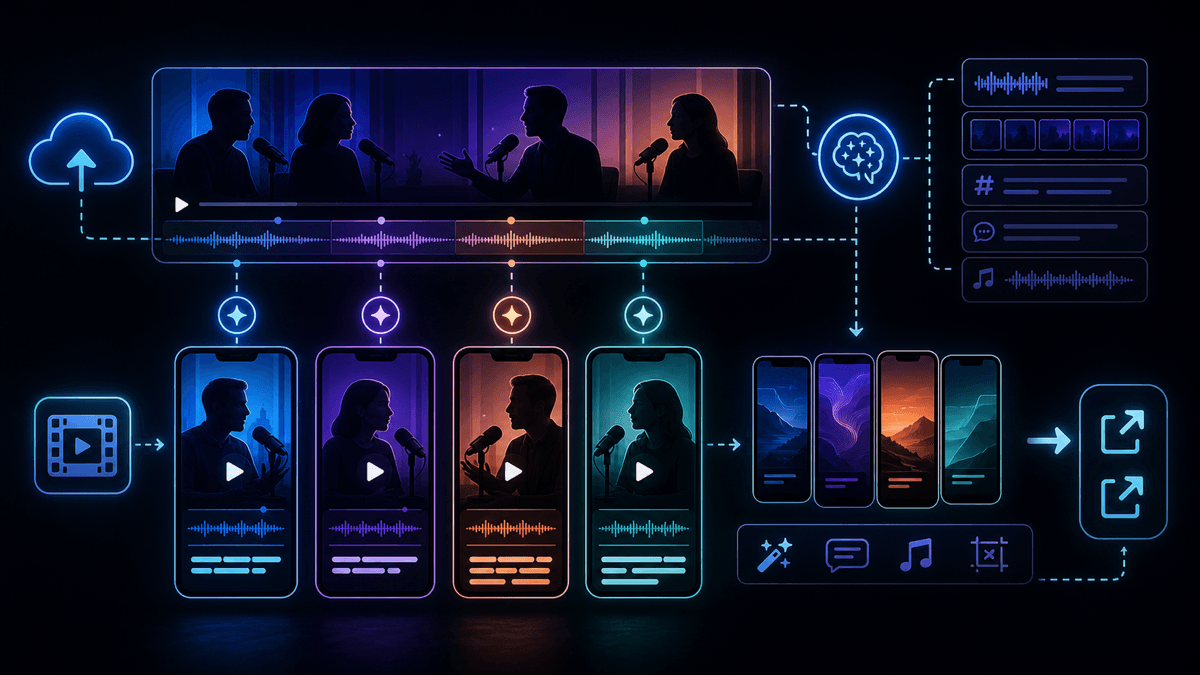
Vizard positions itself around turning long-form video into short clips. Its homepage says Vizard uses AI to turn long videos into clips for TikTok, Instagram, YouTube Shorts, and other channels. The same page highlights a practical sequence: upload and transcribe, click to get AI clips, then download, share, or publish.
The Vizard video repurposing tool page is even more specific. It says the product can turn webinars, podcasts, and Zoom recordings into short clips optimized for TikTok, Instagram Reels, and YouTube Shorts. It also describes AI highlight extraction, automatic subtitles, brand kit support, smart vertical cropping, subtitle translation, AI B-roll, templates, direct publishing, and a content calendar.
That makes Vizard useful when the hard work has already happened. You recorded a podcast, webinar, course, workshop, demo, interview, or long YouTube video, and now you need short-form distribution assets.
Vizard is worth testing if:
- You have a library of long videos and want more posts from the same footage.
- You need AI to find highlights instead of manually scrubbing timelines.
- You care about transcript editing, captions, translation, auto reframing, and vertical cropping.
- You want brand templates, custom fonts, link sharing, team collaboration, or external project viewers.
- You are publishing clips from a speaker-led asset where the original footage matters.
The limitation is category fit. Vizard can help you get more out of footage you already made. It does not remove the need to create the original recording, decide the story, record the speaker, or build a no-camera channel from a niche idea.
Vizard Pricing Checked June 12, 2026
Vizard's public pricing page currently exposes a Free plan, Creator plan, and Business plan. The accessible text layer showed the Free plan with 60 credits per month, one social media account, AI-generated clips, 720p export, video editor access, and three-day storage.
For Creator and Business, the pricing page showed the plan structure and feature limits but returned $0 placeholders for paid dollar amounts in the text snapshot. Because of that, do not rely on any scraped dollar price for Vizard today. Re-check the live workspace upgrade screen or checkout page before buying.
The useful current pricing signals are the plan limits:
| Pricing signal checked | Free | Creator | Business |
|---|---|---|---|
| Monthly credits | 60 | From 600 | From 600 |
| Upload video length | 60 minutes | 600 minutes | 600 minutes |
| Upload file size | 1 GB | 10 GB | 10 GB |
| Export quality | 720p | 4K | 4K |
| Social media accounts | 1 | 6 | 20 |
| Storage | 3 days | As long as subscribed | As long as subscribed |
| Notable upgrades | Editor access | No watermark, scheduling, forever storage | Shared workspace, team members, brand kit, custom fonts |
The credit model also matters. Vizard's pricing page says one credit equals one minute of uploaded video. That is a repurposing-friendly model because the input is existing footage. A 90-minute webinar or a 45-minute podcast consumes upload minutes before you approve any clip.
If your raw material is a prompt, a script, or a list of episode ideas, those Vizard limits are less relevant. You are not trying to process minutes of source footage. You are trying to generate a short video from scratch.
Vizard vs SwipeStory

SwipeStory is the stronger Vizard AI alternative when your starting point is an idea, prompt, or finished script. SwipeStory turns prompts or scripts into vertical videos with AI-generated visuals, voiceovers, captions, background music, editing, rendering, and scheduled publishing for TikTok, YouTube Shorts, and Instagram Reels.
SwipeStory's current homepage describes turning ideas into TikTok, Instagram, and YouTube stories, with the product handling the workflow from creation to publishing. It also describes script writing, video creation with voiceover, captions, AI-generated voiceovers, background music, cloud rendering, and direct publishing.
SwipeStory's pricing page checked June 12, 2026 shows annual Summer Creator Sale pricing with Hobby at $16/month for 120 credits and one series, Creator at $31/month for 300 credits and two series, Influencer at $55/month for 600 credits and three series, and Studio at $174/month for 2,000 credits and five series. The visible plan table includes custom AI voiceovers, background music, auto-captions, all art styles, no watermark, automated posting, and fast video generation across the paid plans.
The practical difference:
| Question | Vizard | SwipeStory |
|---|---|---|
| What do you start with? | Long videos, webinars, podcasts, interviews, or uploads | A prompt, idea, script, or faceless series premise |
| Core job | Repurpose source footage into clips | Create original faceless videos from scratch |
| Best user | Podcaster, webinar host, educator, marketer, agency, or long-form creator | Creator building repeatable no-camera TikToks, Shorts, and Reels |
| Captions | Part of clipping, transcript, subtitle, and translation workflow | Part of the full generated video workflow |
| Visuals | Mostly source-footage driven, with AI B-roll and vertical cropping | AI-generated visuals and styles are part of the draft |
| Publishing | Public pages describe direct publishing, scheduling, and content calendar | Scheduled publishing is part of the faceless series workflow |
If you are comparing tools because editing is taking too long, test SwipeStory's AI YouTube Shorts generator, AI TikTok video generator, and AI Reel generator. If the channel is intentionally no-camera, the prompt-to-video and faceless generator workflows are the cleanest starting points.
The Workflow Difference Matters
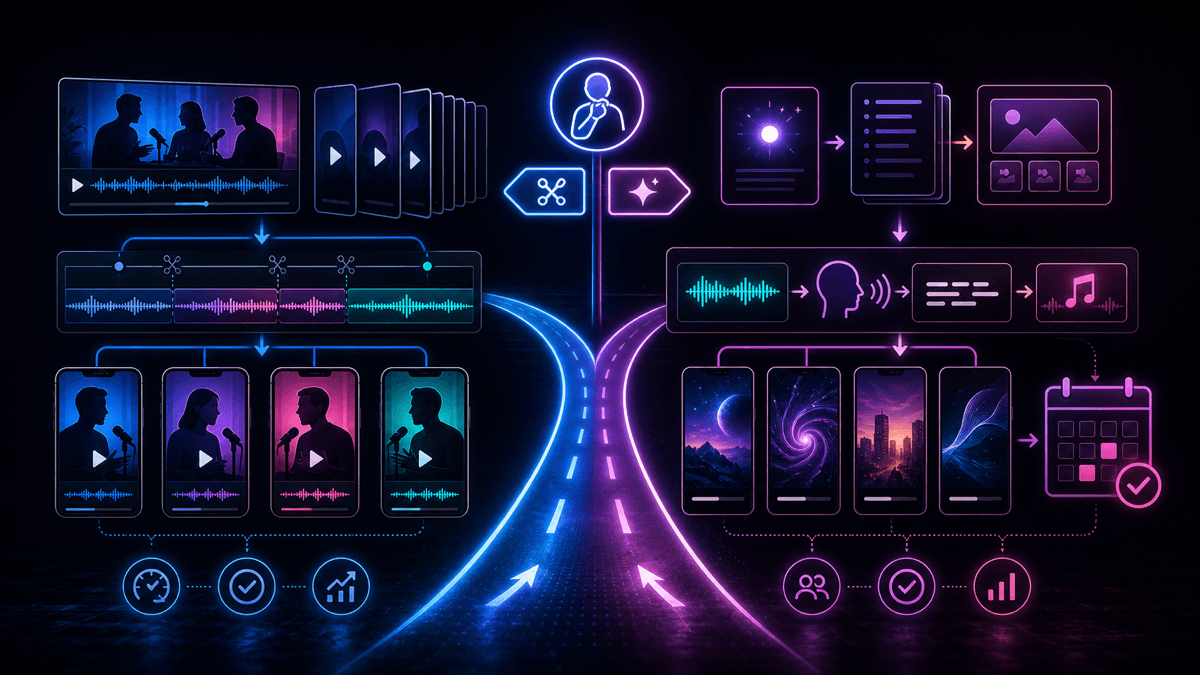
Most Vizard AI alternative searches mix two different categories:
| Starting point | Better category |
|---|---|
| A two-hour podcast | AI clipping and repurposing |
| A webinar recording | Highlight extraction, captions, and reframing |
| A finished YouTube video | Long-form to Shorts repurposing |
| A blank page and a niche idea | Prompt-to-video or faceless AI video generation |
| A final 120-word narration | Script-to-video AI |
| A daily no-camera content series | Faceless video generator with scheduling |
Buying the wrong category creates extra work. If you buy a repurposing tool with no source footage, you still need to record something before the tool can help. If you buy a prompt-to-video tool while sitting on a year of webinars, you may ignore the fastest content asset you already own.
That is why SwipeStory is not simply "Vizard with different features." It is better when the content does not exist yet. Vizard is better when the content exists and you need AI to find, format, caption, and publish the strongest moments.
Who Should Choose Vizard
Choose Vizard if your workflow is repurposing-first:
- You record podcasts, webinars, interviews, courses, or long YouTube videos.
- Your best short-form ideas are already inside existing footage.
- You want AI highlight detection and transcript-based editing.
- You need smart vertical cropping to keep speakers centered.
- You want subtitle translation, templates, brand kits, and project sharing.
- You publish many clips from each source recording.
For example, a B2B team with a monthly webinar should not start by generating unrelated faceless videos. The fastest distribution asset is the webinar archive. Vizard can help turn the recording into LinkedIn clips, Shorts, Reels, TikToks, email snippets, and social teasers.
Who Should Choose SwipeStory
Choose SwipeStory if your workflow is generation-first:
- You do not have source footage.
- You want to start with a topic, prompt, or approved script.
- You need visuals, voiceover, captions, music, rendering, and scheduling in one workflow.
- You publish across TikTok, YouTube Shorts, and Instagram Reels.
- You want repeatable series organization instead of one-off clip exports.
- You are building a faceless channel where filming is not part of the process.
For example, a creator building a "daily strange history" channel does not need AI to find highlights inside a webinar. They need hooks, short scripts, a consistent voice, relevant visuals, readable captions, background music, and a way to schedule the next week of episodes. SwipeStory fits that job better because the video starts from the premise, not from existing footage.
Platform Rules Still Need Review
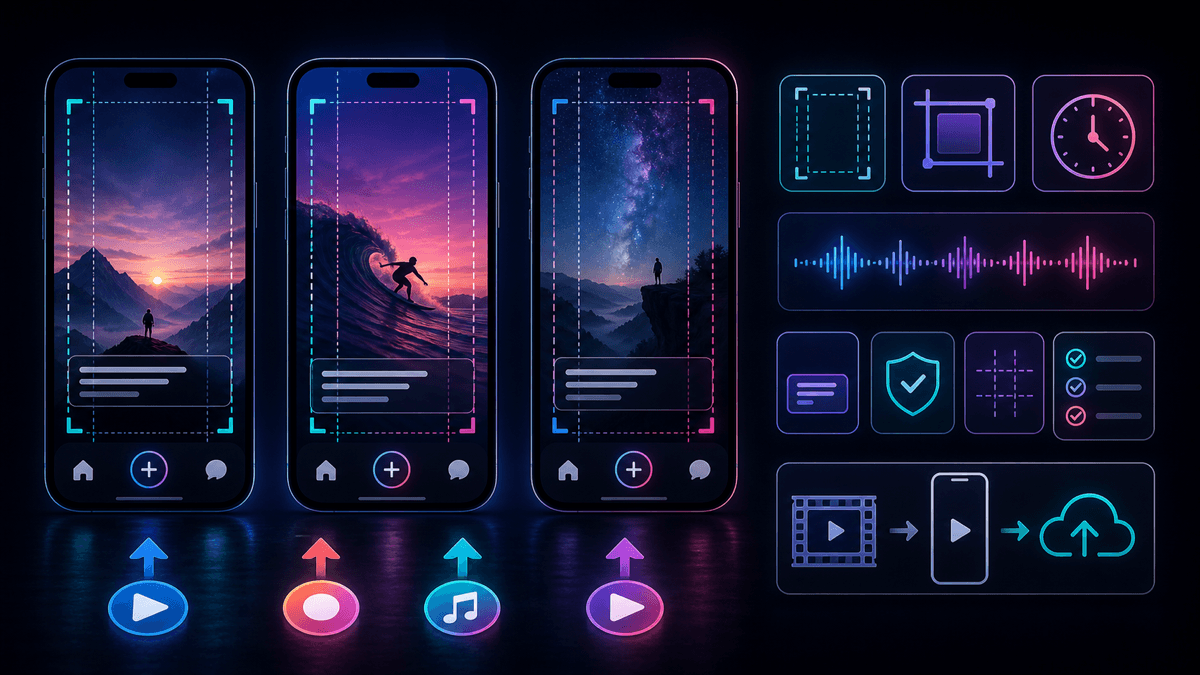
Both workflows still need platform review. YouTube Help currently says square or vertical uploads after October 15, 2024 can be categorized as Shorts when they are up to three minutes long. It also says Shorts over one minute with an active Content ID claim can be blocked globally until the claim is resolved.
That matters for both Vizard and SwipeStory. Clipping tools can inherit copyrighted music, guest claims, awkward context, low-energy intros, or captions that land under app controls. Generation tools can produce drafts that still need factual review, visual review, and mobile-safe caption placement.
Before publishing, check:
- Does the video read clearly at phone size?
- Are captions away from bottom controls and profile overlays?
- Is the hook visible or audible in the first seconds?
- Are music, clips, stock media, and source footage cleared for the platform?
- Does the video still make sense without the long-form context?
- Is the final length right for the destination?
The best tool is not the one that exports the fastest draft. It is the one that produces drafts you can approve quickly after checking format, rights, pacing, caption timing, and message fit.
Buying Checklist Before You Switch
Use this checklist before choosing Vizard, SwipeStory, or another video repurposing tool alternative:
- Define the raw material. Are you starting with long videos, short clips, a script, images, or only a topic idea?
- Match the category. Use repurposing for existing footage. Use prompt-to-video or script-to-video when the video does not exist yet.
- Check limits that map to your workflow. Vizard-style tools depend on upload minutes, file size, storage, export quality, seats, and social accounts. SwipeStory-style tools depend on credits, series, generation quality, voiceover, captions, and publishing coverage.
- Run a five-output test. One clip or one generated short is not enough. Test five outputs and track review time.
- Review platform fit. Check aspect ratio, safe zones, captions, hook pacing, music, and source rights.
- Count the hidden work. Repurposing still requires source footage. Generation still requires topic judgment and factual review.
- Avoid feature-list buying. The right tool removes the bottleneck you actually have.
A Practical SwipeStory Workflow If You Are Moving From Vizard
If you tried Vizard and realized your problem is original short-form creation, use this workflow inside SwipeStory:
- Pick one repeatable premise, such as "one-minute founder lessons," "daily strange history," or "AI tools in plain English."
- Write five hooks using the TikTok hook examples guide.
- Turn the strongest hook into a 90- to 140-word script with one idea per scene.
- Generate the first draft with a consistent voice, visual style, caption approach, and music direction.
- Review factual claims, visual relevance, pacing, caption timing, and CTA.
- Schedule the video, then create four more episodes with the same structure.
- Compare completion, saves, comments, and production time before changing the format.
The point is not to remove judgment. It is to move repetitive production work out of the way so you can spend more time on stronger topics, clearer scripts, and better hooks.
Best Vizard AI Alternatives To Consider
1. SwipeStory: Best For Faceless AI Shorts From Prompts
SwipeStory is the best Vizard AI alternative if you want original faceless videos from ideas or scripts. It is especially useful for no-camera channels, educational shorts, story videos, social-first explainers, and creators who want publishing inside the same workflow.
Start with faceless AI video generator for no-camera formats, Script to Video AI when narration is final, or AI video prompts for Shorts when you need stronger prompt structures before generation.
2. Klap: Better If You Only Need Long-Form Clipping
If your real workflow is long-video repurposing, compare Vizard against Klap. Klap is also clipping-first, so it can make sense for podcasts, interviews, webinars, livestreams, and talking-head YouTube videos. Read our Klap alternative for AI Shorts guide if you are deciding between a clipper and a generation-first tool.
3. SendShort: Another Broad AI Shorts Creator
SendShort is another product to test if you want a broad AI shorts creator with clipping, captions, translation, B-roll, faceless video features, and scheduling. Our SendShort alternative guide explains when that broader editing surface makes sense and when a focused faceless generator is cleaner.
4. Keep Vizard If Repurposing Is The Real Job
Do not switch just because another tool has a stronger faceless-video pitch. If you already have source footage and Vizard is producing usable clips quickly, stay with the repurposing category. Add SwipeStory only when you also need net-new videos that do not depend on recorded material.
Final Recommendation
SwipeStory is the best Vizard AI alternative for creators who want prompt-or-script-to-published-video creation for faceless TikToks, YouTube Shorts, and Instagram Reels. It is the better fit when the content does not exist yet and your bottleneck is building a repeatable no-camera short-form series.
Vizard remains a good choice when your workflow starts with long videos. Its official pages show a clear focus on uploading long-form content, generating clips, reframing for short-form platforms, adding captions, using templates and brand kits, sharing projects, and scheduling posts. The decision is not "which product has more features." The decision is whether you need to repurpose existing footage or generate original short-form videos from scratch.
If you are deciding today, run this test: use Vizard on one existing long video, then use SwipeStory's faceless AI video generator on one blank-page topic. Compare final quality, review time, caption readability, visual fit, publishing workflow, and how easily you can create the next four videos. That will tell you which workflow actually fits your content system.
Frequently Asked Questions
What is the best Vizard AI alternative?
SwipeStory is the best Vizard AI alternative when you want to create original faceless shorts from prompts or scripts. Vizard is better when you already have long videos and want AI to find clips, reframe them, add captions, and export short-form posts.
Is Vizard better than SwipeStory?
Vizard is better for repurposing existing long-form videos. SwipeStory is better for generating new faceless videos from ideas or scripts and scheduling them as repeatable TikTok, YouTube Shorts, and Instagram Reels content.
Does SwipeStory replace Vizard clipping?
No. SwipeStory is not a direct replacement for Vizard's long-video clipping workflow. It is a better alternative when you do not have footage yet and want to generate original short videos from prompts or scripts.
What should I check before switching from Vizard?
Check your source material first. If your team has long recordings, evaluate upload minutes, clipping quality, transcript editing, caption translation, storage, and social publishing. If your team has ideas but no footage, evaluate prompt-to-video quality, voiceover, visuals, captions, rendering, series planning, and scheduling.
