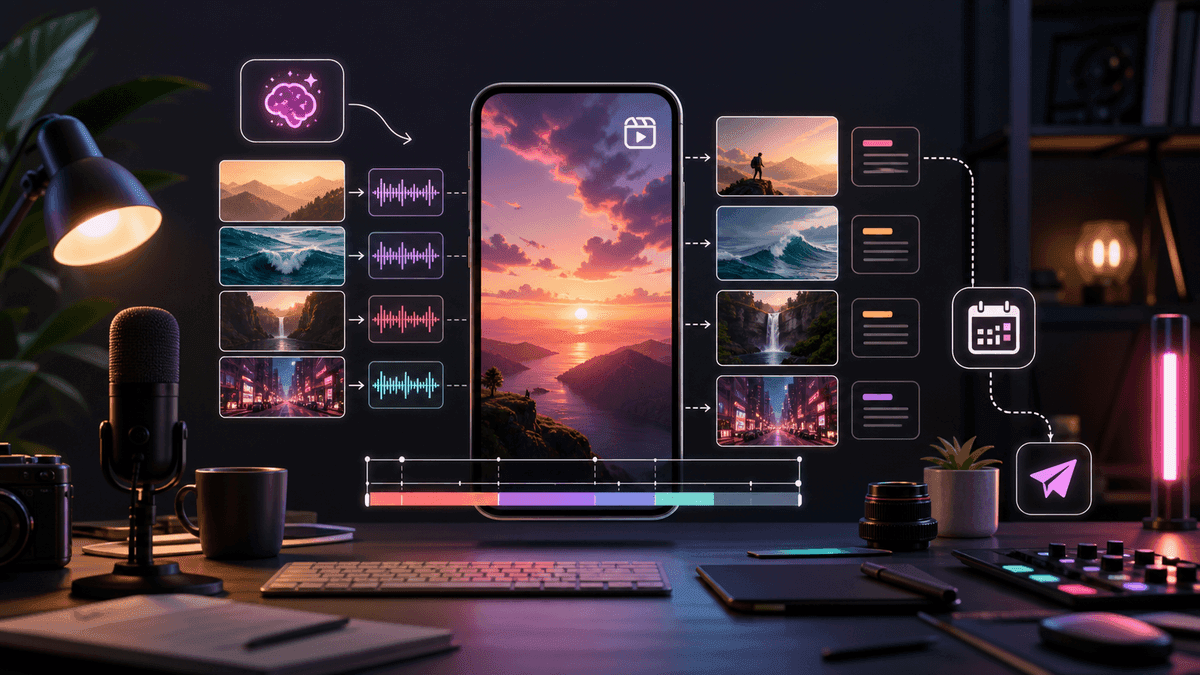
AI Instagram Reels Generator Guide

Stella writes SwipeStory guides about AI faceless video creation, short-form video strategy, creator tools, and automated publishing workflows.
An AI Instagram Reels generator should turn a script or prompt into a vertical video with a fast first frame, natural voiceover, readable captions, clean pacing, and a review process that keeps the Reel original enough to publish confidently. The best workflow is not "generate and post." It is: write one focused angle, generate a draft, check the hook, captions, claims, originality, and frame safety, then publish Reels as a repeatable series.
Updated May 15, 2026. We checked current Instagram Help Center, Instagram Creators, Meta for Business, and SwipeStory product pages before writing this guide. Instagram specs, recommendation systems, and product pricing can change, so use the linked sources as your final reference before uploading or buying a plan.
Quick Answer: What Is an AI Instagram Reels Generator?
An AI Instagram Reels generator is software that helps creators make Reels from a prompt, script, image, product angle, or existing idea. A useful generator should help with the production work that usually slows creators down:
| Production step | What the generator should help with |
|---|---|
| Hook | Make the first line or first frame clear before the viewer scrolls. |
| Script | Break one idea into short visual beats instead of a long paragraph. |
| Visuals | Match each spoken beat with a relevant scene, image, or motion cue. |
| Voiceover | Generate narration that fits the channel tone. |
| Captions | Keep lines readable on a mobile vertical screen. |
| Music | Support the emotion without covering the voice. |
| Export | Produce a clean 9:16 master that works in the Reels feed. |
| Publishing | Help you repeat the format instead of rebuilding every Reel manually. |
If you already have a script and want the fastest path to a Reels-ready draft, start with SwipeStory's AI Reel generator. It is built for turning scripts into vertical videos with AI visuals, voiceovers, captions, music, editing, rendering, and scheduled publishing. If you also publish on Shorts or TikTok, pair it with the AI Shorts generator guide and AI TikTok video generator guide.
What Reels-Ready Actually Means
Reels-ready does not only mean "vertical file." A good AI-generated Reel has to survive a mobile feed, a profile grid, captions, audio behavior, and Instagram's recommendation environment.
Instagram's current Help Center guidance says Reels can be uploaded between 1.91:1 and 9:16, with at least 30 FPS and at least 720 pixels of resolution. For creators using an AI video workflow, the practical default is still 9:16 because it gives you the cleanest master for Reels, TikTok, and YouTube Shorts.
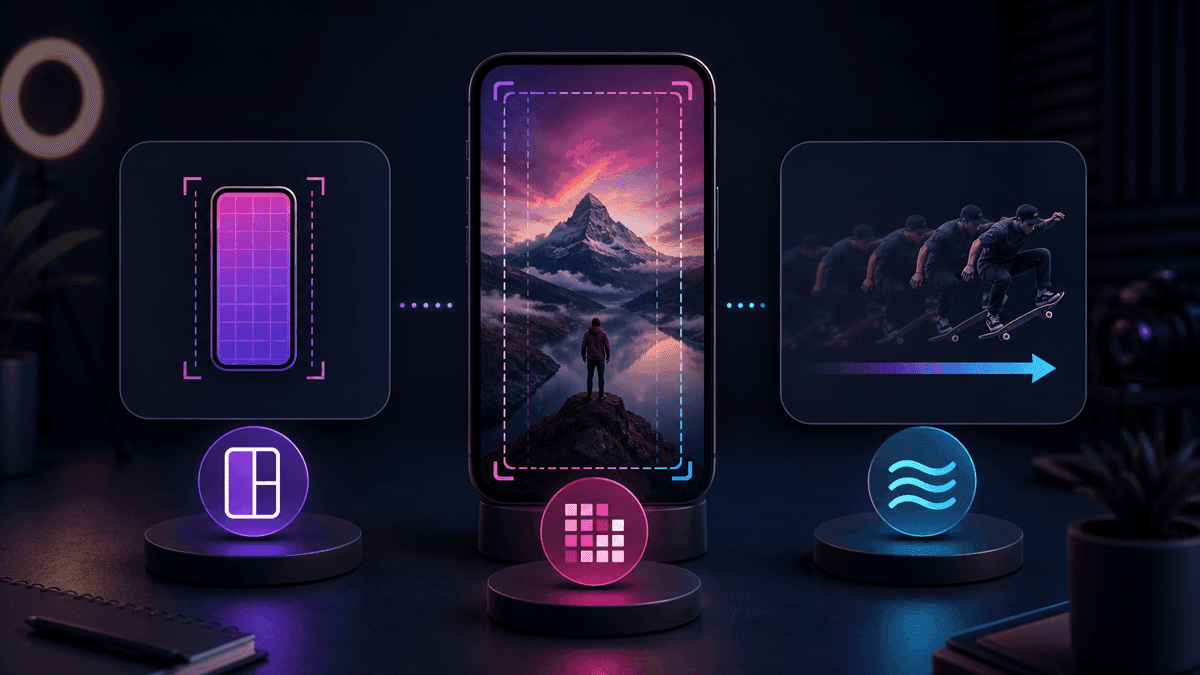
Use this default brief unless you have a specific reason to change it:
| Setting | Practical default for AI Reels |
|---|---|
| Canvas | 9:16 vertical |
| Resolution | 1080x1920 when possible |
| Frame rate | 30 FPS or higher |
| Length | 20 to 45 seconds for most first tests |
| First frame | Show the promise, tension, result, or visual curiosity immediately |
| Captions | Short lines, high contrast, not trapped under interface-heavy edges |
| Audio | Clear voiceover first, music second |
| Review | Check originality, claims, captions, safe framing, and cover frame |
For cross-posting, build one clean vertical master, then change the packaging. A Reel may need a stronger cover frame for your profile grid. A Short may need a more searchable title. A TikTok may need more conversational phrasing. The same core idea can travel, but the entry point should fit the platform.
Build Reels Around a Visual Promise
Instagram is a visual platform, so a Reel should not feel like a blog paragraph with captions pasted over it. The first second needs a visual promise: a result, mistake, transformation, before-and-after, story setup, or specific object that makes the viewer understand why the video exists.
Meta's Reels ad guidance is useful even for organic creators because it reflects the same mobile environment. Reels should be designed for vertical viewing, sound-aware playback, and interface-safe composition. That means your AI prompt should not stop at "make this engaging." It should name the visual hook, the sequence rhythm, and the caption placement.
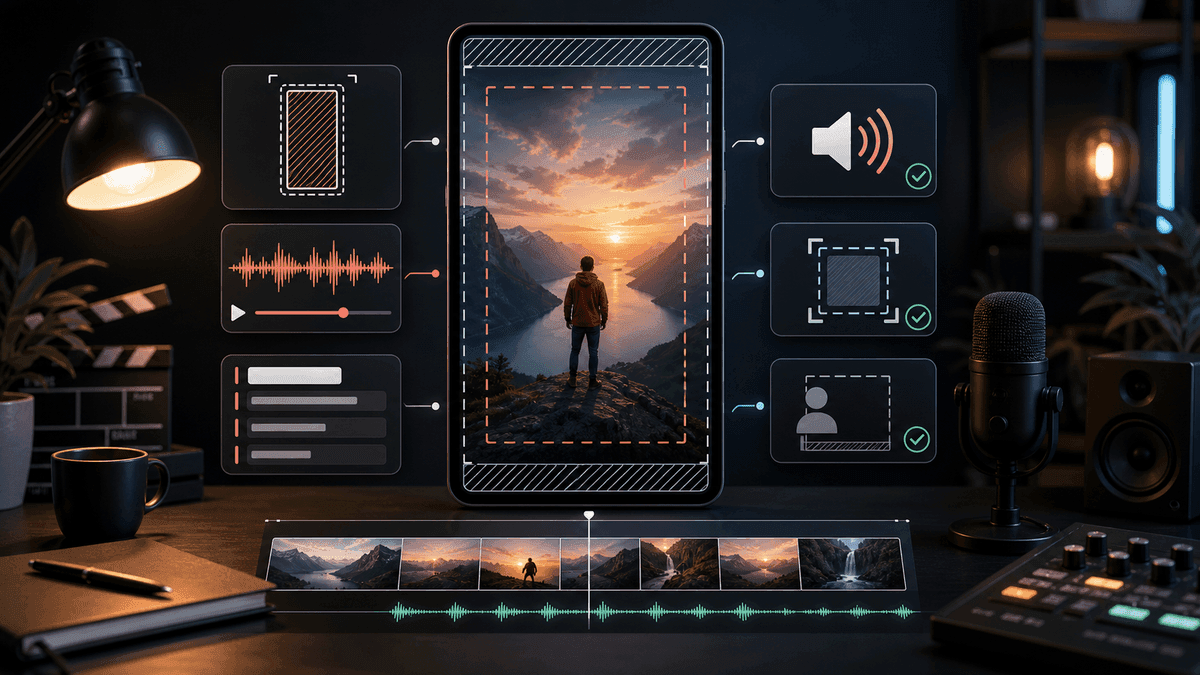
Use this simple Reels structure:
| Beat | What it should do |
|---|---|
| First frame | Make the viewer understand the topic or curiosity gap. |
| Hook | Say the promise in one short line. |
| Setup | Show the problem, mistake, result, or tension. |
| Payoff | Give the example, reveal, process, or useful answer. |
| Close | Ask for one action, or point to the next episode. |
This structure matters more than a fancy generated style. If the first frame is vague and the voiceover starts slowly, better lighting will not save the Reel. Fix the promise first, then polish visuals, music, and captions.
Keep AI Reels Original Enough to Recommend
AI can help you publish faster, but it also makes it easier to produce generic, recycled, or thin content. Instagram's official recommendation and original-content guidance should shape your workflow: create content you own, avoid low-value reposts, avoid watermarked or recycled clips, and make sure the finished Reel gives viewers something distinct.
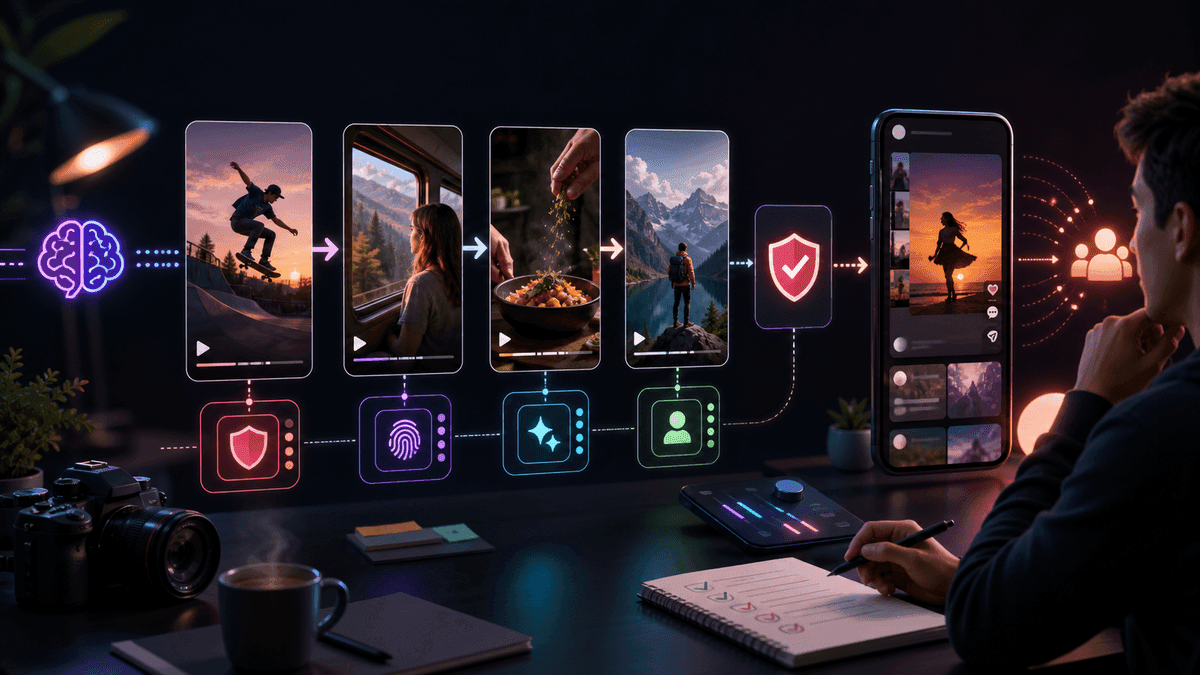
Before publishing an AI-generated Reel, ask:
- Is the script specific to my audience, niche, product, or point of view?
- Are the visuals matched to the idea, or are they generic mood shots?
- Did I add examples, judgment, or structure that another creator would not have?
- Are there any unsupported claims about health, money, legal issues, or platform rules?
- Does the Reel avoid third-party logos, watermarks, copied captions, and recycled clips?
- Would this still be useful if the viewer watched it without sound?
This is especially important for faceless Reels. Faceless does not mean anonymous or generic. A channel can be faceless and still have a recognizable format: recurring hooks, consistent voice, specific visual direction, and a clear reason each episode exists.
The SwipeStory Workflow for AI Instagram Reels
SwipeStory is strongest when your input is an idea, prompt, script, or repeatable series format. It turns prompts or scripts into vertical videos with AI-generated visuals, voiceovers, captions, background music, editing, rendering, and scheduled publishing for TikTok, YouTube Shorts, and Instagram Reels.
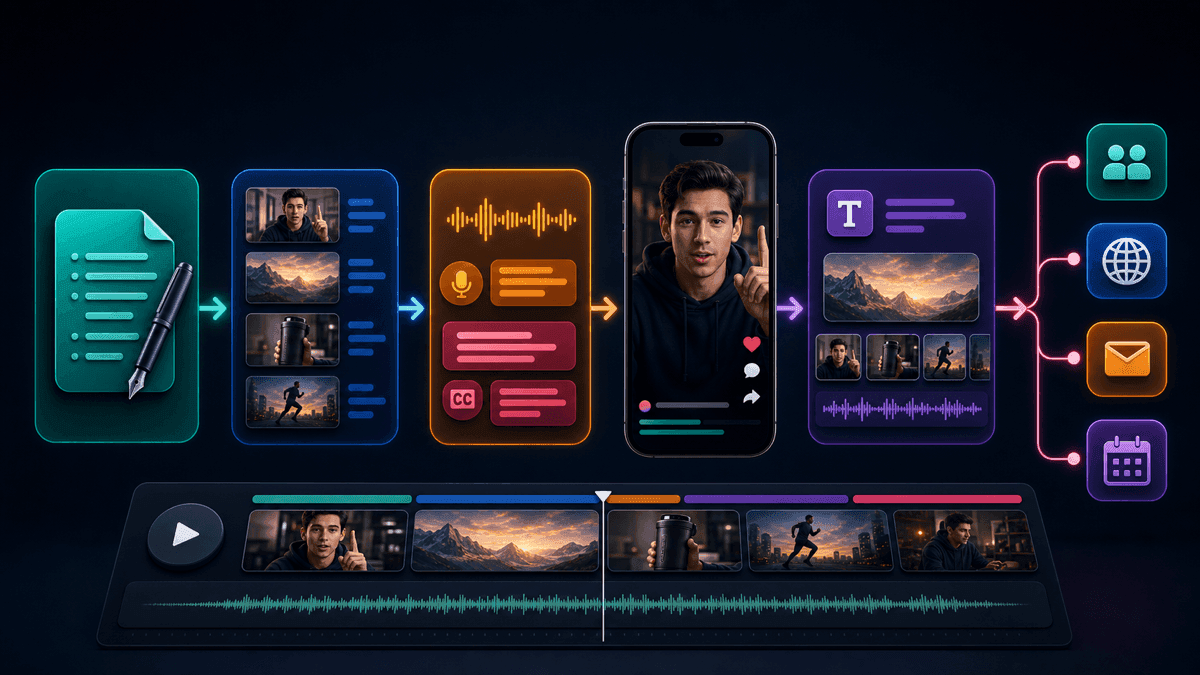
Use SwipeStory for:
- Faceless educational Reels that need a voiceover and strong captions.
- Story, facts, history, motivation, or niche explainer channels.
- Product explainers where the script is ready but editing is the bottleneck.
- Image-led Reels that start from a product shot, generated image, or visual concept.
- Multi-platform series where one idea needs Reels, Shorts, and TikTok versions.
It is less ideal if your best content already exists as long talking-head footage. In that case, a clipping tool can make sense first. If your workflow starts from a blank page, script, image, or faceless channel idea, a prompt-to-video or script-to-video system is cleaner because the scenes, voiceover, captions, and music are planned together.
For related workflows, use the faceless AI video generator, AI image-to-video tool, and AI video prompts for Shorts. If you plan to publish frequently, check pricing before committing to a high-volume schedule.
Write a Production Brief, Not a Vague Prompt
Most weak AI Reels start with a weak prompt. "Make a Reel about productivity" gives the generator almost no editorial direction. A stronger brief names the audience, opening line, beat order, visual style, voice, caption treatment, and final action.
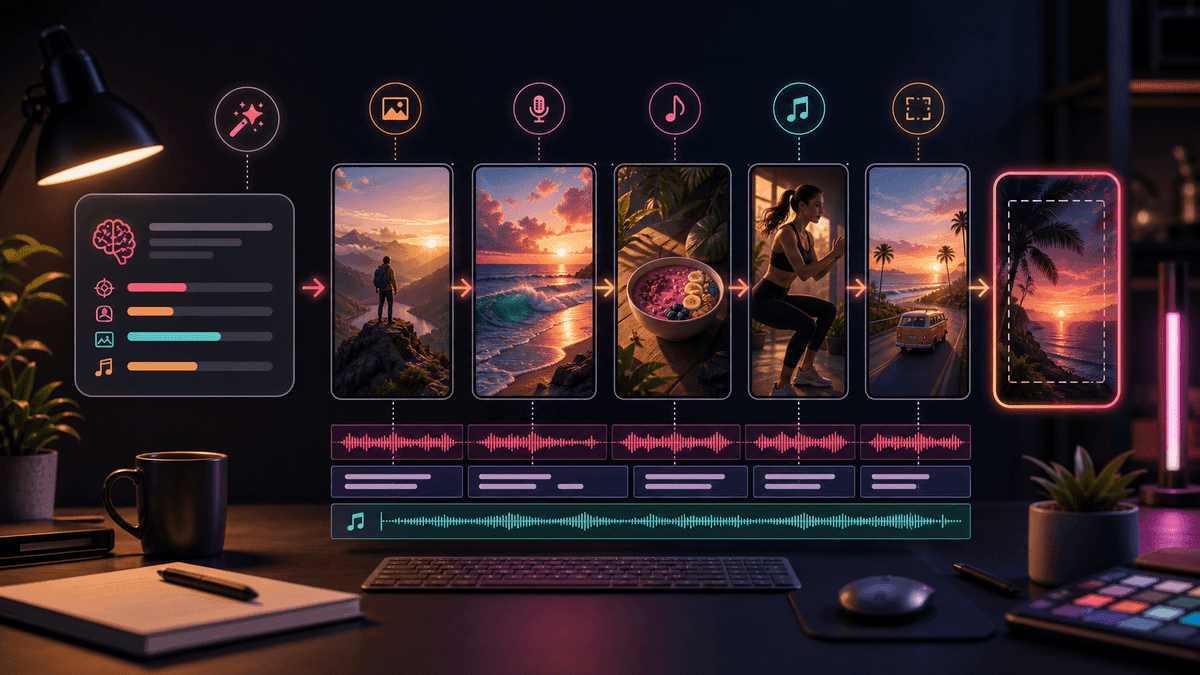
Use this template:
Create a 30-40 second Instagram Reel.
Audience: [specific viewer].
Topic: [one focused idea].
First frame: [visual promise, result, mistake, or curiosity gap].
Opening line: [one short hook].
Beat structure:
1. Hook in the first 1-2 seconds.
2. Show the problem, mistake, or setup.
3. Give the practical fix, reveal, or example.
4. End with one action or a part-two setup.
Visual style: [clean educational, cinematic faceless, product demo, story-led].
Voiceover tone: [direct, warm, curious, calm, energetic].
Caption style: short lines, high contrast, no long paragraphs.
Cover frame: clear enough to read in an Instagram profile grid.
Keep the export optimized for 9:16 mobile viewing.
The key is to describe the finished viewing experience, not just the topic. The AI needs to know what viewers should see, hear, read, and do.
Three Example AI Reels Prompts
Use these as starting points, then replace the niche, proof, and CTA with your own.
Faceless Educational Reel
Create a 35-second Instagram Reel for beginner faceless creators.
First frame: a messy prompt turning into three clean storyboard cards.
Opening line: "Your AI Reels are not too slow. Your first frame is unclear."
Beat 1: Show a vague prompt and a generic draft.
Beat 2: Explain the missing inputs: audience, hook, visual beat, caption style.
Beat 3: Show a stronger prompt structure.
Beat 4: End with "test two first frames before changing the style."
Visual style: clean creator desk, vertical storyboard cards, bright captions.
Voiceover tone: direct and useful.
Product Explainer Reel
Create a 30-second Instagram Reel for small business owners.
First frame: one product photo becomes a vertical video sequence.
Opening line: "You do not need a full shoot to explain one product benefit."
Beat 1: Show the product photo.
Beat 2: Show the customer pain point in one visual scene.
Beat 3: Show the product benefit as a simple transformation.
Beat 4: Close with "save this structure for your next launch Reel."
Visual style: polished product demo, no fake logos, no fake metrics.
Voiceover tone: calm and clear.
Story-Led Faceless Reel
Create a 40-second faceless story Reel.
First frame: a character standing at a choice point with a strong visual contrast.
Opening line: "One tiny decision changed the whole story."
Beat 1: Set the tension in one sentence.
Beat 2: Show the bad assumption.
Beat 3: Reveal the turning point.
Beat 4: End with a question that invites a second episode.
Visual style: cinematic, high contrast, storybook but realistic.
Voiceover tone: curious and grounded.
Edit Captions Like a Mobile Viewer
Captions are a pacing layer, not decoration. A good Reel can be watched with sound, but it should still be understandable when someone is scrolling quietly.
Use these caption rules:
- Keep each caption line short.
- Avoid stacking captions at the very bottom of the frame.
- Spell names, numbers, product terms, and niche vocabulary correctly.
- Do not turn captions into full paragraphs.
- Use enough contrast that captions work over both bright and dark scenes.
- Watch the exported Reel on a phone before scheduling it.
If captions feel late, the whole video feels slow. If captions are too dense, the viewer reads instead of watching. If captions cover the important visual, the Reel feels unpolished even if the script is good.
Create Reels as a Series, Not One-Off Tests
One AI-generated Reel is a draft. A series is an asset. Instagram creators usually learn faster when they test one repeatable format several times instead of changing the topic, hook, voice, style, and length on every upload.
Start with a five-Reel test:
| Reel | Test angle |
|---|---|
| 1 | The basic promise or tutorial. |
| 2 | The most common mistake. |
| 3 | A before-and-after version. |
| 4 | A niche example. |
| 5 | A contrarian or myth-busting version. |
Keep the same voice, general visual style, and caption treatment. Change the hook and example. That gives you a clearer read on what your audience responds to.
SwipeStory fits this rhythm because it is built around repeatable faceless video creation and scheduled publishing. You can create a format, generate related drafts, edit the captions and visuals, and publish across Reels, Shorts, and TikTok without rebuilding the production stack each time.
Common AI Reels Mistakes to Avoid
The fastest way to improve AI-generated Reels is to remove the predictable problems:
| Mistake | Better approach |
|---|---|
| Starting with a broad topic | Start with one viewer, one problem, and one promise. |
| Using generic visuals | Ask for specific scenes that prove the script. |
| Letting captions run long | Rewrite captions into short mobile lines. |
| Ignoring cover frames | Choose a frame that still makes sense in the profile grid. |
| Copying trends too closely | Borrow structure, not another creator's exact concept. |
| Posting without review | Check claims, originality, timing, audio balance, and safe framing. |
AI can remove production friction, but it cannot decide your taste, audience promise, or editorial standards for you. Treat the generator like a fast production partner and keep the final judgment human.
Final Recommendation
Use an AI Instagram Reels generator when your bottleneck is turning ideas into finished vertical videos. The strongest workflow starts with a specific Reels brief, generates a draft, then reviews the script, visuals, captions, audio, originality, and cover frame before publishing.
If you want one practical place to start, test your next script in SwipeStory's AI Reel generator. Use the first draft to judge the hook and scene fit, then turn the winning structure into a repeatable series for Instagram Reels, YouTube Shorts, and TikTok.
Frequently Asked Questions
Can AI make Instagram Reels from a script?
Yes. An AI Instagram Reels generator can turn a script into a vertical video with scenes, voiceover, captions, music, and export-ready formatting. You should still review the finished Reel for originality, caption timing, factual claims, and mobile framing.
What size should AI-generated Instagram Reels be?
Use 9:16 vertical as the default. Instagram's current Help Center allows Reels between 1.91:1 and 9:16, with at least 30 FPS and at least 720 pixels of resolution, but 9:16 is the cleanest cross-platform format for Reels, TikTok, and Shorts.
Are faceless AI Reels a good idea?
Faceless AI Reels can work well when the channel has a clear niche, voice, format, and visual identity. They perform poorly when every video uses generic advice, generic scenes, and no original point of view.
Should I post the same AI video to Reels, TikTok, and Shorts?
You can reuse the same core video, but adapt the packaging. Reels often need a clean cover frame, TikTok may need a more conversational hook, and Shorts may benefit from a searchable title and clearer topic consistency.
