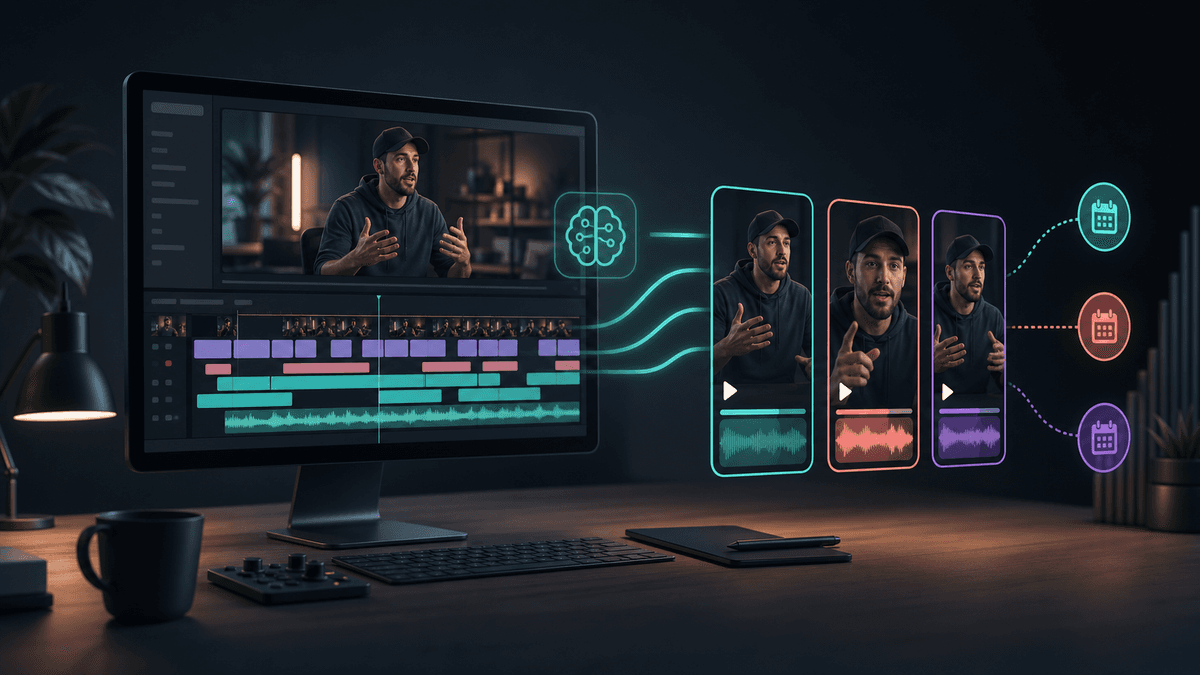
Long-Form to Shorts Workflow

Stella writes SwipeStory guides about AI faceless video creation, short-form video strategy, creator tools, and automated publishing workflows.
The best long-form video to Shorts workflow starts by clipping the strongest moments from footage you already recorded, then rebuilding each clip for vertical pacing, captions, safe zones, platform rules, and a clear next step. If you do not have source footage yet, use SwipeStory's faceless AI video generator, Prompt to Video, or Script to Video AI instead of forcing a repurposing workflow onto a blank page.
Updated June 25, 2026. We checked current YouTube Shorts guidance, TikTok ad specs, Meta aspect-ratio guidance, OpusClip, Vizard, and SwipeStory product pages before writing this guide. Platform specs and AI clipping products change often, so use the linked sources as your final pre-publish check.
Quick Verdict
| Starting point | Best workflow | Why |
|---|---|---|
| A finished podcast, webinar, livestream, course, or YouTube video | AI clipping and repurposing | The source footage already exists, so the fastest path is highlight selection, reframing, captions, and review |
| A topic idea, niche, outline, or approved narration | AI generation | You need a short-form video created from scratch, not a clip extracted from a recording |
| A weekly long-form show plus a faceless side channel | Use both | Clip the show for social proof, then generate net-new Shorts that cover follow-up ideas |
| A creator with no editor and no footage library | SwipeStory | Prompts or scripts become vertical videos with visuals, voiceover, captions, music, rendering, and scheduling |
| A brand with strict rights review | Manual approval before scheduling | Repurposed footage can inherit music, guest, claim, and context issues |
The wrong category creates hidden work. A clipping tool cannot invent a strong source video for you. A prompt-to-video workflow should not ignore a year of recorded interviews sitting unused. Match the workflow to the raw material first, then choose tools.
What AI Repurposing Tools Actually Do
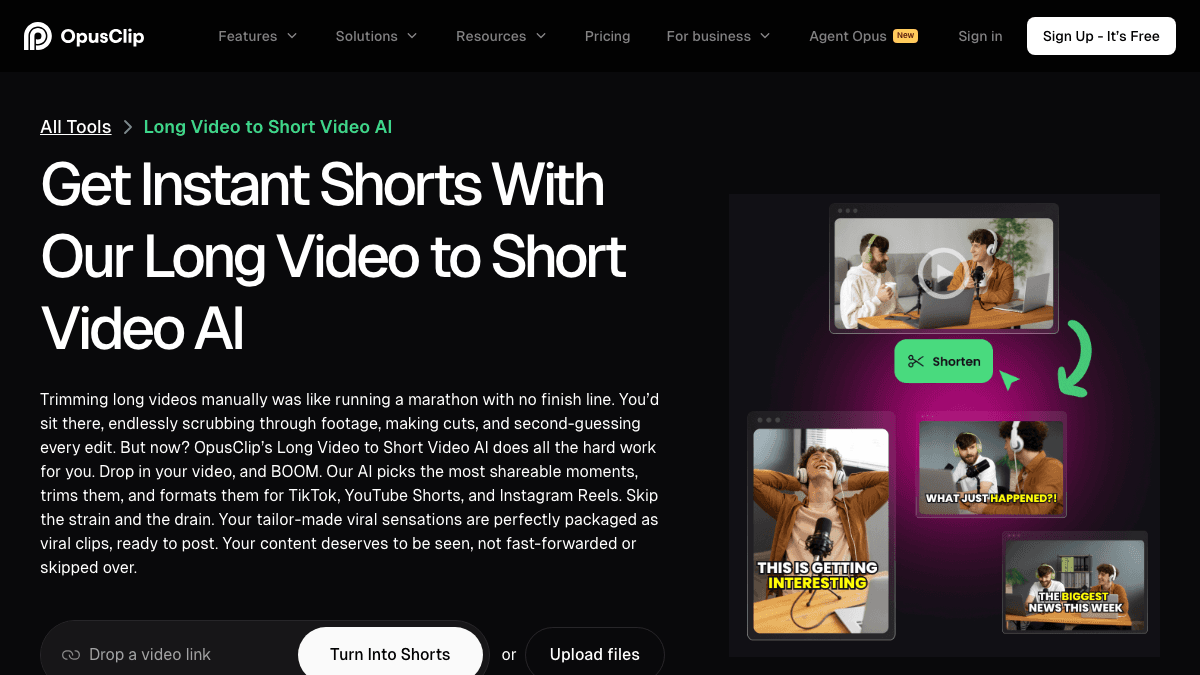
AI repurposing tools are built for existing recordings. OpusClip's long video to short video AI page positions the workflow around trimming, finding shareable moments, and formatting clips for TikTok, YouTube Shorts, and Instagram Reels. Its main product page says creators can drop in a long video and get multiple clips, then publish to social platforms.
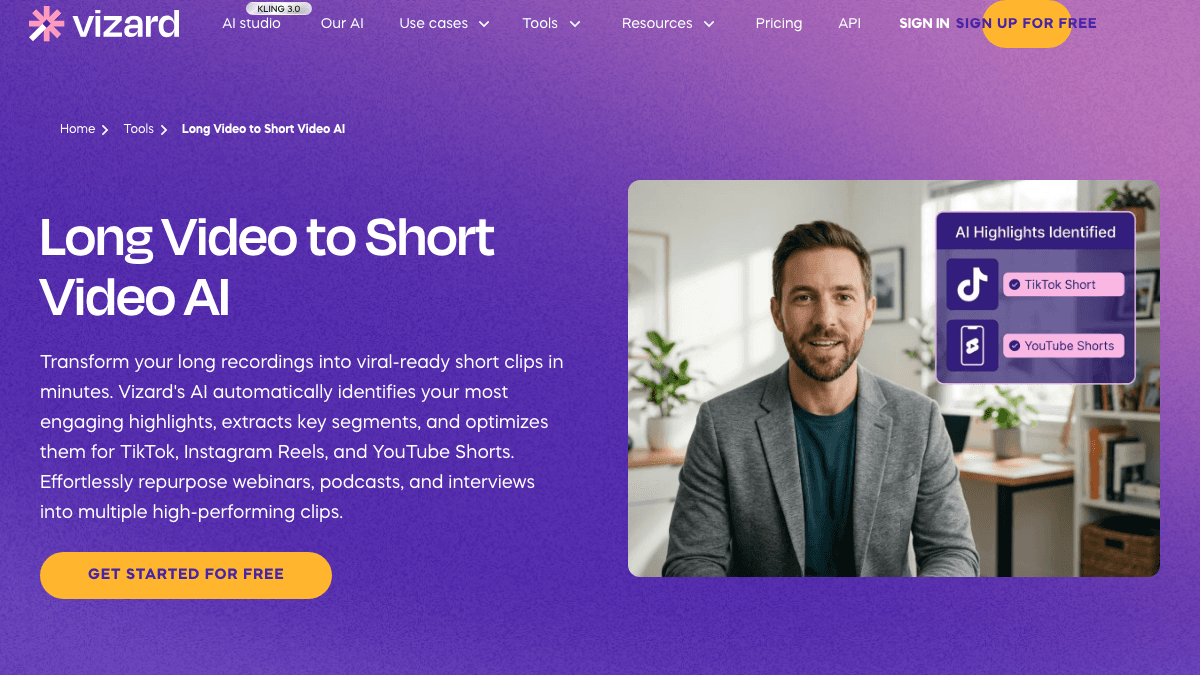
Vizard's long video to short video AI page makes the same category clear: it describes turning long recordings into short clips, identifying engaging highlights, extracting key segments, and optimizing them for TikTok, Instagram Reels, and YouTube Shorts. It specifically names webinars, podcasts, and interviews as repurposing inputs.
Those tools usually help with some mix of:
- Uploading or importing a long recording.
- Transcribing the audio.
- Finding highlight segments.
- Cutting moments into shorter clips.
- Reframing horizontal footage into vertical 9:16.
- Adding captions or subtitles.
- Applying templates, brand fonts, or B-roll.
- Exporting or scheduling the clips.
That can save hours when the source footage is good. It can also create mediocre clips quickly if the original video has weak hooks, long setup, unclear audio, or moments that only make sense inside the full recording.
The 7-Step Long-Form to Shorts Workflow
Use this workflow when the source material already exists and you want short-form distribution without manually editing every second.
1. Pick the Right Source Video
Start with footage that already contains standalone moments. A strong source video usually has direct answers, stories, objections, demonstrations, mistakes, before-and-after moments, or quick frameworks. A weak source video is mostly housekeeping, greetings, screen-share delays, or internal context.
Good inputs:
- Podcast answers that can stand alone.
- Webinar teaching moments.
- YouTube tutorials with clear steps.
- Founder interviews with sharp opinions.
- Product demos with visible outcomes.
- Livestream moments with strong reactions.
Bad inputs:
- Long intros before the point.
- Context that requires five minutes of setup.
- Low audio quality.
- Guest names, claims, or references you cannot clear.
- Slides that become unreadable on a phone.
If the source video is not strong, use it for research instead of clipping. Pull out the best ideas, rewrite them into short scripts, and generate new videos with SwipeStory's AI Shorts workflow.
2. Extract Candidate Moments
Run the long video through your AI clipping tool, but treat the output as candidates, not finished posts. Ask the tool to find five to twenty potential clips depending on the length of the source.
For each candidate, check:
| Question | Keep the clip if... | Reject or rewrite if... |
|---|---|---|
| Does the first second work? | The viewer immediately understands the tension or promise | It starts with "so yeah" or context from earlier |
| Is there a complete idea? | The clip has setup, point, and payoff | It ends before the answer lands |
| Does it work without the long video? | A new viewer can understand it cold | It depends on a previous slide, guest, or story |
| Is the audio clean? | The speaker is clear and the music is cleared | Background noise or copyrighted music dominates |
| Can captions carry it? | The key phrase can be split into mobile-readable beats | The language is too dense for a fast feed |
Do not let the AI pick your publishing calendar alone. A clip can be technically clean and still be strategically weak.
3. Rewrite the Hook for Short-Form
Most long-form videos ease into ideas. Shorts need the opposite. The first line should tell viewers why this specific moment is worth staying for.
Examples:
| Long-form opening | Short-form hook |
|---|---|
| "Let's talk about retention for a second." | "Your Shorts lose viewers because the first line has no job." |
| "There was an interesting thing we saw with pricing." | "This pricing mistake makes cheap SaaS plans harder to sell." |
| "One of the questions we get from creators..." | "If your podcast clips feel random, this is the missing step." |
You can keep the original speaker audio when the hook is already strong. If not, add a short voiceover intro, text hook, or title card before the clipped moment. The goal is not to misrepresent the source. It is to give feed viewers enough context to care.
Platform Checks Before You Publish
Repurposing is not only cutting. You still need to shape the clip for the destination.
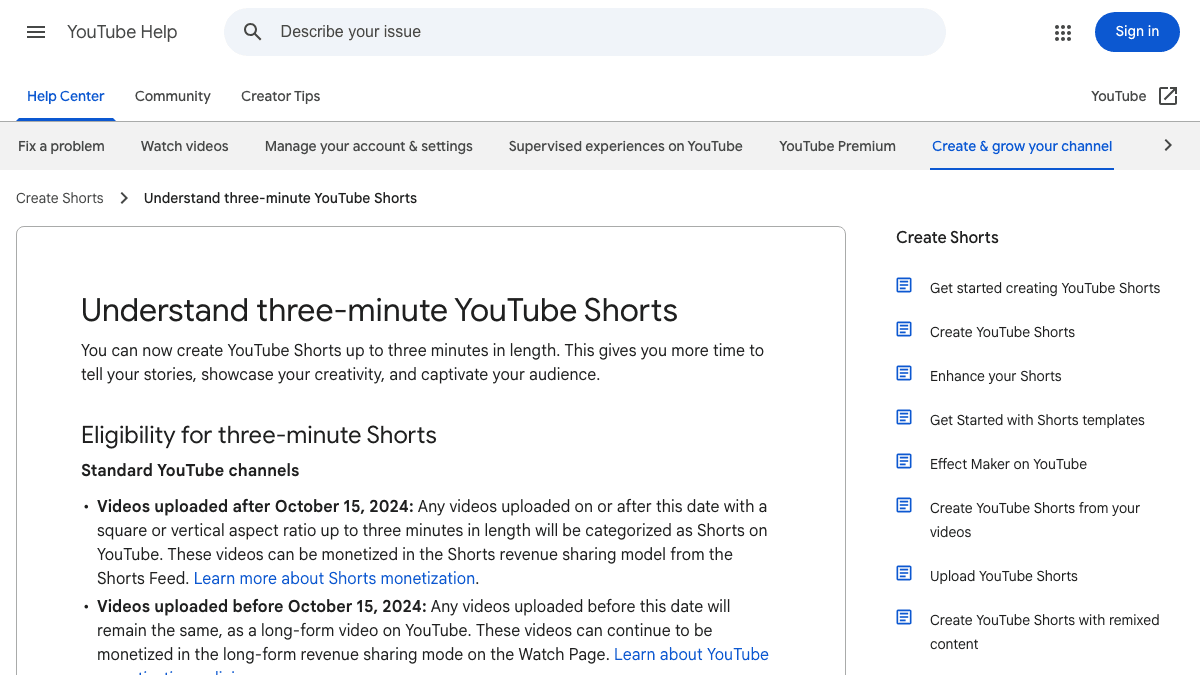
YouTube Help currently says standard YouTube channels can have videos categorized as Shorts when they are uploaded after October 15, 2024, use square or vertical aspect ratio, and are up to three minutes long. The same page warns that Shorts over one minute with an active Content ID claim can be blocked globally until the claim is resolved.
TikTok's Auction In-Feed Ads specs recommend vertical 9:16 creative, list 540 by 960 pixels or higher as the vertical minimum, and allow common video file types such as MP4 and MOV. Meta's aspect-ratio guidance says 9:16 is recommended for Stories, Status, and Reels placements because most people hold phones vertically.
Use those platform rules as a quality gate:
| Check | What to review |
|---|---|
| Aspect ratio | Export vertical 9:16 unless you have a platform-specific reason not to |
| Length | Keep the clip tight; YouTube can support longer Shorts, but short-form pacing still matters |
| Captions | Keep lines readable and away from app controls |
| Audio rights | Check music, source clips, guest audio, and Content ID risk |
| Context | Make sure the clip does not imply something the long video did not say |
| Mobile preview | Watch the final video on a phone before scheduling |
For a platform comparison before you publish, pair this guide with TikTok vs YouTube Shorts vs Reels. If Shorts is your first channel, also read how often to post YouTube Shorts.
Where Vizard-Style Tools Fit
Vizard-style tools fit after the recording is done. They are useful when your content strategy already produces long videos and you need more distribution mileage from each one.
Use an AI repurposing tool when:
- The speaker or screen recording is already the asset.
- You want ten candidate clips from one recording.
- You need transcript-based review.
- You need vertical cropping around a speaker.
- You want caption and template presets.
- You have a human reviewer who can approve or reject each clip.
Do not use repurposing as a substitute for strategy. A webinar clip can introduce your best argument, but it usually will not create a full no-camera series by itself. A podcast answer can become a great Short, but it may need a rewritten hook, tighter captions, and a platform-specific CTA.
The best teams treat AI clipping like a first pass from an assistant editor. It finds the raw moments. You still decide the message, sequence, rights, publishing timing, and whether the clip deserves to represent the brand.
When to Generate New Shorts Instead
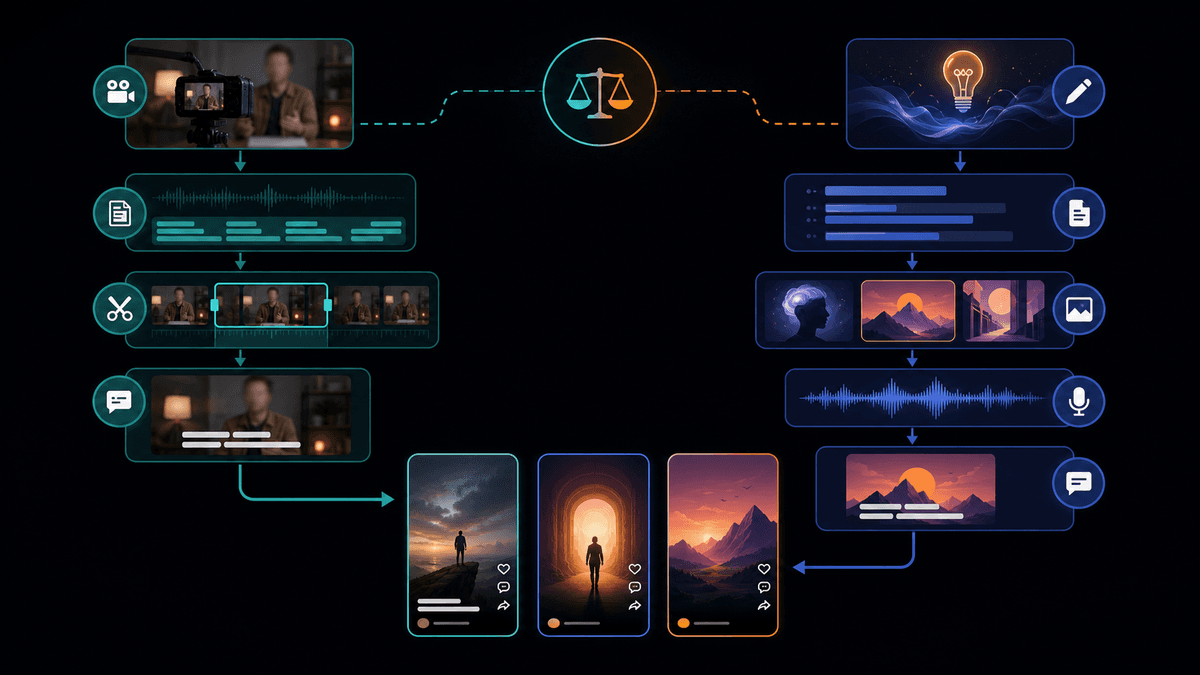
Sometimes the smarter long-form to Shorts workflow is not to clip the original at all.
Generate new Shorts when:
- The long video contains a good idea but weak delivery.
- The clip needs visual examples that were not recorded.
- The source footage is horizontal and hard to crop.
- The audio rights are unclear.
- The speaker uses too much setup before the point.
- You want a repeatable faceless format, not a one-off excerpt.
For example, a 45-minute webinar might contain five useful concepts. Instead of publishing five rough speaker clips, you can turn each concept into a 35-second faceless educational video with a stronger hook, tighter narration, custom visuals, and captions written for mobile.
That is where SwipeStory fits. SwipeStory turns prompts or scripts into vertical videos with AI-generated visuals, voiceovers, captions, background music, editing, rendering, and scheduled publishing for TikTok, YouTube Shorts, and Instagram Reels. It is useful when the source video gives you the idea, but the final short should be created fresh.
A Practical Hybrid Workflow
Most serious content systems need both repurposing and generation.
Use this weekly setup:
| Day | Task | Output |
|---|---|---|
| Monday | Review the long-form asset | Mark the strongest themes, claims, stories, and timestamps |
| Tuesday | Generate AI clip candidates | Pick 5-10 possible clips and reject weak context |
| Wednesday | Rewrite hooks and captions | Build short-form intros, caption beats, and CTA options |
| Thursday | Create net-new faceless shorts | Turn the best ideas into SwipeStory drafts when the clip itself is weak |
| Friday | Review and schedule | Check mobile preview, rights, length, captions, and platform fit |
The hybrid model gives you two kinds of content:
- Proof clips: real speaker moments from podcasts, webinars, interviews, and YouTube videos.
- Expansion videos: faceless explainers, summaries, definitions, examples, and follow-ups created from the same source ideas.
This is more durable than dumping every AI-generated clip into a scheduler. You are building a content library, not only extracting snippets.
Finish New Faceless Shorts in SwipeStory
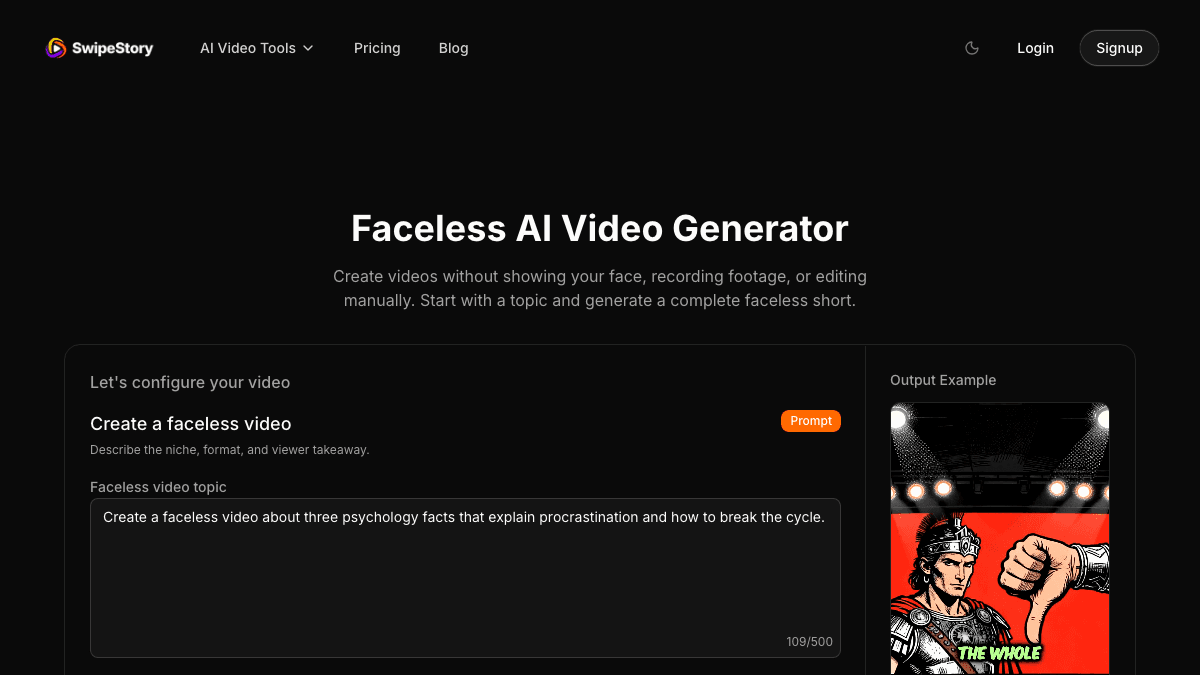
Use SwipeStory when the best clip is actually an idea hiding inside the long video.
A practical SwipeStory workflow:
- Pull one idea from the long video.
- Rewrite it as a short-form promise.
- Paste the angle into Prompt to Video, or paste approved narration into Script to Video AI.
- Choose a style, voice, language, and duration that fit the platform.
- Review visuals, claims, captions, music, and pacing.
- Schedule the finished video for TikTok, YouTube Shorts, or Instagram Reels.
Example prompt:
Create a 40-second faceless educational Short from this webinar idea:
"Most creators repurpose clips too late. They should write the short-form hook before recording the long-form episode."

Audience: creators with podcasts or YouTube channels.
Tone: practical, direct, slightly contrarian.
Structure: hook, problem, three-step fix, CTA.
Visual style: clean creator workflow, timeline, captions, publishing calendar.
CTA: save this before recording your next long-form video.
If you are planning a high-volume series, check SwipeStory pricing before you commit to a weekly cadence. Credits, video length, series count, and review time all matter when you move from experiments to a repeatable publishing system.
Common Mistakes
Clipping Without Rewriting the Hook
Long-form clips often start too slowly. Add a short opener or rewrite the first caption so viewers know the payoff immediately.
Treating Every AI Clip as Publishable
AI tools can identify candidate moments, but they do not understand every brand risk, source-rights issue, inside joke, or outdated claim. Review before scheduling.
Cropping Speakers Too Aggressively
Vertical crops can cut off slides, product screens, gestures, or guest reactions. Watch the final export on a phone, not only in the editor.
Ignoring the Original Context
A clip can become misleading when removed from its source. Add context in captions, voiceover, or description when the original answer depends on the wider conversation.
Only Repurposing and Never Creating
Repurposing helps you get more from finished assets. Generation helps you build ideas that were never recorded. The strongest content calendar usually uses both.
Final Recommendation
Use AI clipping when your long-form video already contains strong standalone moments. Run the recording through a repurposing tool, choose candidate clips, rewrite the hook, check captions and rights, then schedule only the clips that survive review.
Use SwipeStory when the long-form asset gives you an idea but not a clean short. Turn that idea into a new faceless video with AI visuals, voiceover, captions, music, rendering, and scheduled publishing. That is the cleaner path for creators who want a repeatable short-form engine instead of a folder full of rough excerpts.
Frequently Asked Questions
What is the best way to turn long-form video into Shorts?
Start by finding standalone moments, then rewrite the hook, reframe to vertical 9:16, add readable captions, check audio rights, preview on mobile, and schedule only the strongest clips. Use AI clipping for candidate selection, not final approval.
Should I repurpose long videos or generate new Shorts?
Repurpose when the source footage is strong and the moment works without extra context. Generate a new Short when the original idea is useful but the clip is slow, hard to crop, visually weak, or better as a faceless explainer.
Can I use the same clip on TikTok, YouTube Shorts, and Reels?
Yes, but review each destination. Keep the file vertical, captions readable, audio cleared, and the hook understandable without platform-specific context. Adjust titles, descriptions, CTAs, and timing for each channel.
Does SwipeStory replace AI clipping tools?
No. SwipeStory is a better fit when you need to create a new faceless video from a prompt or script. AI clipping tools are better when you already have a strong long-form recording and want to extract short clips from it.
