Short Video Creation Checklist for Creators and Marketers

Stella writes SwipeStory guides about AI faceless video creation, short-form video strategy, creator tools, and automated publishing workflows.
A reliable short video creation checklist starts with one rule above all others: film vertical at 9:16, nail your hook in the first three seconds, and add captions because roughly 80% of short-form views happen with sound off.
Before you go deeper, run this quick pre-flight check:
- Aspect ratio: 9:16 vertical, subject in the upper two-thirds
- Hook: first three seconds carry a clear promise or tension
- Captions: on, readable, human-edited
- Audio: clean, no echo, tested with headphones
- Export: 1080p minimum, MP4/H.26x codec
- Packaging: cover frame, caption, and one soft CTA aligned
Table of Contents
- What does a 12-point short video checklist look like?
- How do you plan a short video before you press record?
- What filming setup actually prevents common mistakes?
- How should you edit to keep viewers watching?
- What are the right export settings for TikTok, Reels, and Shorts?
- How do captions, hashtags, and timing affect discovery?
- How much time and money does short video production actually cost?
- How does Swipestory map to this checklist?
- Key Takeaways
- The metric most creators ignore until it's too late
- Swipestory cuts your checklist time in half
What does a 12-point short video checklist look like?
Run these before you hit publish. Each is pass/fail and takes under 90 seconds total, following the Lomero 7-check protocol.
- Hook timing — Pass: a clear promise, question, or visual tension lands within the first 3 seconds.
- Reveal timing — Pass: the payoff or main point arrives before the 60% mark of total runtime.
- Sound-off test — Pass: watch the first 2 seconds muted; the video still makes sense.
- Single soft CTA — Pass: one call to action appears in the final 10% of the video, not earlier.
- Spoken keyword — Pass: your core topic or keyword is spoken aloud within the first 10 seconds.
- No dead seconds — Pass: zero moments where nothing is happening on screen or in audio.
- Cover/caption match — Pass: the thumbnail frame and caption text reflect the hook, not a random frame.
- Captions present — Pass: subtitles are visible, correctly timed, and readable on a phone screen.
- Aspect ratio — Pass: 9:16 vertical, no letterboxing.
- Framing — Pass: subject sits in the upper two-thirds; no key elements hidden by UI overlays.
- Audio quality — Pass: no background hum, echo, or clipping; dialogue is clear at low volume.
- Export settings — Pass: 1080p or higher, MP4, H.26x codec or HEVC codec.
Pro Tip: Checks 1 and 2 (hook and reveal timing) are the only ones that require a full rebuild if they fail. Everything else — captions, framing, audio, export — can be fixed without reshooting.
How do you plan a short video before you press record?
Most creators skip planning and pay for it in editing time. A simple storyboard acts as a blueprint: it clarifies which B-roll you need, where transitions go, and whether the structure actually holds before you film a single frame.
Start with two sentences: what is this video about, and what should the viewer do after watching? That one-sentence promise and one-line target action keep every other decision focused.
Minimal storyboard template (3–5 panels):
- Panel 1 (0–3s): Hook — visual or spoken tension; no logo, no intro music
- Panel 2 (3–15s): Setup — context, problem, or premise
- Panel 3 (15–40s): Reveal/value — the answer, tip, or demonstration
- Panel 4 (40–55s): Proof/B-roll — supporting visuals or examples
- Panel 5 (55s–end): CTA — one soft ask, on screen and spoken
Rough time budget for planning:
- Concept and one-sentence promise: 5–10 minutes
- Script or shot list: 10–20 minutes
- Storyboard sketch: 10–15 minutes
- Total pre-production: 25–45 minutes for a solo creator
Non-designers can build this with a notes app and a few rough sketches. The goal is a decision record, not a work of art.
What filming setup actually prevents common mistakes?
Film vertically at 9:16 and keep your subject in the upper two-thirds of the frame. TikTok, Reels, and Shorts all place UI buttons, captions, and profile info in the lower third — anything important placed there disappears under overlays.
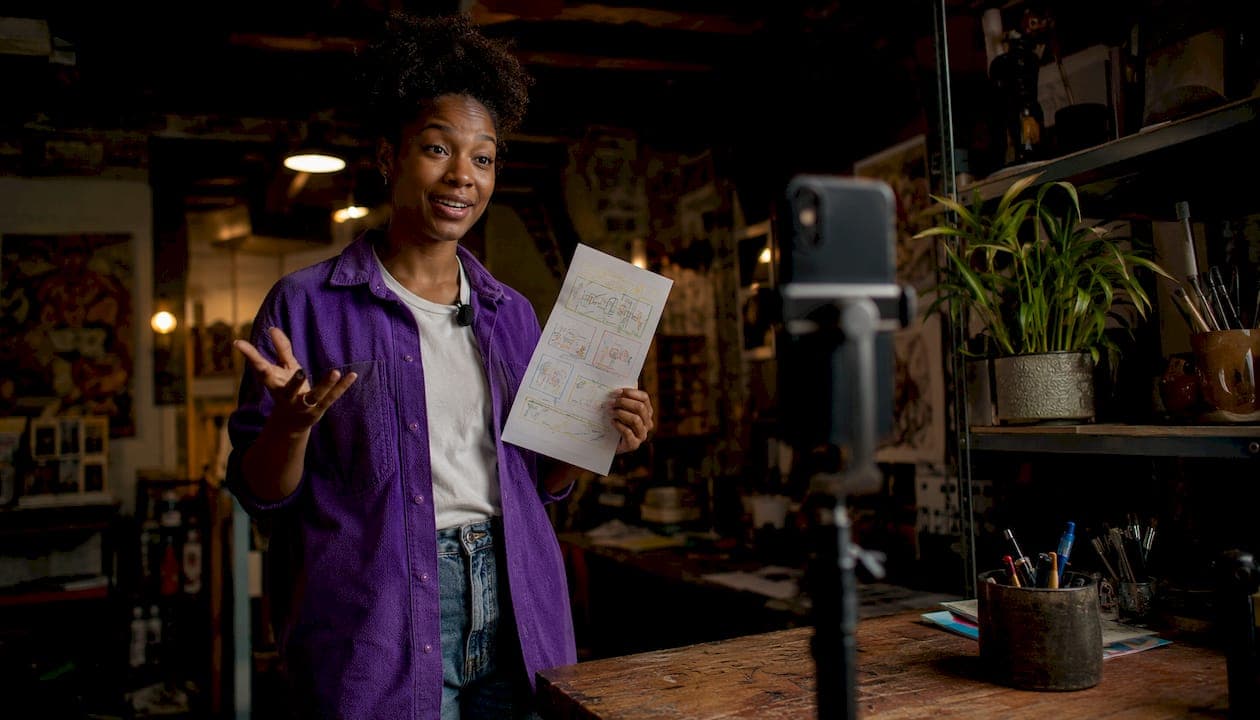
| Setting | Minimum | Recommended |
|---|---|---|
| Resolution | 1080p | 4K |
| Frame rate | 24fps (talking head) | 60fps (motion/product) |
| Stabilization | On (phone OIS) | Gimbal or tripod |
| Exposure | Auto | Manual, locked to avoid flicker |
Lighting: a window to your side beats a ring light behind you. For talking-head videos, one key light at 45 degrees and a reflector on the opposite side removes harsh shadows without buying a second light. Product shots benefit from a two-light setup: one for the subject, one for the background.
Audio: a lavalier mic clipped to your collar is the single highest-ROI equipment upgrade for most creators. Record a 10-second test, play it back through headphones, and listen for hum or echo before filming the full take. Clear audio matters more than camera quality for viewer retention.
Pro Tip: Lock your phone's exposure by tapping and holding the subject on screen before recording. Auto-exposure hunting mid-clip is one of the most common reasons footage looks amateur.
How should you edit to keep viewers watching?
Start the edit at the hook, not at the beginning of your recording. Cut everything before the first meaningful word or visual. Then work forward, trimming any pause longer than half a second.
Editing checklist:
- Remove all dead seconds and filler words ("um," "uh," long pauses)
- Confirm the reveal lands before the 60% mark
- Add captions: use auto-caption tools, then manually correct errors
- Test the first 2 seconds muted — if it reads clearly, you pass the sound-off check
- Set music and SFX at 10–20% of dialogue volume so speech stays intelligible
- Use cuts and jump cuts over wipes or spin transitions, which date a video fast
- Place the soft CTA in the final 10% of runtime, not mid-video
A high sound-off viewing rate—about 80% of short-form views—makes captions essential. Auto-caption tools get you 80–90% of the way there; a human pass catches names, slang, and timing errors. An AI caption generator can cut that correction time significantly.
Pro Tip: Batch your edits. If you shoot three videos in one session, edit all three before publishing any. You'll spot patterns in your pacing mistakes and fix them across the batch instead of repeating them.
What are the right export settings for TikTok, Reels, and Shorts?
| Platform | Aspect Ratio | Max Length | Resolution | Preferred Codec | File Type |
|---|---|---|---|---|---|
| TikTok | 9:16 | 10 min | 1080p | H.26x codec | MP4 |
| Instagram Reels | 9:16 | 90 sec | 1080p | H.26x codec | MP4 |
| YouTube Shorts | 9:16 | 60 sec | 1080p | H.26x codec/HEVC | MP4 |
For most creators, H.26x codec at 1080p is the safe universal export. HEVC (H.265) offers better quality at smaller file sizes but can cause re-encoding issues on older platform pipelines. Export at the platform's native resolution rather than upscaling from a lower source.
Upload checklist:
- Captions/subtitles file uploaded or burned in
- Cover frame selected (not auto-generated — pick the hook frame)
- Transcription added where the platform supports it
- Link or CTA placed in bio or pinned comment, not mid-caption
How do captions, hashtags, and timing affect discovery?
Caption text is not a transcript. Write it to add context the video does not show, then close with a single next action. Three to five hashtags mixing one broad term with two or three niche terms outperform walls of tags. Consistency in posting schedule matters more than chasing a single "best time to post" — platforms reward accounts that publish reliably.
The cover frame and caption are the first things a potential viewer sees on the discovery feed. If those two elements do not reflect the hook, click-through drops regardless of video quality. Treat packaging as part of the creative, not an afterthought.
Pro Tip: Write two or three caption variants for your first post of a new video format. Check which version drives more profile visits in the first 24 hours, then use that wording pattern for the next three videos.
How much time and money does short video production actually cost?
Time per stage (solo creator):
- Pre-production: 30–45 minutes
- Filming: 20–45 minutes
- Editing: 45–90 minutes
- Export and upload: 10–15 minutes
- Total per video: a few hours
Tool cost tiers:
- Free: phone camera, CapCut (free tier), DaVinci Resolve, natural window light
- Budget ($10–$50/month): lavalier mic ($20–$40), CapCut Pro or similar, basic ring light
- Pro ($50–$200+/month): shotgun mic, paid editing suite, dedicated lighting kit, time-saving tools with templates and cloud rendering
A simple decision rule: if you publish four or more videos per month, the budget tier pays for itself in editing time saved. At eight or more per month, pro-tier tools and simple video tools with automation become the faster path. You can also validate your video concepts before investing production time, which cuts wasted shoots.
How does Swipestory map to this checklist?
Swipestory covers the steps that eat the most time for solo creators and small teams. Its AI scriptwriting handles pre-production, turning a topic into a structured script without a blank-page session. Voiceovers remove the need for a recording setup entirely. Customizable captions satisfy the sound-off check out of the box. Cloud rendering means no waiting for a local machine to process exports.
With over 60,000 short videos generated on the platform, the workflow is proven across thousands of creators at every experience level. The free AI tools cover captioning, templates, and rendering — the three checklist steps most likely to slow a solo creator down.
Swipestory's AI handles the script, the captions, and the render — the three steps that account for the majority of production time on a typical short-form video. That leaves filming and packaging as the only steps requiring your direct attention.
Pro Tip: Use Swipestory's script-to-video workflow to draft your hook and reveal structure before you film. Seeing the structure laid out as a video draft often reveals pacing problems that a written script hides.
Key Takeaways
A short video creation checklist works when every stage — plan, film, edit, export, package — follows a repeatable structure that you can run in under three hours per video.
| Point | Details |
|---|---|
| Hook in 3 seconds | Your opening must deliver a clear promise or tension before second four. |
| Caption everything | Roughly 80% of short-form views happen with sound off; captions are not optional. |
| Film vertical, frame high | Shoot 9:16 and keep subjects in the upper two-thirds to avoid UI obstruction. |
| Export at 1080p H.26x codec | MP4 with H.26x codec is the safe universal setting for TikTok, Reels, and Shorts. |
| Swipestory speeds the hardest steps | AI scriptwriting, auto-captions, and cloud rendering cover the most time-intensive checklist items. |
The metric most creators ignore until it's too late
Most creators obsess over view counts and follower growth. Both are lagging indicators. The number that tells you whether your checklist is actually working is 30-second retention — how many viewers are still watching at the half-minute mark. If that number is low, the problem is almost always in the hook or the pacing, not the topic.
Score every video you post against the 12-point checklist within 48 hours of publishing. Note which checks you failed and whether retention dropped at the same moment in the timeline. That correlation, run weekly across even three or four videos, builds a feedback loop that no amount of trend-chasing replaces.
Track three metrics in this order: 30-second retention first, first-second click-through rate second, and comments or shares third. Shares tell you whether the content resonated enough for someone to stake their own reputation on it. That is a harder signal to fake than a like, and it compounds over time in ways that raw view counts do not.
Swipestory cuts your checklist time in half
The hardest part of this checklist for most solo creators is not filming — it is the hour spent writing a script, generating captions, and waiting for an export to render. Swipestory's AI video generator handles all three: paste a topic, get a structured script with voiceover, auto-captions, and a cloud-rendered export ready for TikTok, Reels, or Shorts.
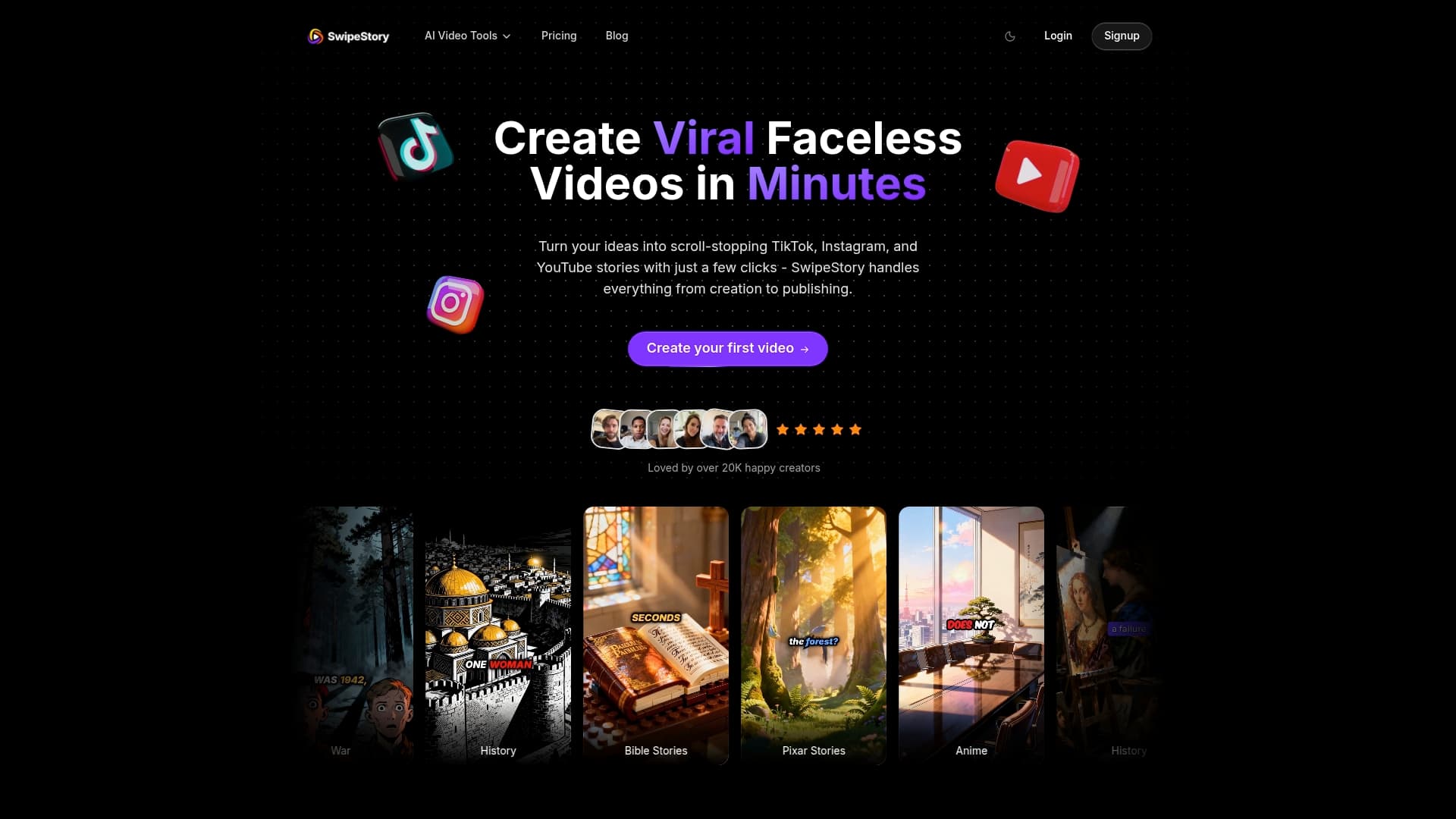
With more than 60,000 short videos already generated on the platform, Swipestory is built for creators who need repeatable output without a production team. The short video maker is the fastest entry point — start a video from a script or a text prompt and have a publish-ready file in minutes, not hours.
